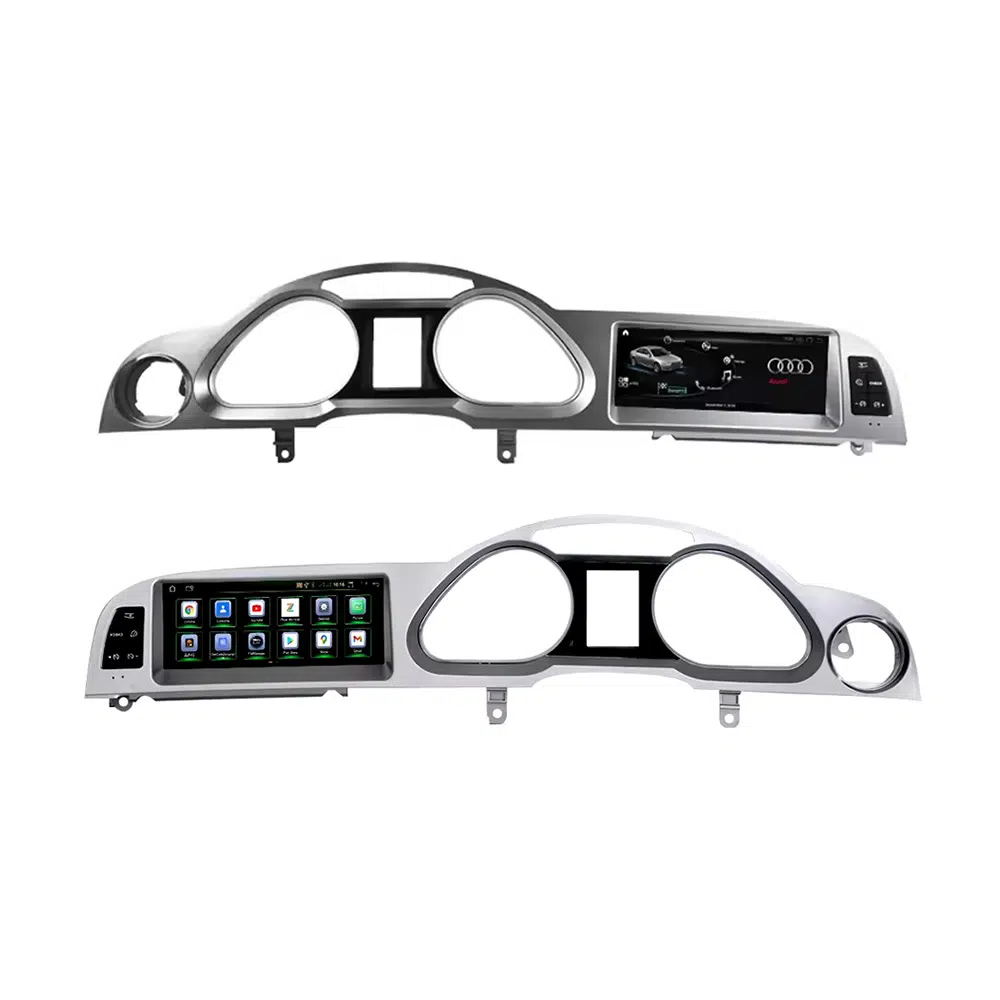
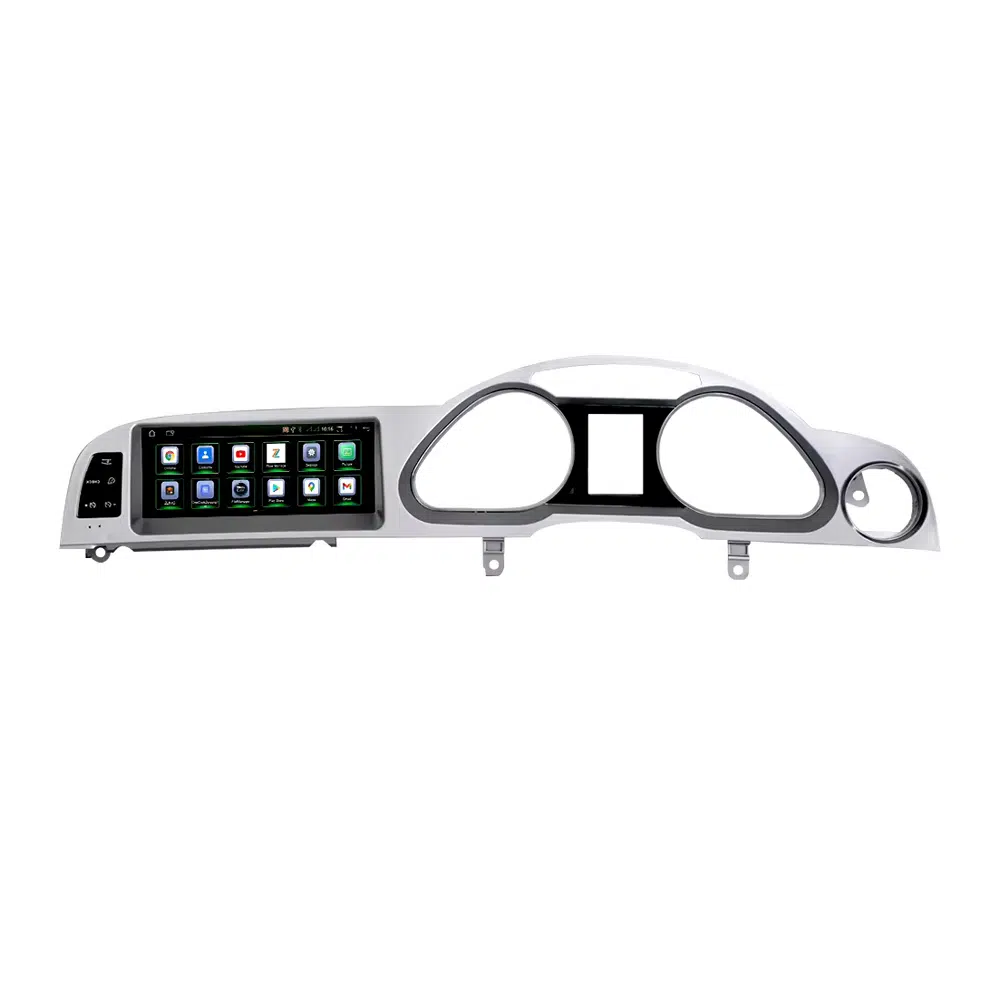
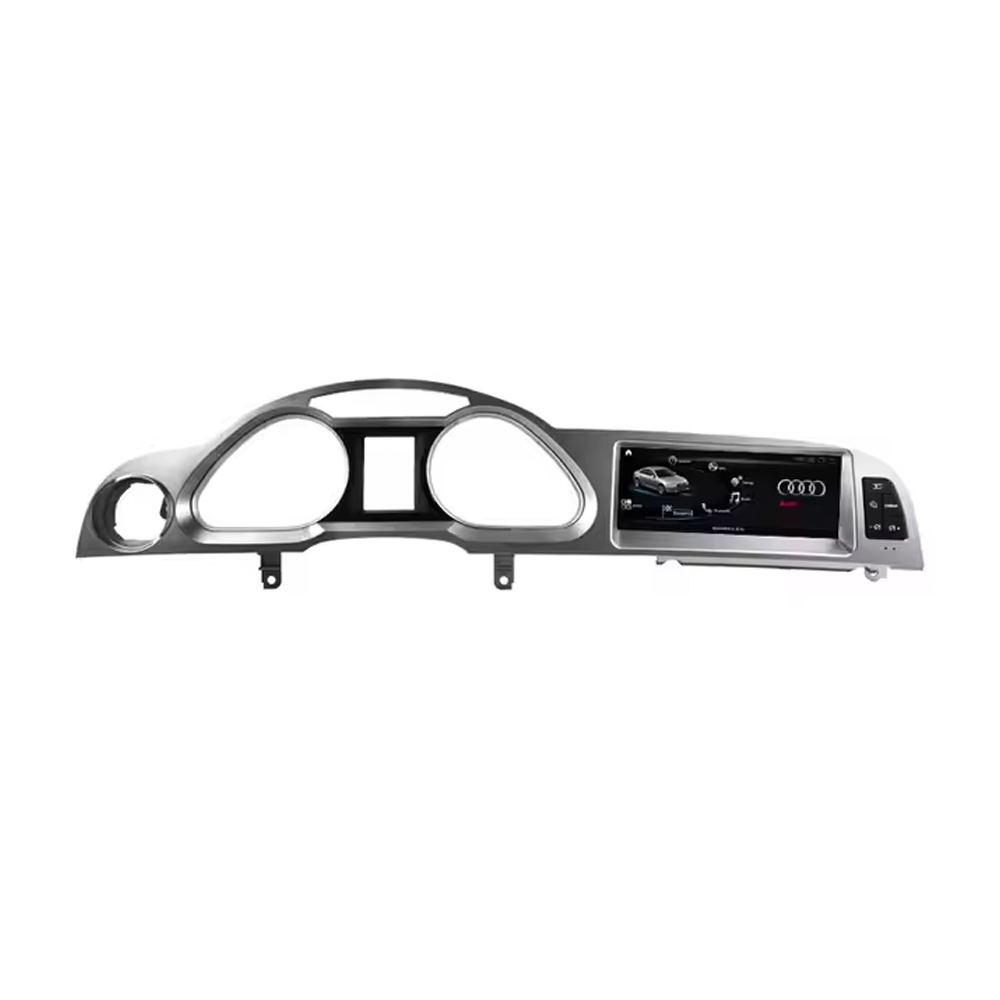
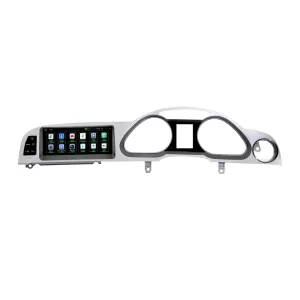
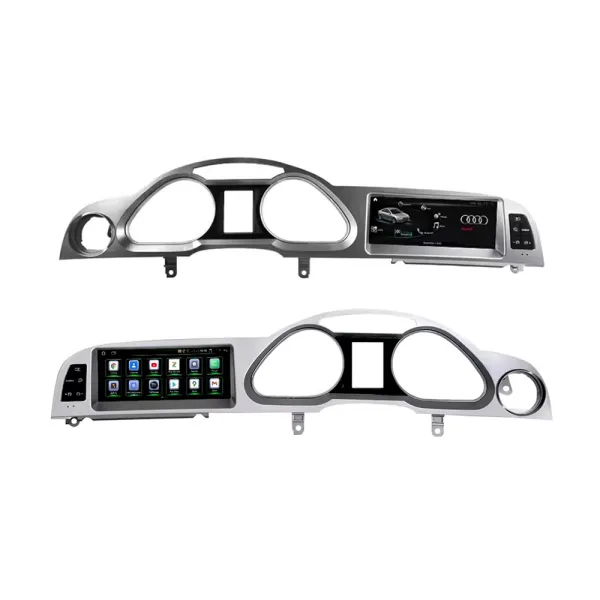
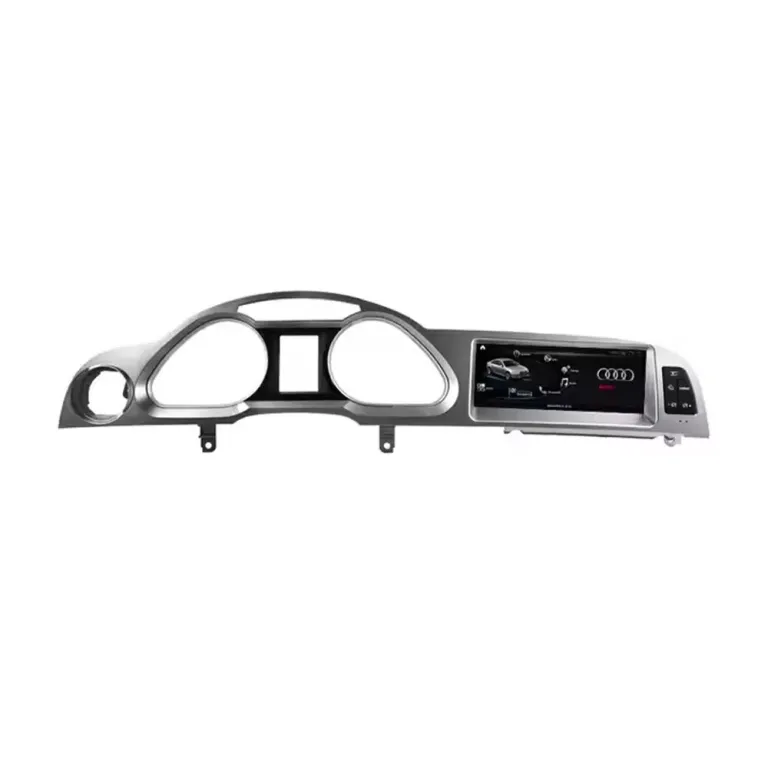
Mettez à niveau votre Audi A6 C6 / 4F de 2005 à 2011 avec un autoradio Android iKAGOO spécifique au véhicule de 10.25 pouces. Cette mise à niveau d'écran de style d'origine ajoute le CarPlay sans fil, Android Auto, la navigation GPS, l'audio avec égaliseur DSP à 32 bandes, le WiFi/4G, le Bluetooth et l'accès au système MMI Audi pris en charge, tout en conservant un tableau de bord proche de l'agencement intérieur d'origine.
Avant l'expédition, iKAGOO vérifie la photo de votre tableau de bord, la position LHD/RHD, l'écran MMI d'origine, la disposition des boutons, le parcours audio AUX/AMI, le système de caméra et si votre véhicule a besoin d'un décodeur à fibre optique MOST.
What Will the Audi A6 C6 Upgrade Look Like in the Car?
Start with the installed result, screen fit, CarPlay view and connection hardware. These are the details that matter most before choosing a configuration.
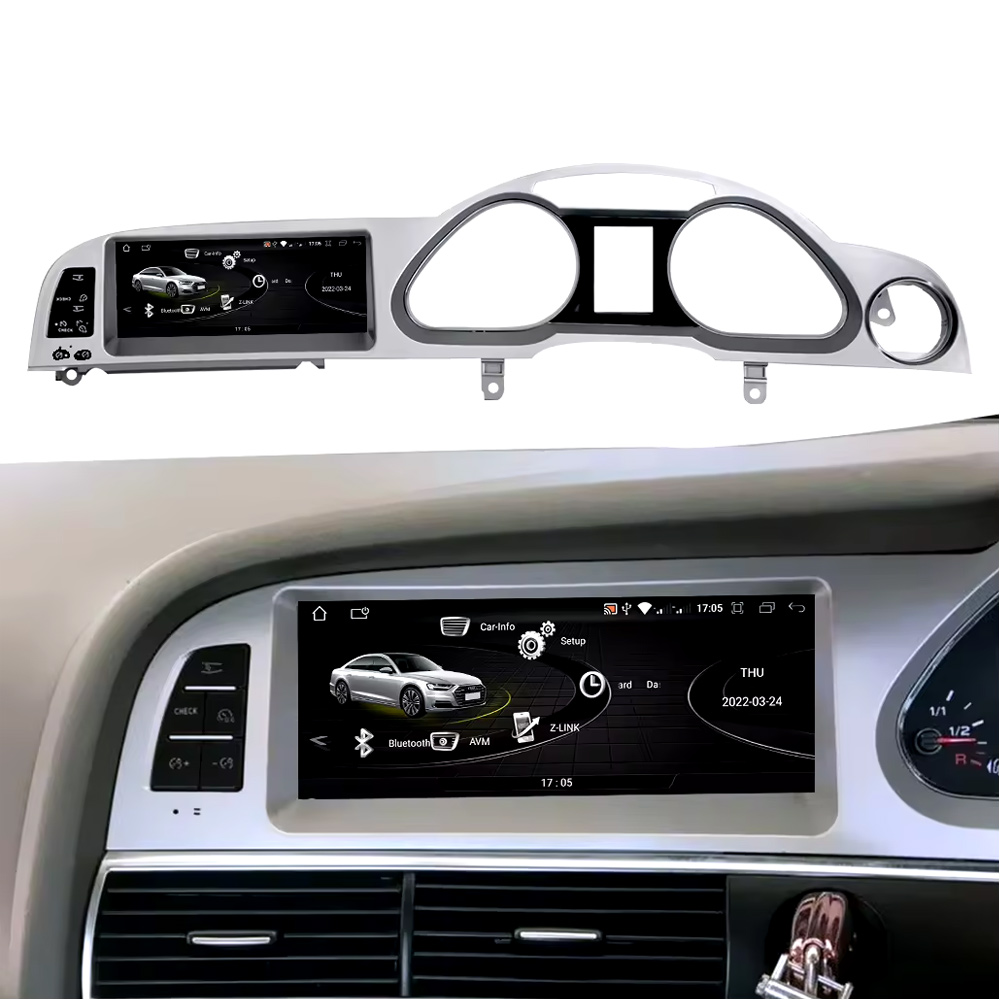
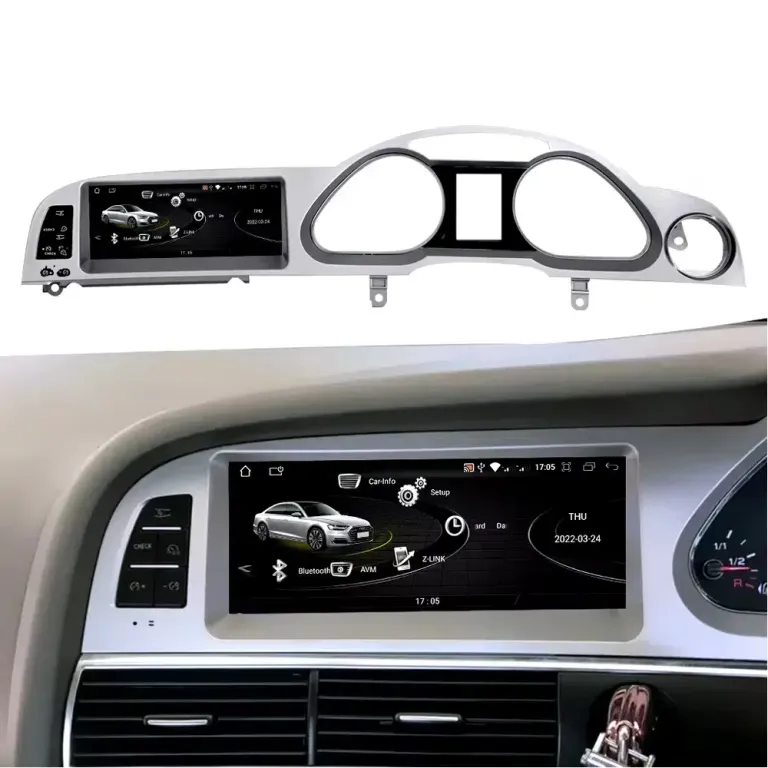
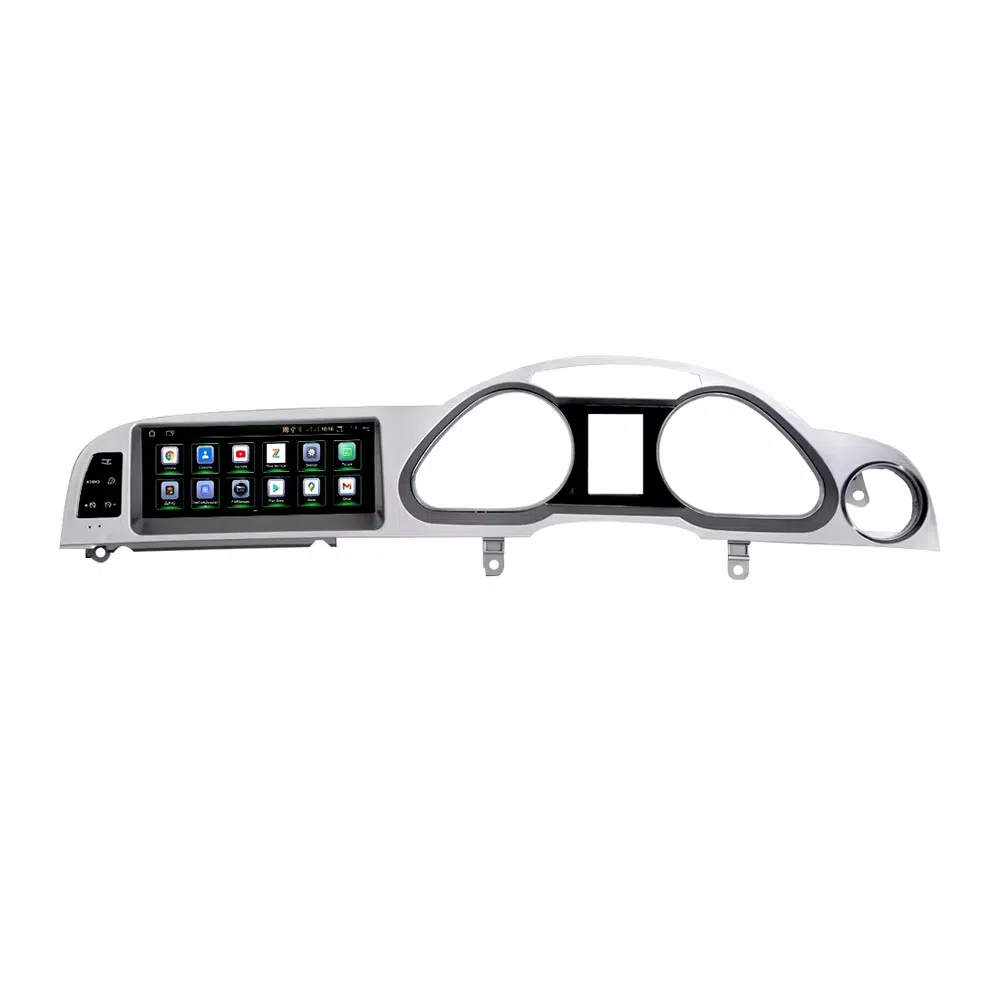
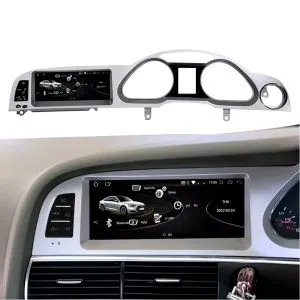
Effet du tableau de bord installé
Vérifiez comment l'écran Android de 10.25 pouces s'intègre dans le tableau de bord de l'Audi A6 C6 avant de lire les spécifications complètes.
Panneau d'écran de style d'usine
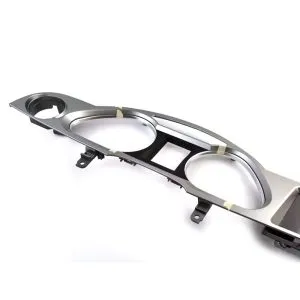
La forme du panneau et la disposition des boutons latéraux aident à conserver une mise à niveau proche de l'intérieur d'origine Audi, plutôt qu'un aspect de tablette universel.
Interface Android de style Audi
L'orientation de l'interface offre à l'habitacle une expérience d'écran moderne tout en restant visuellement plus proche du style MMI d'origine d'Audi.
CarPlay sans fil et accès au système d'origine
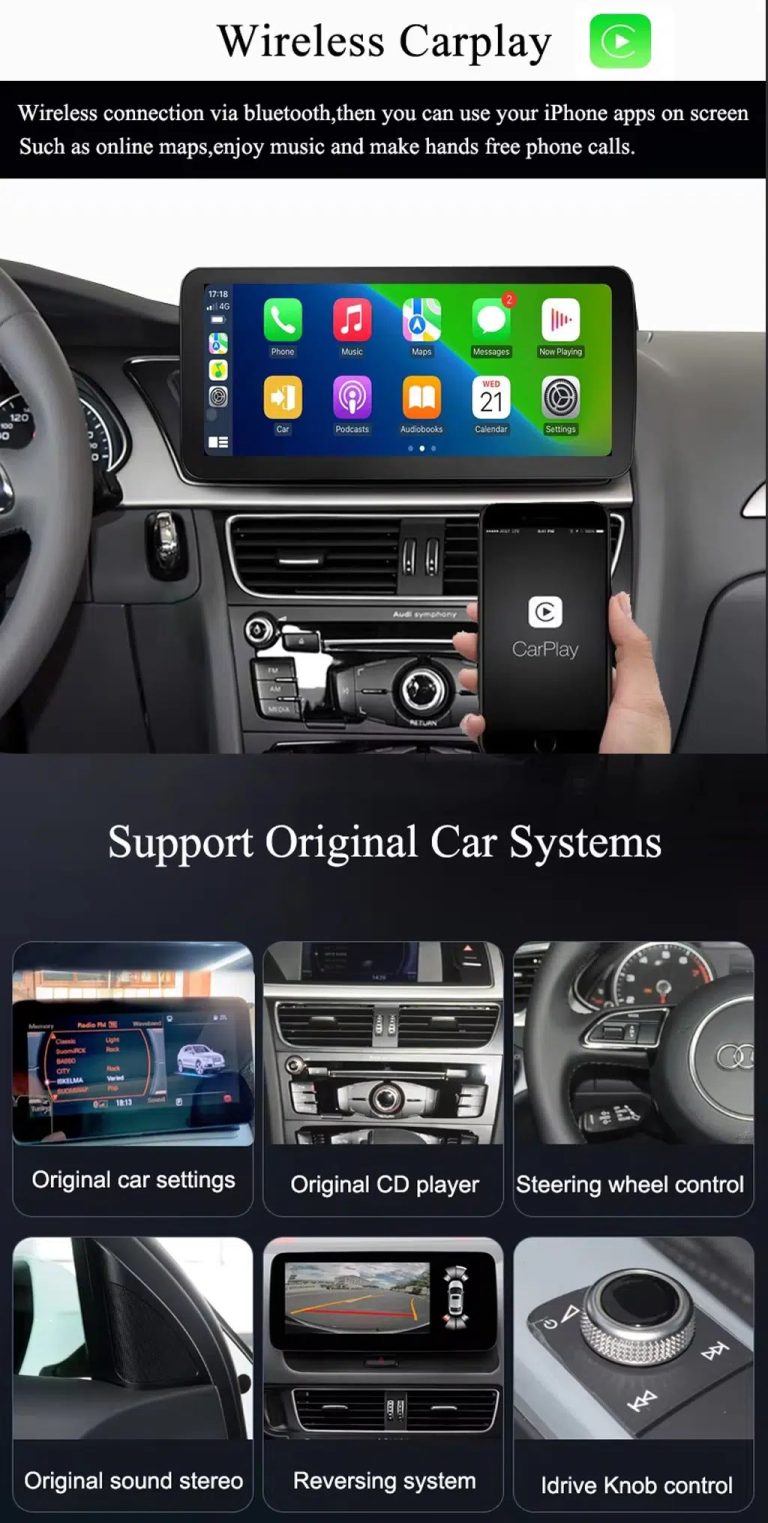
Utilisez CarPlay pour la navigation, la musique et les appels tout en conservant l'accès au menu Audi d'origine pris en charge après un appariement correct du système.
Fiabilité du câblage et des accessoires
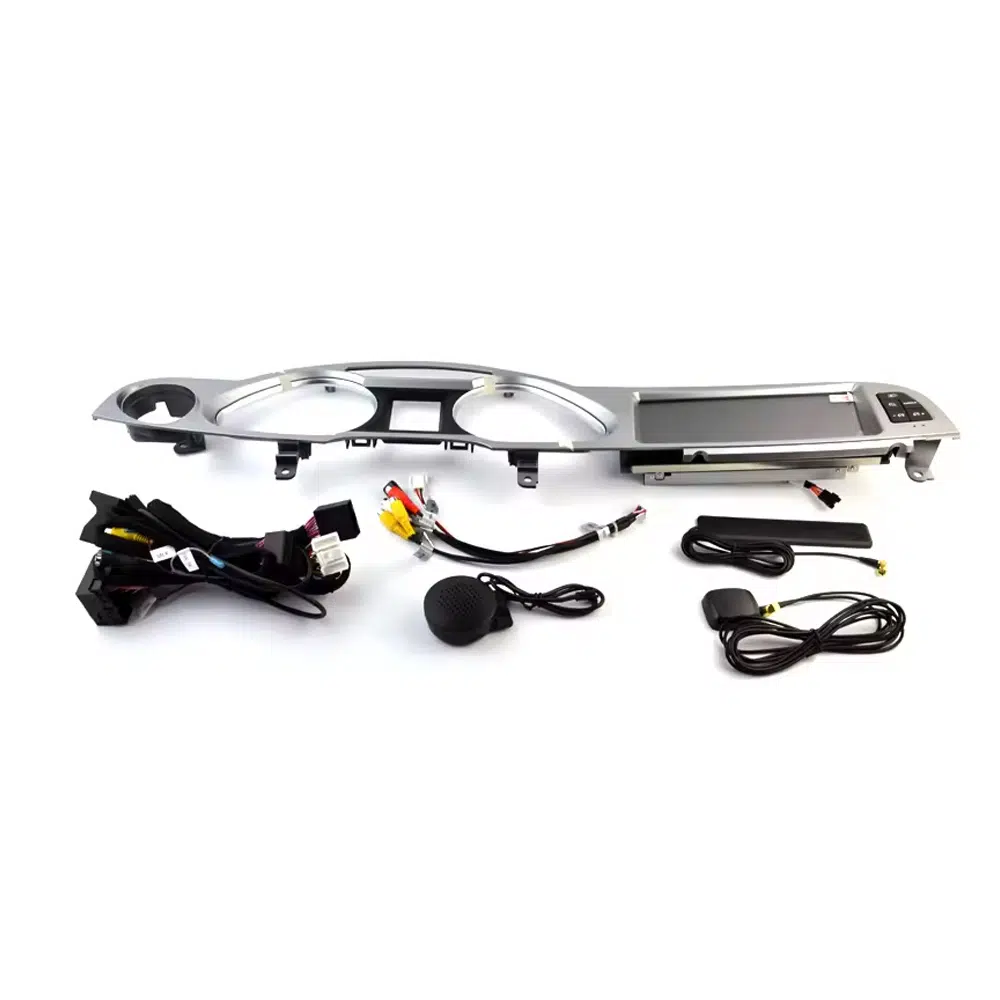
Un câblage correct, un GPS, un microphone, des accessoires USB et d'interface sont importants pour une intégration MMI propre et une utilisation quotidienne stable.
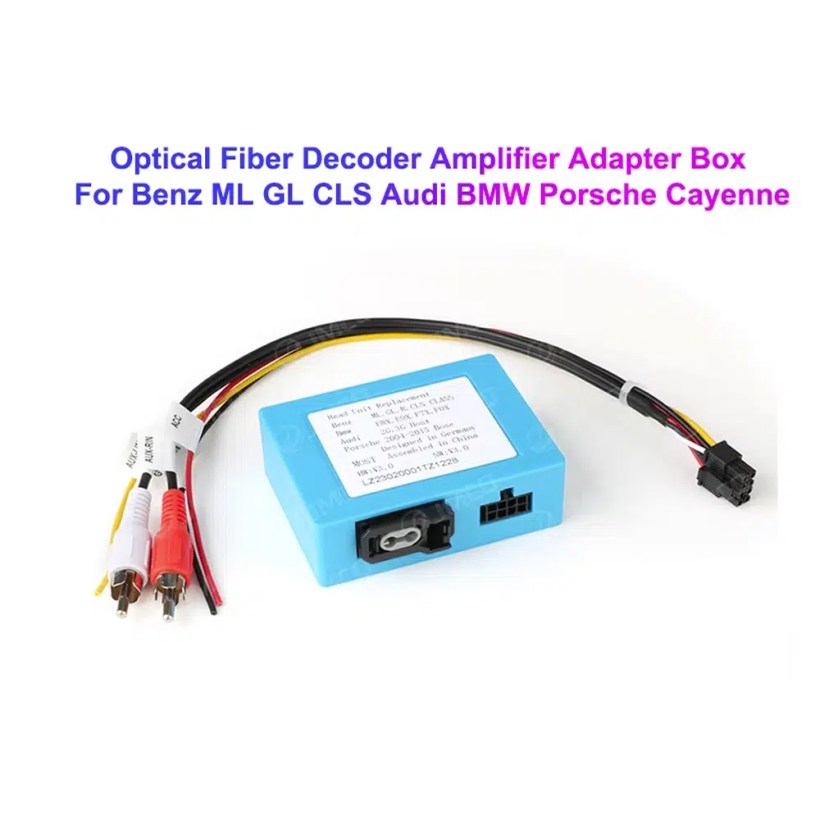
Vérification du décodeur à fibre optique MOST
Certains véhicules Audi A6 C6 nécessitent un décodeur à fibre optique MOST. Le confirmer avant l'expédition permet d'éviter les problèmes d'absence de son.
What Does This Audi A6 C6 Android Head Unit Add?
Cette unité principale Android Audi A6 C6 iKAGOO est conçue pour les véhicules Audi A6 C6 / 4F sélectionnés de 2005 à 2011. Elle améliore l'expérience d'affichage MMI d'origine avec un écran Android 13 de 10.25 pouces, CarPlay sans fil, Android Auto, navigation GPS, audio EQ à 32 bandes DSP, WiFi/4G, Bluetooth, prise en charge de l'enregistreur USB DVR et l'intégration de la caméra de recul prise en charge. Les fonctions d'origine prises en charge telles que l'accès au menu MMI Audi, la commande au volant, les informations du véhicule d'origine, le chemin audio radio/CD, les informations de stationnement et le chemin de la caméra d'usine peuvent continuer à fonctionner après un appairage et une installation corrects du véhicule. Pour les véhicules avec un système audio premium ou une fibre optique MOST, iKAGOO vérifie si un décodeur à fibre optique est nécessaire avant l'expédition.
Pourquoi cette unité principale Android Audi A6 C6 vaut la peine d'être mise à niveau
Écran Android de 10.25 pouces avec une intégration de style d'origine
Le tableau de bord de l'Audi A6 C6 dispose d'une large zone d'écran d'origine. Cette unité principale Android offre à votre A6 un écran plus net de 10.25 pouces tout en gardant la position de l'écran proche de la disposition MMI d'origine.
CarPlay sans fil et Android Auto pour la conduite quotidienne
Utilisez les cartes du téléphone, les applications musicales, les messages, les appels et les fonctions vocales compatibles via une mise à niveau de l'écran Android Audi A6 C6 plus grand, au lieu de vous fier uniquement à l'ancienne interface d'origine.
Vérification du système DSP, de la caméra et du MMI avant l'expédition
iKAGOO vérifie votre système MMI, le chemin audio AUX/AMI, l'exigence de fibre optique MOST, la caméra d'origine et la configuration de l'affichage de stationnement avant de préparer la version correcte de l'unité principale Android Audi A6 C6.
Which Original Audi Functions Can I Keep?
Le maintien des fonctions dépend du système Audi MMI confirmé, du faisceau correct, du décodeur CANBUS, de la voie AUX/AMI, de l'exigence de fibre optique MOST, de l'entrée caméra et de la configuration d'installation.
- Accès au menu Audi d'origine
Les menus Audi d'origine et les réglages du véhicule pris en charge peuvent rester accessibles via la voie de commutation de système correspondante. - Commandes au volant
Les boutons au volant pris en charge peuvent continuer à fonctionner après une configuration CANBUS correcte. - Radio / CD / voie audio d'origine
La voie audio d'origine de la radio et du CD peut être conservée lorsque l'AUX, l'AMI ou la connexion audio correcte est préparée. - Caméra d'origine et écran de stationnement
Les voies de caméra de recul AHD/CVBS et de caméra 360 doivent être confirmées avant l'expédition. - Affichage des informations sur le véhicule
Les données du véhicule prises en charge telles que les informations de porte, de vitesse, d'avertissement et de stationnement peuvent continuer à s'afficher après une configuration correcte. - Protection du câblage d'usine
Le cheminement de câblage assorti est conçu pour éviter de couper intentionnellement le faisceau de câblage principal d'origine pris en charge.
Will This Fit My Audi A6 C6 MMI System?
Informations vérifiées par iKAGOO avant l'expédition
- Année modèle et version de marché Audi A6 C6 / 4F.
- Structure du tableau de bord et ouverture de l'écran d'origine.
- Position de direction LHD ou RHD.
- Photos de l'écran MMI d'origine et du panneau de boutons.
- État du port audio AUX ou AMI.
- Caméra de recul d'origine, radar de stationnement ou itinéraire de caméra 360.
- Si le véhicule utilise l'audio à fibre optique MOST.
- Photos des connecteurs si iKAGOO doit confirmer le bon cheminement du faisceau.
Pourquoi cette vérification est importante
Les véhicules Audi A6 C6 peuvent utiliser différents systèmes MMI, chemins audio, configurations de caméra et dispositions des boutons du tableau de bord. Une commande correcte d'autoradio Android Audi A6 C6 4F dépend du système d'origine du véhicule, pas seulement de l'année du modèle.
La vérification de ces détails aide iKAGOO à préparer l'écran Android correct, le faisceau de câblage, le routage CANBUS, la méthode audio AUX/AMI, le décodeur à fibre optique MOST et l'interface caméra pour votre commande.
Which Configuration Should I Choose?
Écran Android de 10.25 pouces
The 10.25-inch display gives the Audi A6 C6 a wider, more modern screen while keeping the installation position aligned with the original dashboard layout.
2 + 32 Go / 4 + 64 Go / 6 + 128 Go / 8 + 128 Go
Pour une utilisation de base de CarPlay, Android Auto et de la navigation, 4+64 Go constitue une base pratique. Pour une utilisation plus fluide des applications, un meilleur multitâche et une durée de vie plus longue, choisissez 6+128 Go ou 8+128 Go.
Vérification AUX / AMI / fibre optique MOST
C'est l'étape de compatibilité la plus importante. Une commande d'écran Android à fibre optique MOST pour Audi A6 C6 doit être vérifiée avant l'expédition afin que le chemin audio fonctionne correctement.
DSP, caméra, CANBUS et menu d'origine
L'audio DSP, le changement de menu d'origine, la commande au volant, la caméra d'origine et les informations de stationnement dépendent de la configuration correcte du CANBUS, de la caméra et de l'audio.
Audi A6 C6 Android Head Unit Specifications
| Type de produit | Audi A6 C6 Android Head Unit / Android screen upgrade / Android stereo route. |
|---|---|
| Compatibilité principale | Selected Audi A6 C6 / 4F vehicles from 2005 to 2011 after dashboard and system confirmation. |
| Current Checkout Screen Size | 10.25 inch. |
| Options de mémoire | 2+32GB, 4+64GB, 6+128GB and 8+128GB 8-core route according to checkout selection. |
| Système Android | Android 13 system. |
| Carte mère | TSK / TSK8259 / TSK8667 route depending on selected hardware version. |
| UNITÉ CENTRALE | 8 Core CPU. |
| CarPlay / Android Auto | Wireless CarPlay and Android Auto support where selected hardware and phone compatibility allow it. |
| Navigation | GPS / Glonass support. |
| Réseau | WiFi / 4G support according to selected hardware and local service. |
| Bluetooth | BT 4.0 / BT 5.0 depending on selected hardware route. |
| Audio | DSP 32-band EQ support route shown in the selected hardware configuration. |
| DVR | USB Front / Rear 1080P DVR support where compatible accessories are used. |
| Radio | FM / AM / RDS or FM / RDS depending on selected hardware route. |
| Prise en charge des appareils photo | 360 Panorama, rear view camera AHD and rear view camera CVBS routes require vehicle confirmation. |
| Poids / Emballage | Listed weight: 4.5 kg. Listed dimensions: 84 × 35 × 25 cm. |
| SKU | BBA-120. |
Three Things to Know Before You Buy
These three points summarize the practical value, factory integration and installation work involved in this Audi A6 C6 upgrade.
High Upgrade Value
ÉlevéWireless CarPlay, Android Auto, GPS, Bluetooth, DSP audio, WiFi/4G and a 10.25-inch Android display make the biggest difference for owners still using the original C6-era screen experience.
How iKAGOO evaluates upgrade valueStrong After Correct Matching
FortThe original Audi menu, steering-wheel controls, vehicle information, camera and parking routes can remain part of the system when MMI, AUX/AMI, CANBUS and MOST requirements are matched correctly.
See the factory-function standardProfessional Care Recommended
Niveau 3This is an advanced DIY / automotive-electronics installation. The installer should confirm screen fitment, CANBUS, AUX/AMI sound, possible MOST fiber optic, camera routing and original-system switching before closing the dashboard.
See the installation difficulty guideWhy Buy This Audi A6 C6 Upgrade from iKAGOO?
Préparation spécifique au véhicule
iKAGOO checks your Audi model year, dashboard, original screen, button layout and steering position before preparing the screen route.
MMI and audio-route matching
AUX, AMI and MOST fiber optic differences are checked so the Android system can be prepared with the right audio connection path.
Intégration des fonctions d'origine
The upgrade is prepared to retain supported original menu access, steering controls, vehicle information, camera and parking information.
Protection du câblage d'usine
Le faisceau adapté est conçu pour une connexion propre sans avoir à couper le câblage principal d'origine pris en charge.
Assistance à l'installation
Order-based setup support helps your installer check wiring, CANBUS settings, sound output and original system switching.
Garantie matérielle de 12 mois
Les problèmes matériels éligibles sont traités dans le cadre de la garantie limitée de 12 mois de iKAGOO et du processus de support après-vente.
Should I Keep the Original MMI, Add CarPlay, or Upgrade to an Android Screen?
Factory Audi Screen Only
Best only if you are satisfied with the old interface, limited connectivity and older navigation experience.
- Pas de frais de mise à niveau
- Old screen experience remains
- Limited app and phone integration
CarPlay Interface Module
Useful if you only need CarPlay, but it does not give the cabin a new Android screen or wider modern display layout.
- Less visual change
- Depends on original screen condition
- No full Android system
Universal Android Unit
May look cheaper at first, but Audi A6 C6 MMI, AUX/AMI, MOST fiber optic and camera matching can become the real risk.
- Fitment uncertainty
- Audio route risk
- May look aftermarket
iKAGOO Audi A6 C6 Android Head Unit
Best for owners who want a factory-style Android screen upgrade with CarPlay, Android Auto, GPS, DSP, 4G/WiFi and vehicle-specific configuration matching.
- Audi A6 C6 focused fitment
- 10.25-inch Android display
- AUX / AMI / MOST check
- Factory camera route check
- Original Audi system support
Is This the Right Upgrade for Your Audi A6 C6?
If you want your Audi A6 C6 to feel modern while keeping the dashboard close to Audi’s original interior style, this iKAGOO Android head unit is the stronger route than a basic CarPlay box or a generic universal screen.
Real Product Photos and What Each One Shows
Confirm the left-hand and right-hand drive route
LHD and RHD vehicles may need different screen and panel preparation. Send your dashboard photo before ordering so iKAGOO can prepare the correct version.
Check the real dashboard fitment position
This cabin reference helps you compare the screen location, side buttons and dashboard opening before placing an order.
Understand the panel structure before installation
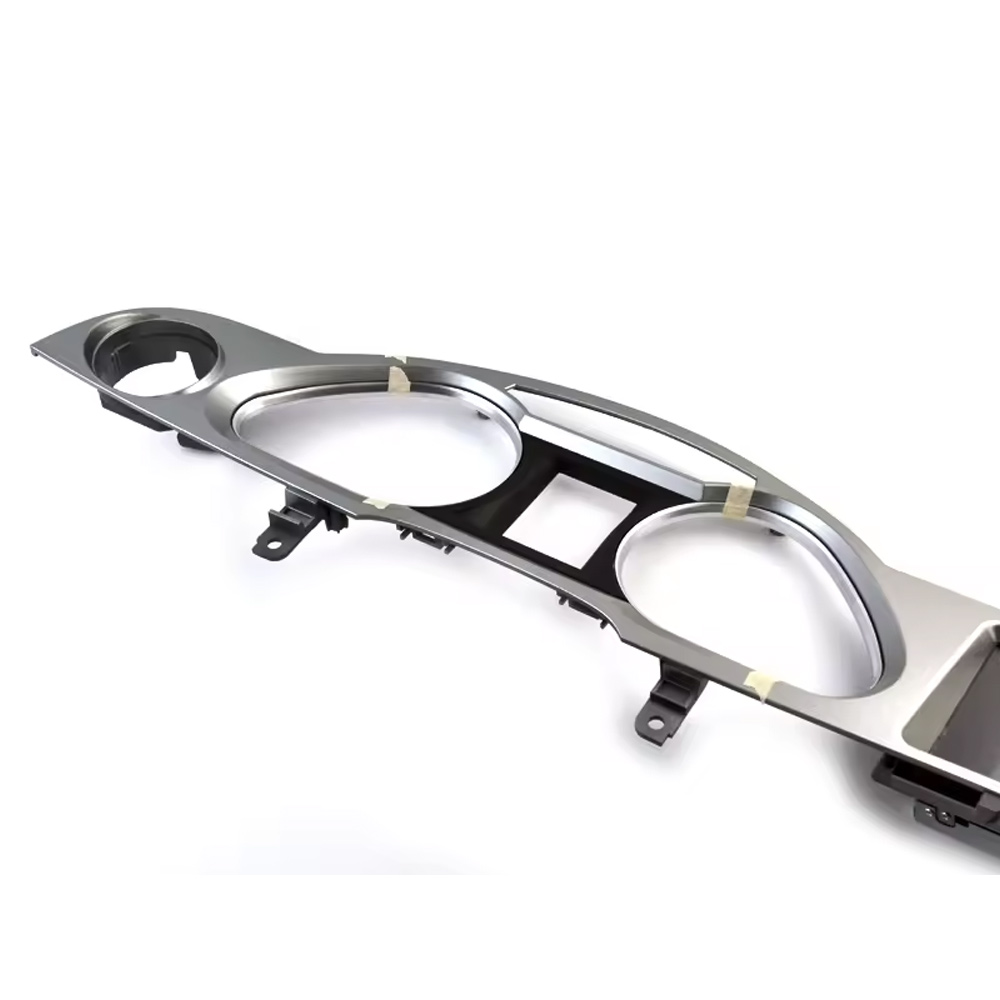
The side-angle panel view helps your installer see how the Audi A6 C6 screen assembly sits inside the original dashboard structure.
Check the screen, wiring and installation accessories
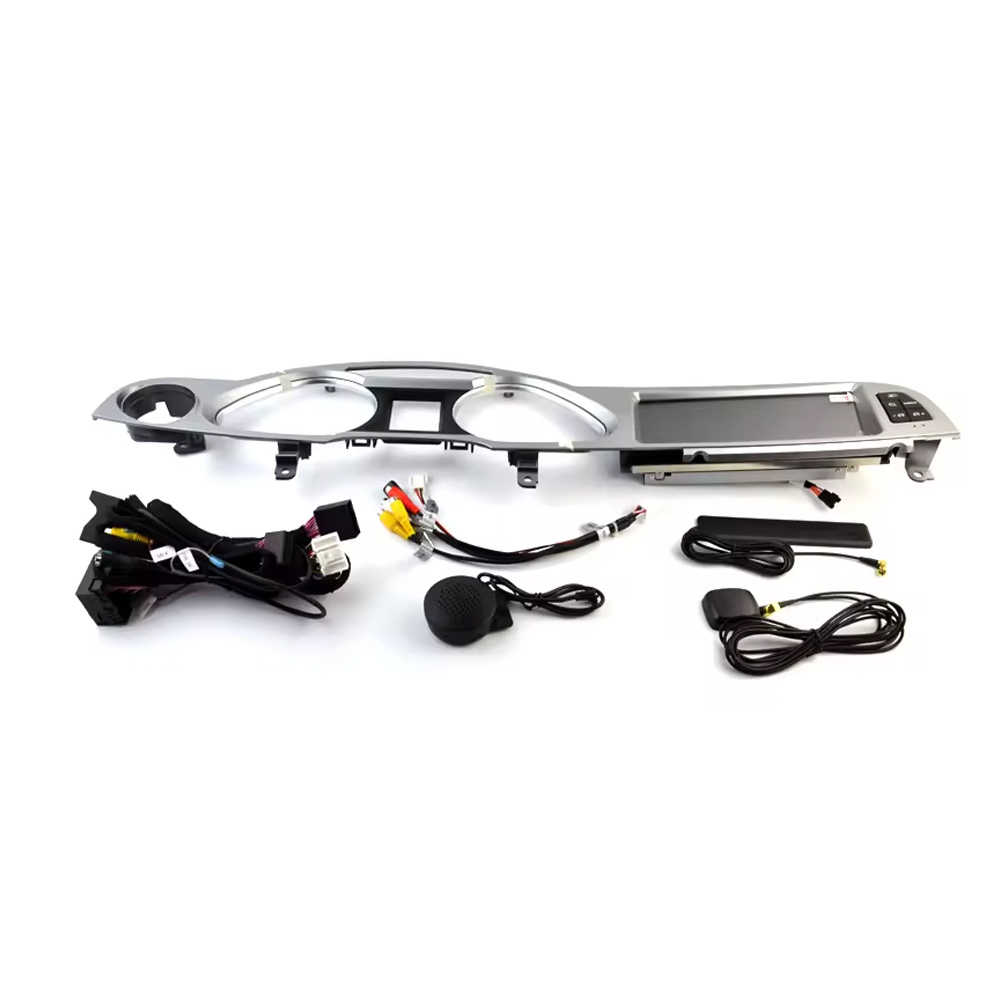
Correct accessories matter for Audi MMI integration. The wiring, GPS, microphone and interface parts should match your original Audi system.
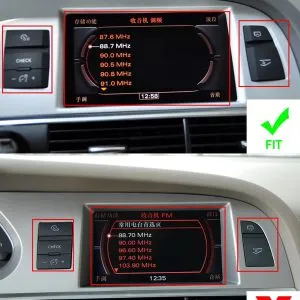
Confirm suitable and unsuitable dashboard layouts
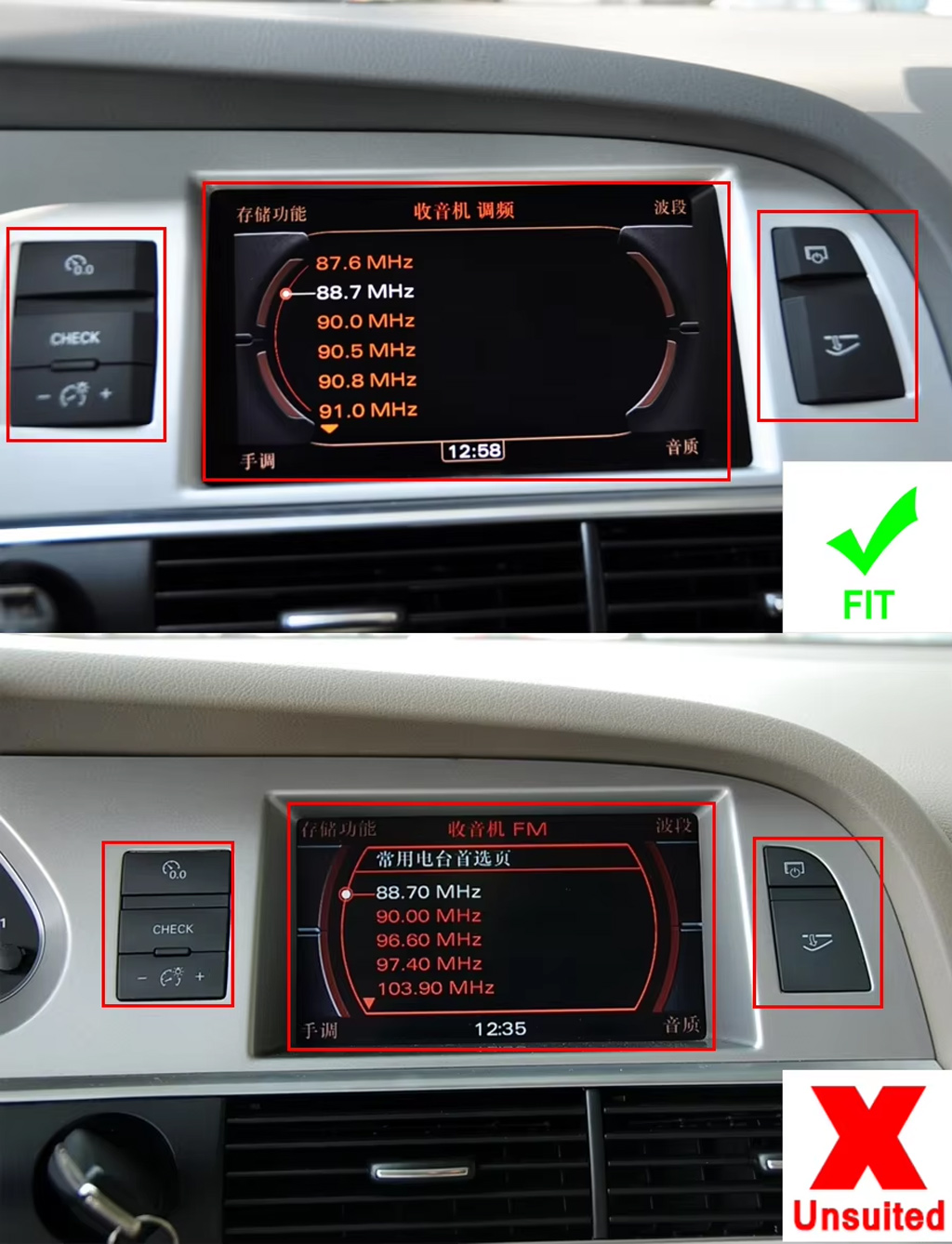
This reference helps avoid wrong orders by comparing compatible and incompatible screen/button positions before shipment.
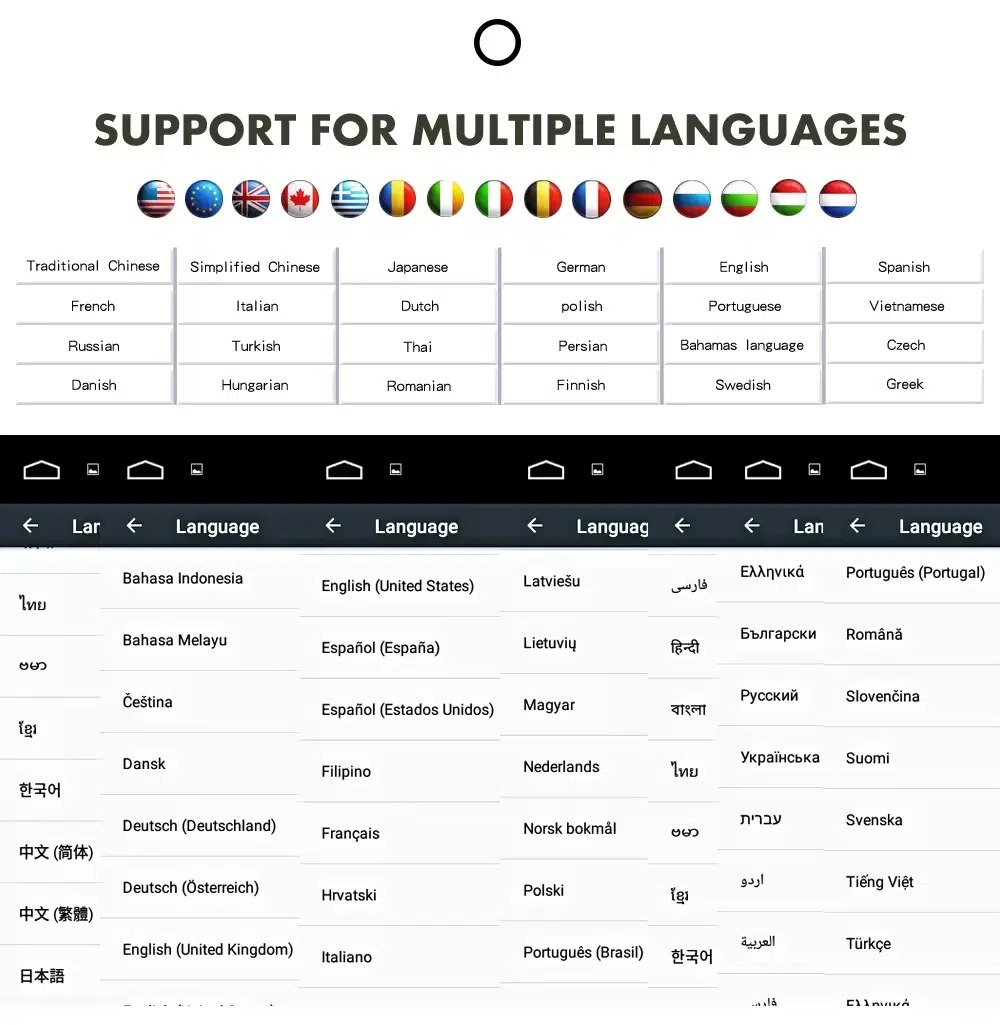
Use the Android interface in multiple languages
Multi-language support helps international Audi owners and installers operate the Android interface more comfortably. Actual language availability may vary by firmware version.
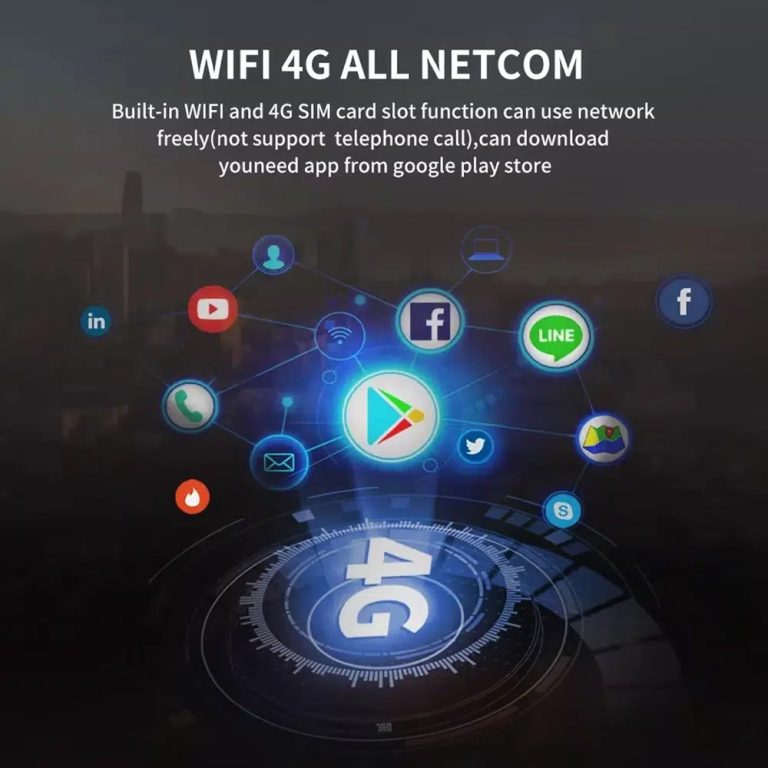
Use WiFi and 4G for connected Android functions
WiFi and compatible 4G support online maps, app downloads and connected Android functions where your selected hardware and local network service allow it.
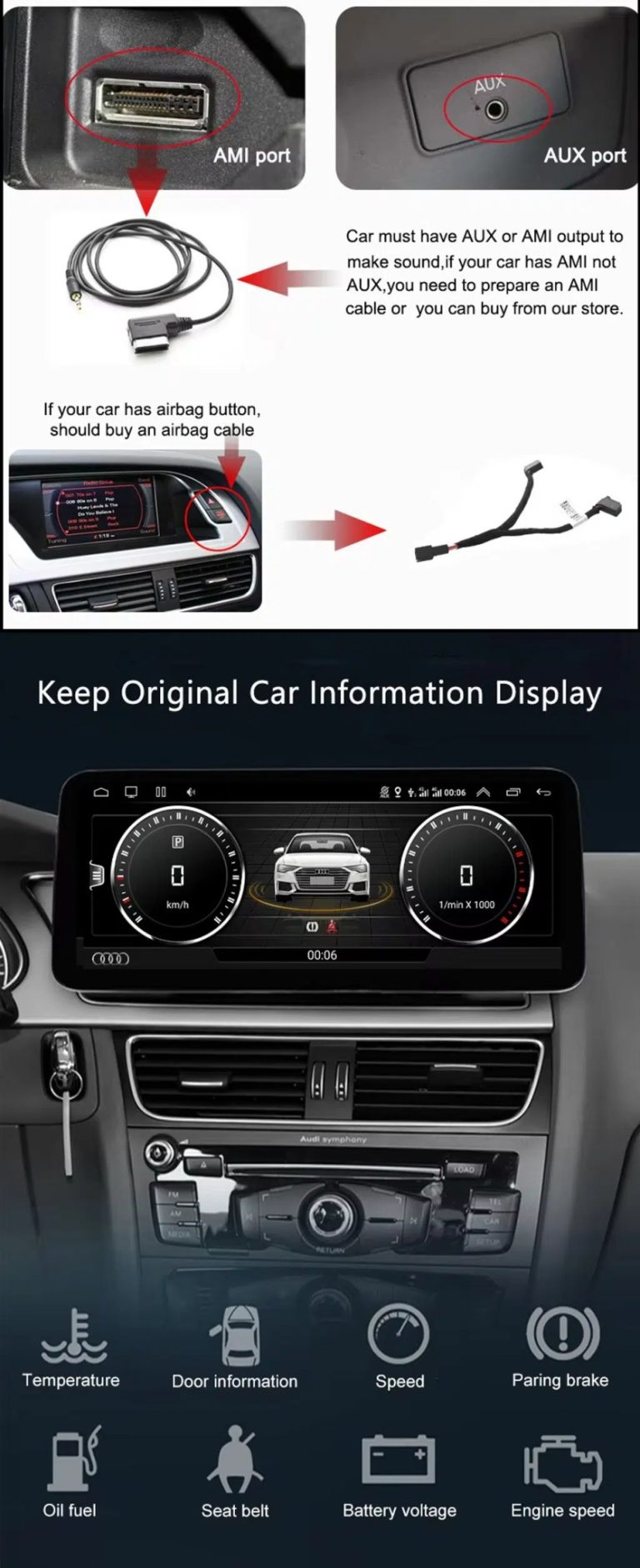
Check AUX / AMI audio and vehicle information display
Audio output depends on the correct AUX or AMI route. The original vehicle information display can continue to work after correct configuration.
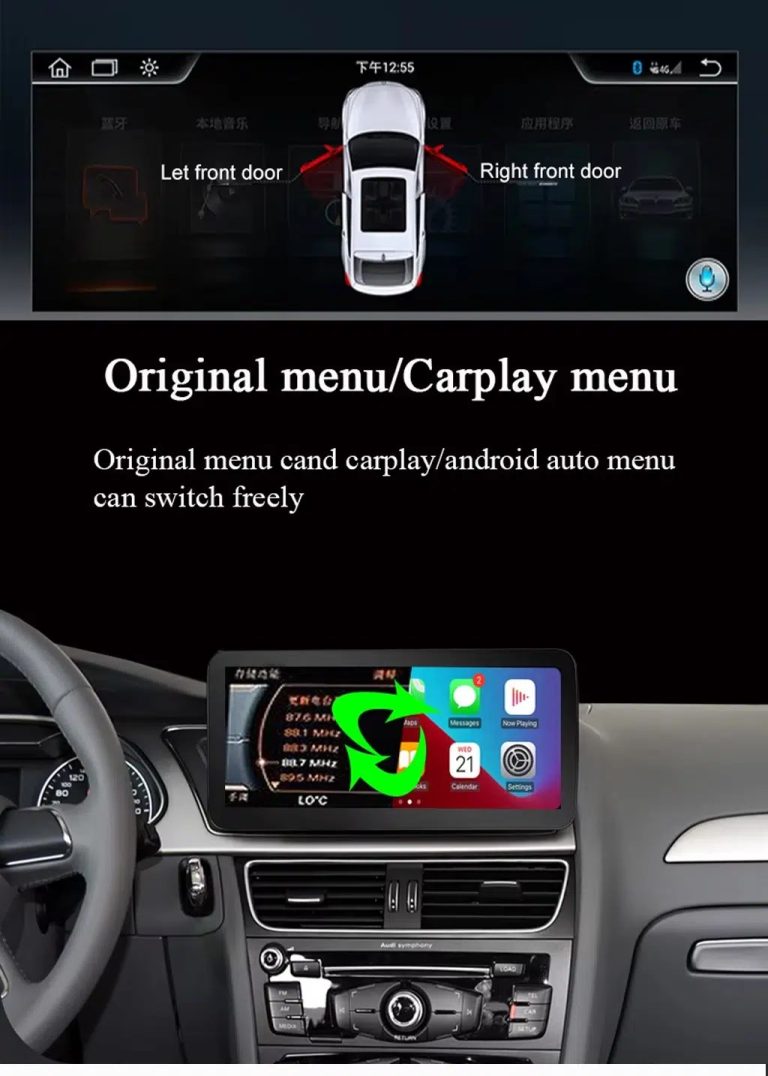
Switch between original Audi menu and CarPlay menu
This function direction matters because Audi owners still need supported original vehicle settings while using CarPlay or Android Auto.
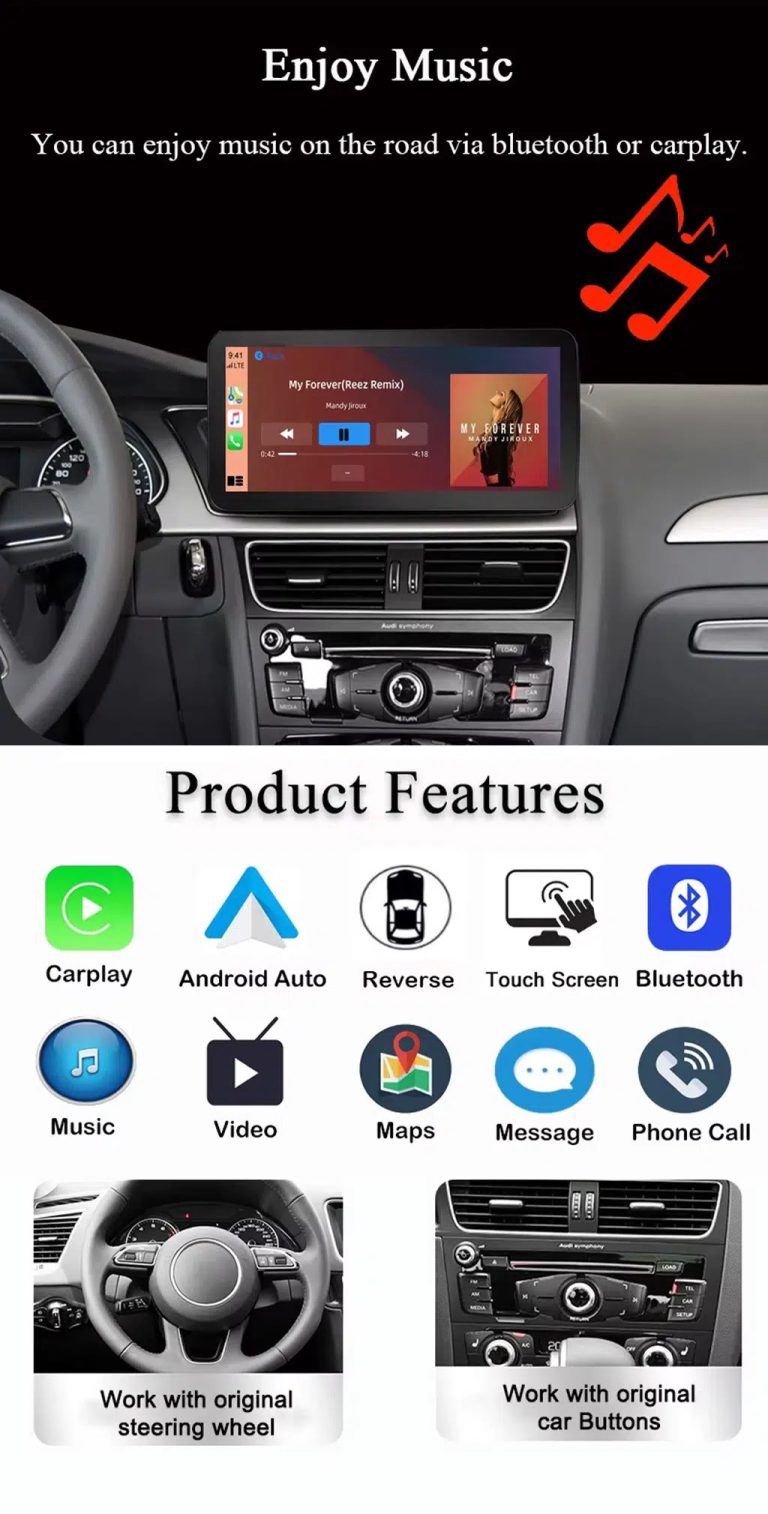
Use music, maps, calls and Android Auto every day
The feature overview explains the daily value of the Audi A6 C6 CarPlay Android Auto upgrade: navigation, Bluetooth music, phone calls, touch operation and original control support.
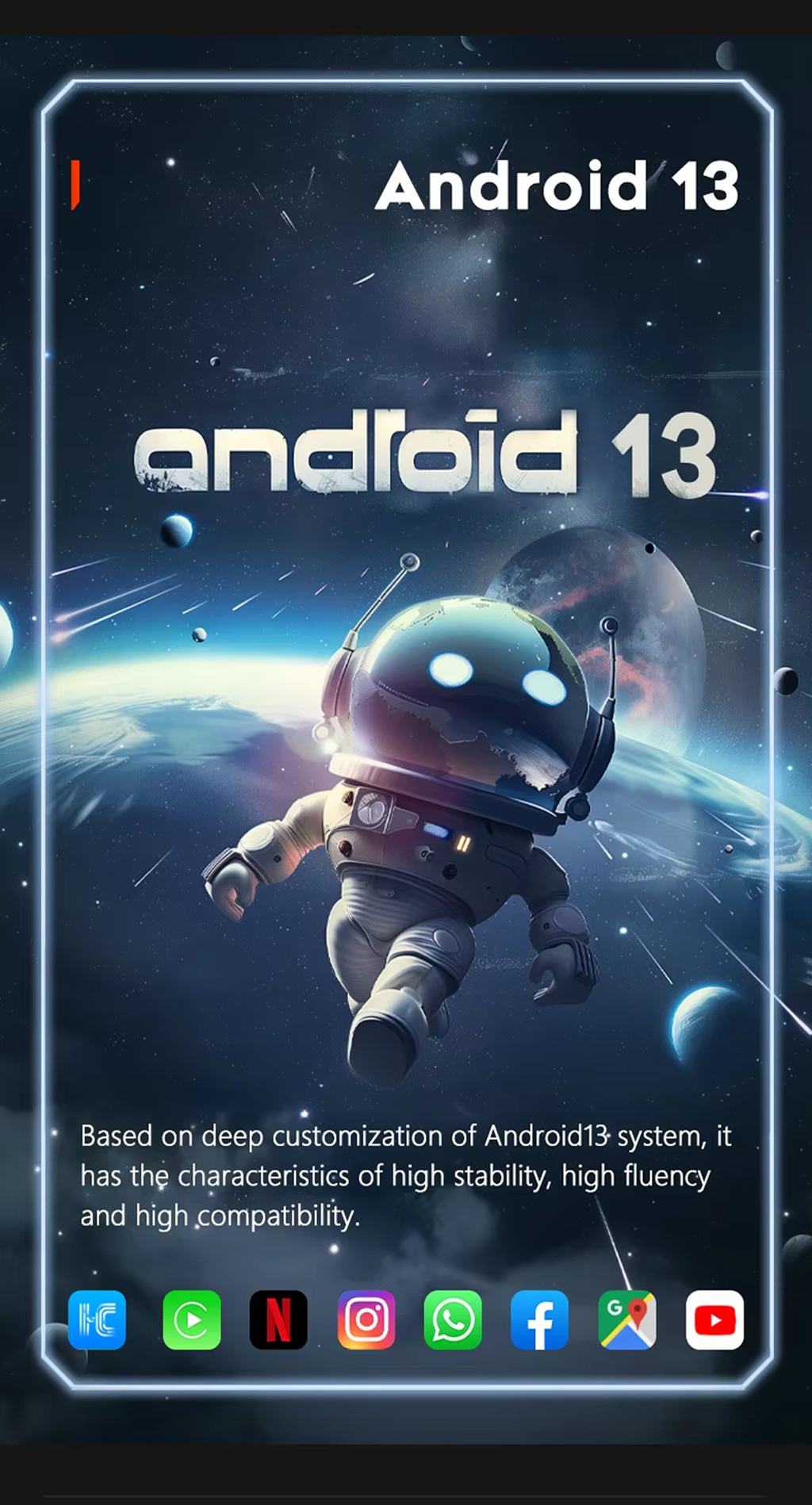
Run Android 13 on the upgraded display
Android 13 gives the screen a modern app environment for navigation, media and connected functions, depending on selected hardware and installed apps.
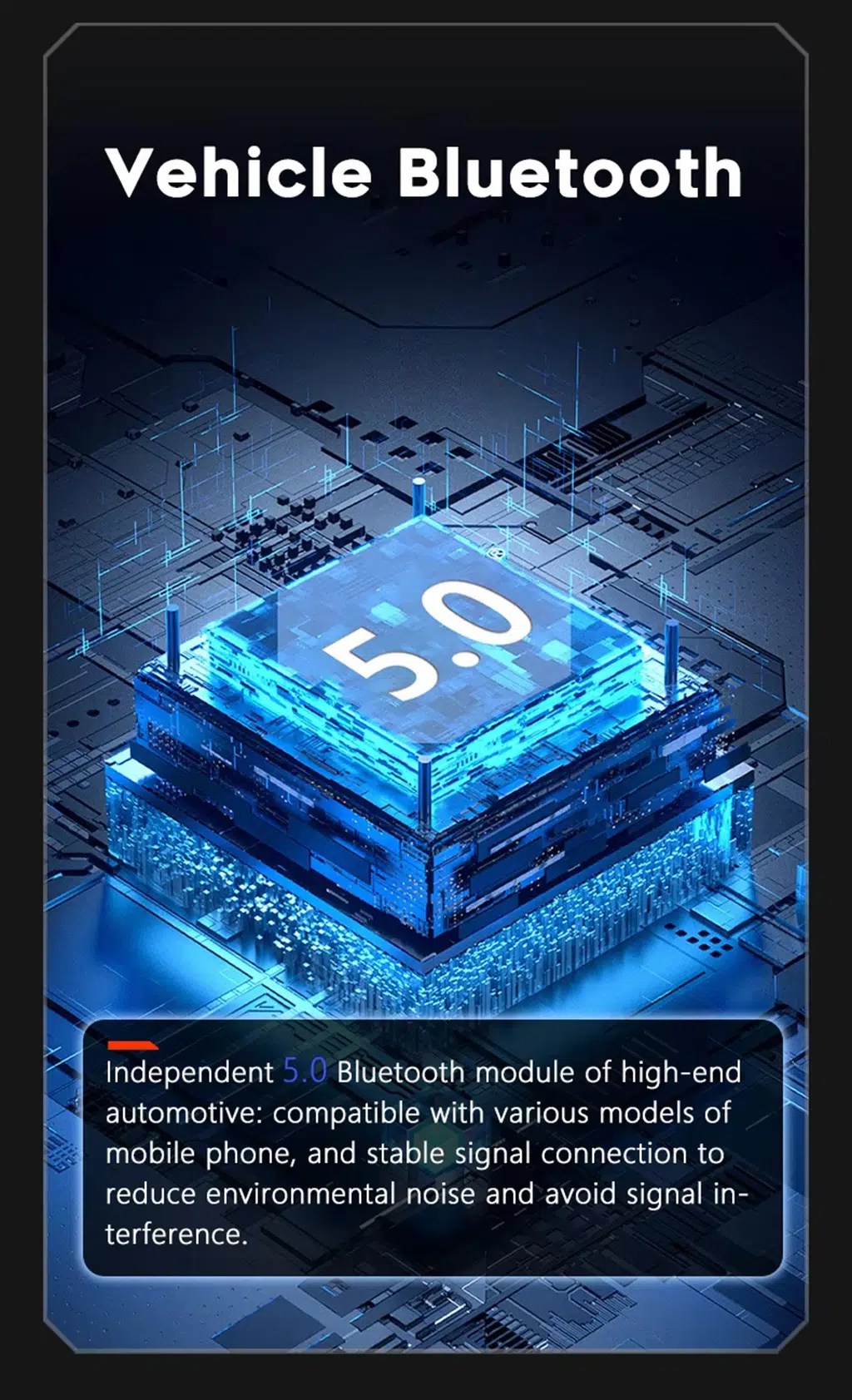
Improve Bluetooth calling and audio connection
Bluetooth support helps daily phone calls and music streaming. Final Bluetooth behavior depends on the selected hardware version and phone compatibility.
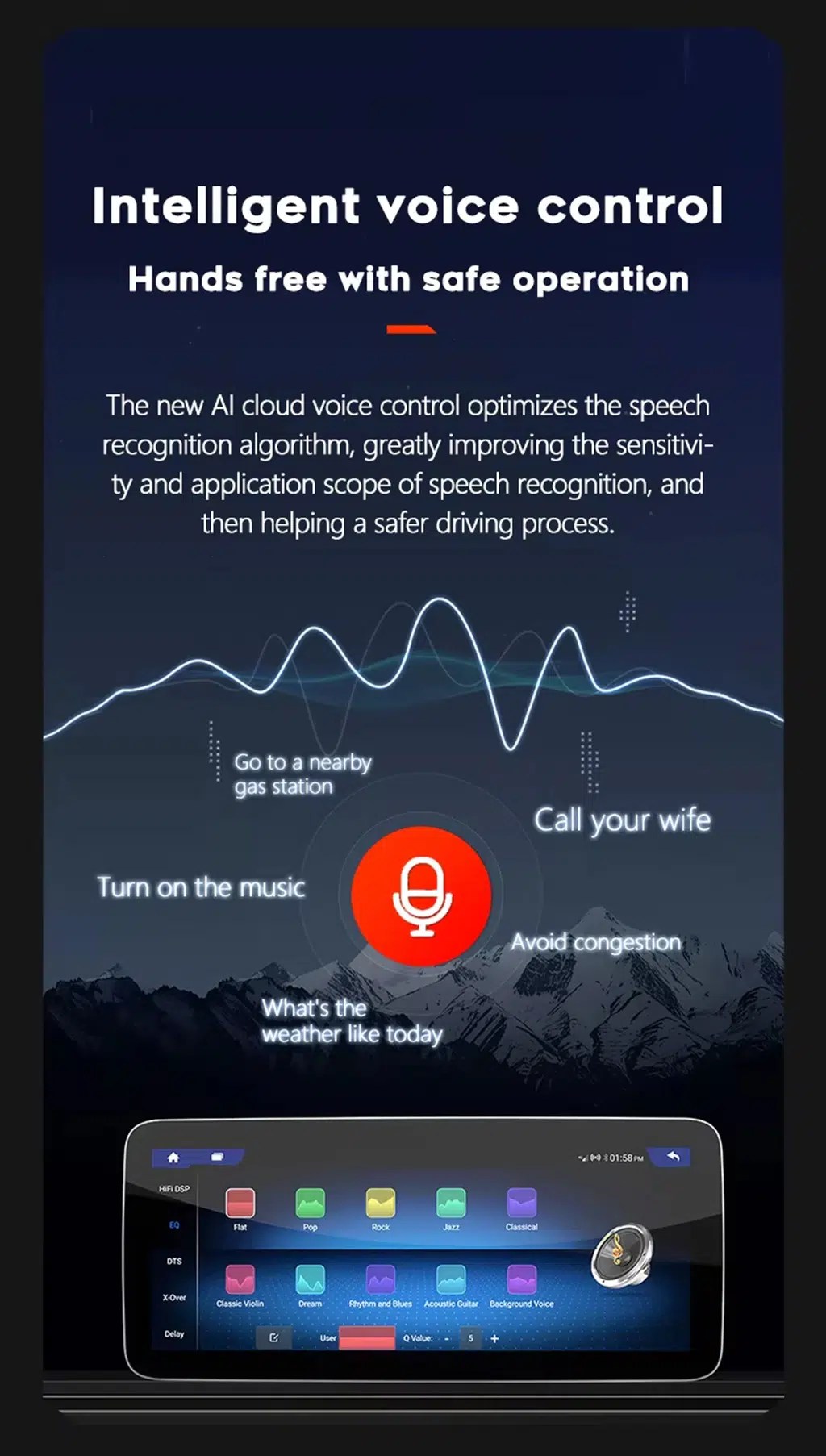
Use compatible voice-control features
Voice control can make navigation, calls and music easier, but app support, microphone placement, language and internet connection affect the final experience.
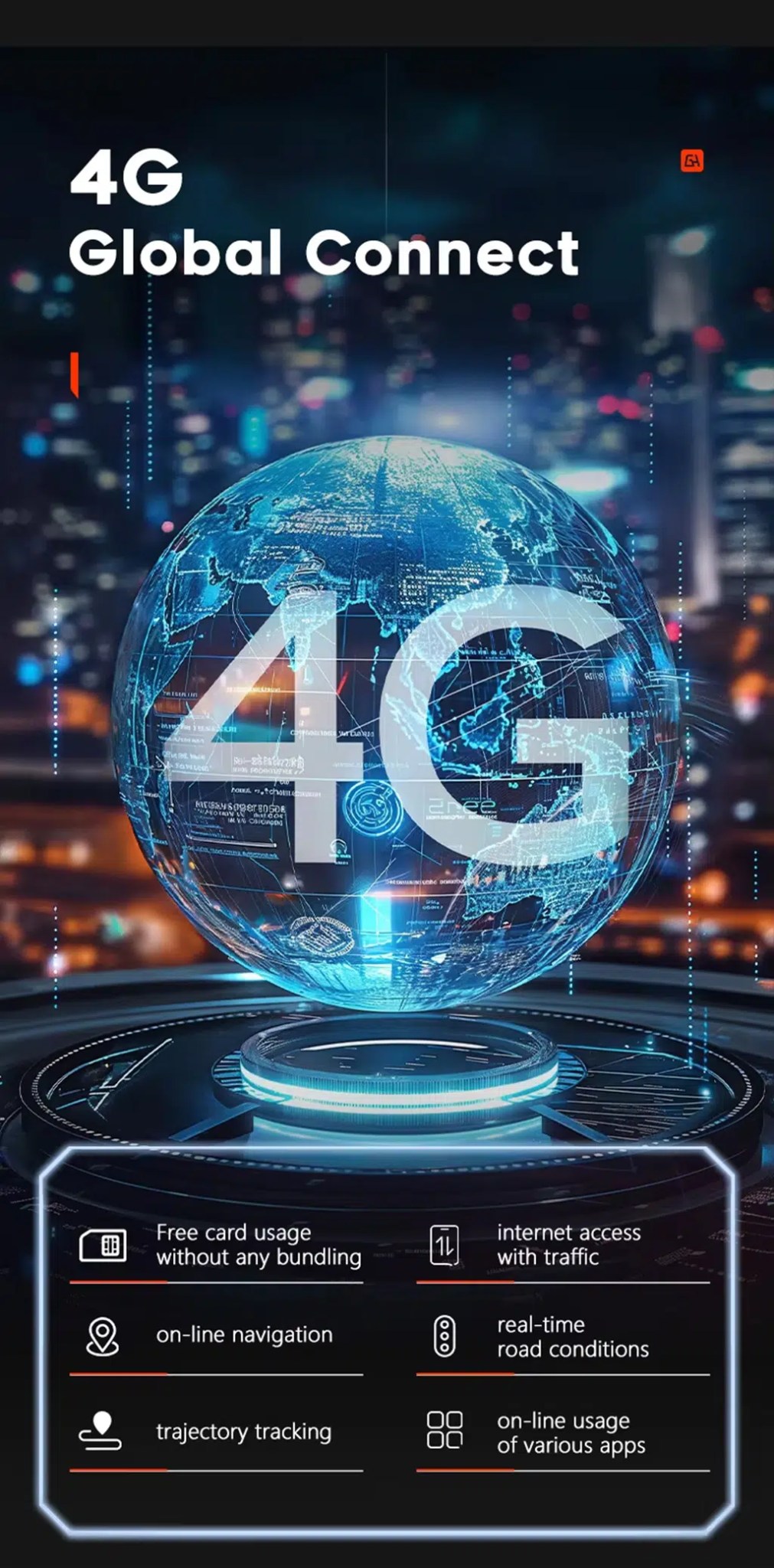
Use 4G network features where local service allows
Compatible 4G support can help with online navigation, traffic information, app use and connected Android functions when a supported SIM route is used.
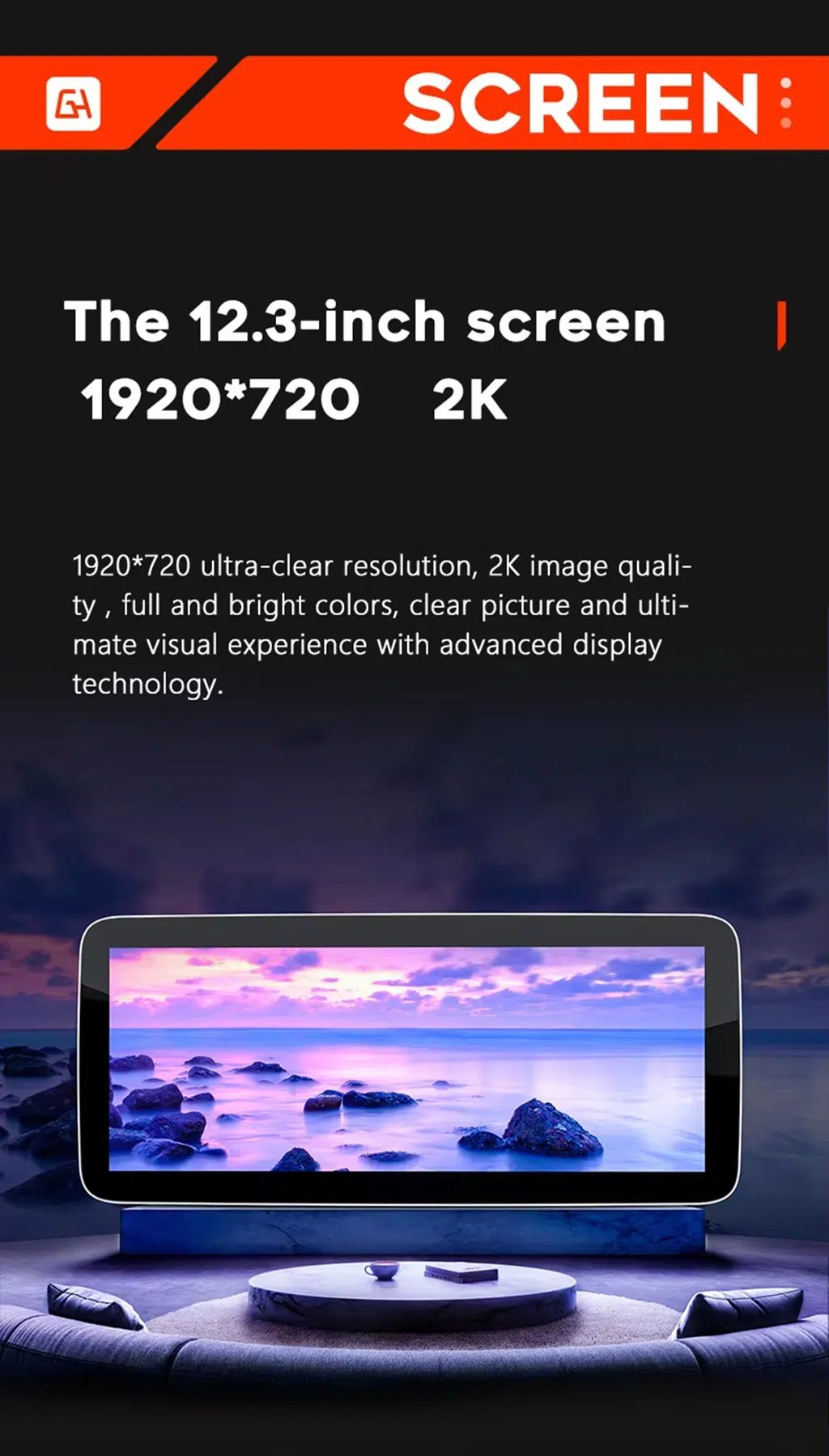
Review the wide-screen display reference
This screen reference explains the wide display direction used across the product platform. Confirm the selected screen configuration before ordering.
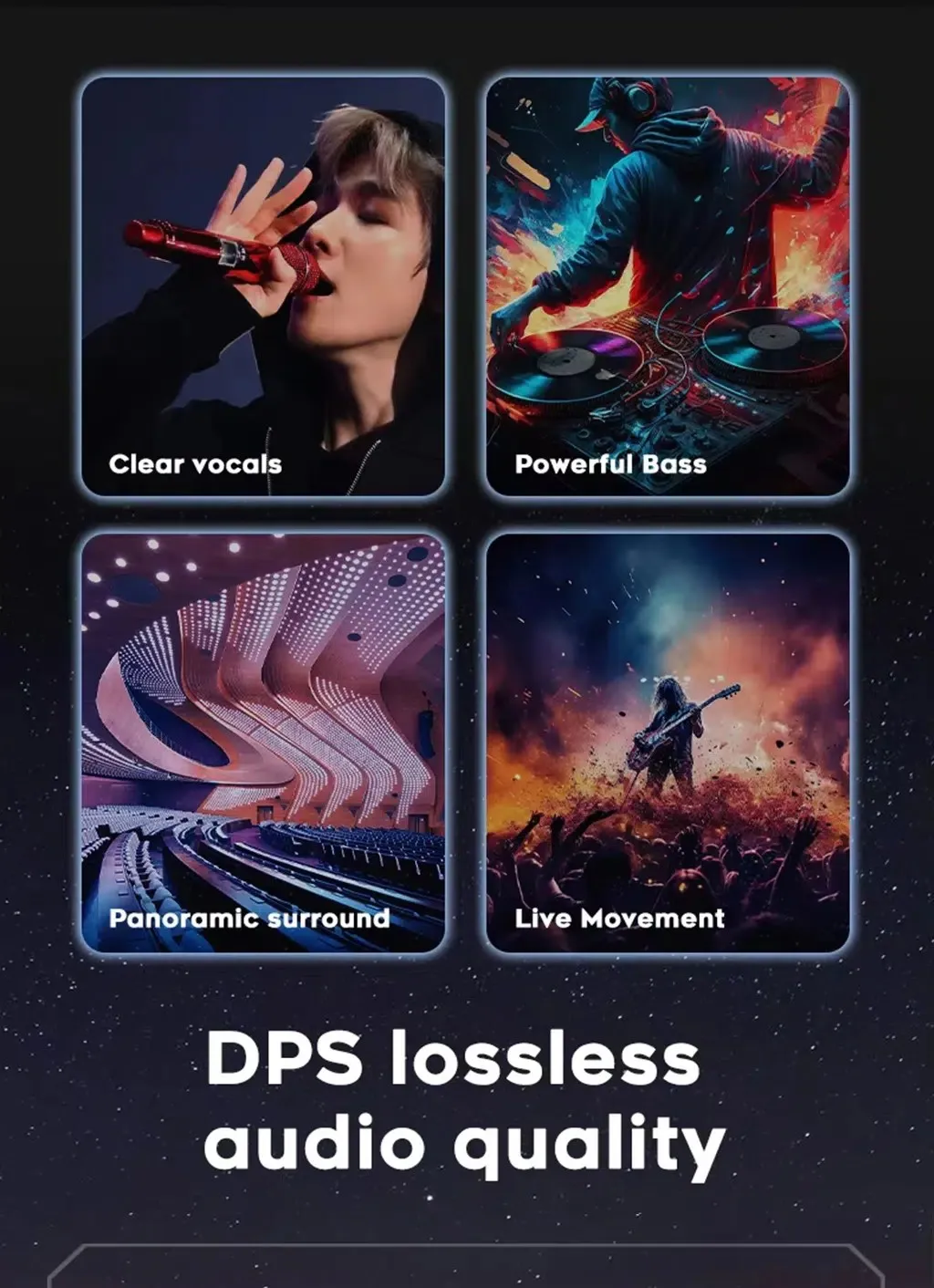
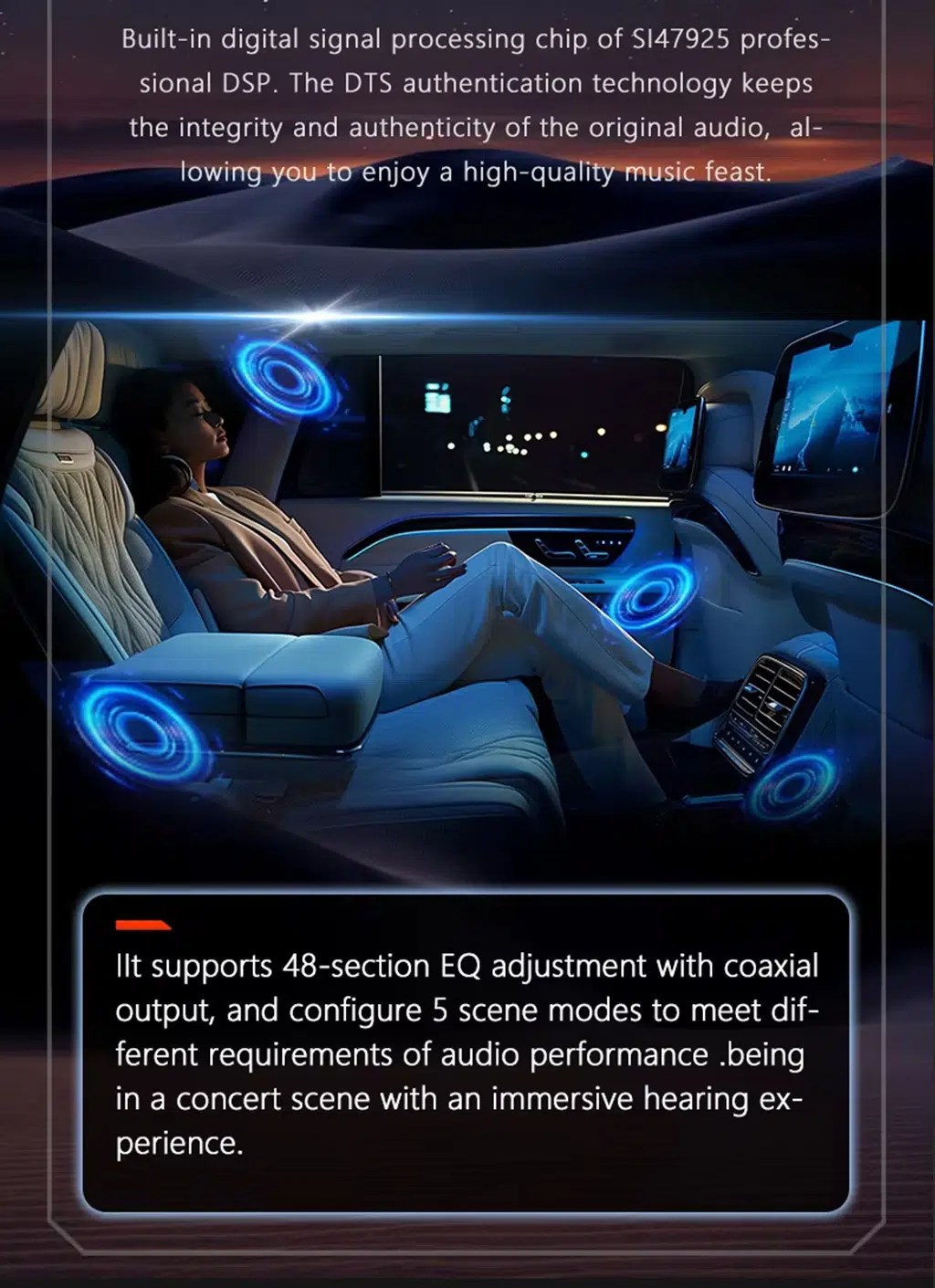
Tune the sound with DSP audio
DSP audio helps adjust vocals, bass and surround feeling, giving the Audi A6 2005–2011 Android stereo with DSP more useful daily sound control.
Use DSP adjustment for different listening styles
DSP equalizer control lets owners tune music for clearer voice, stronger bass or a more comfortable cabin sound stage.
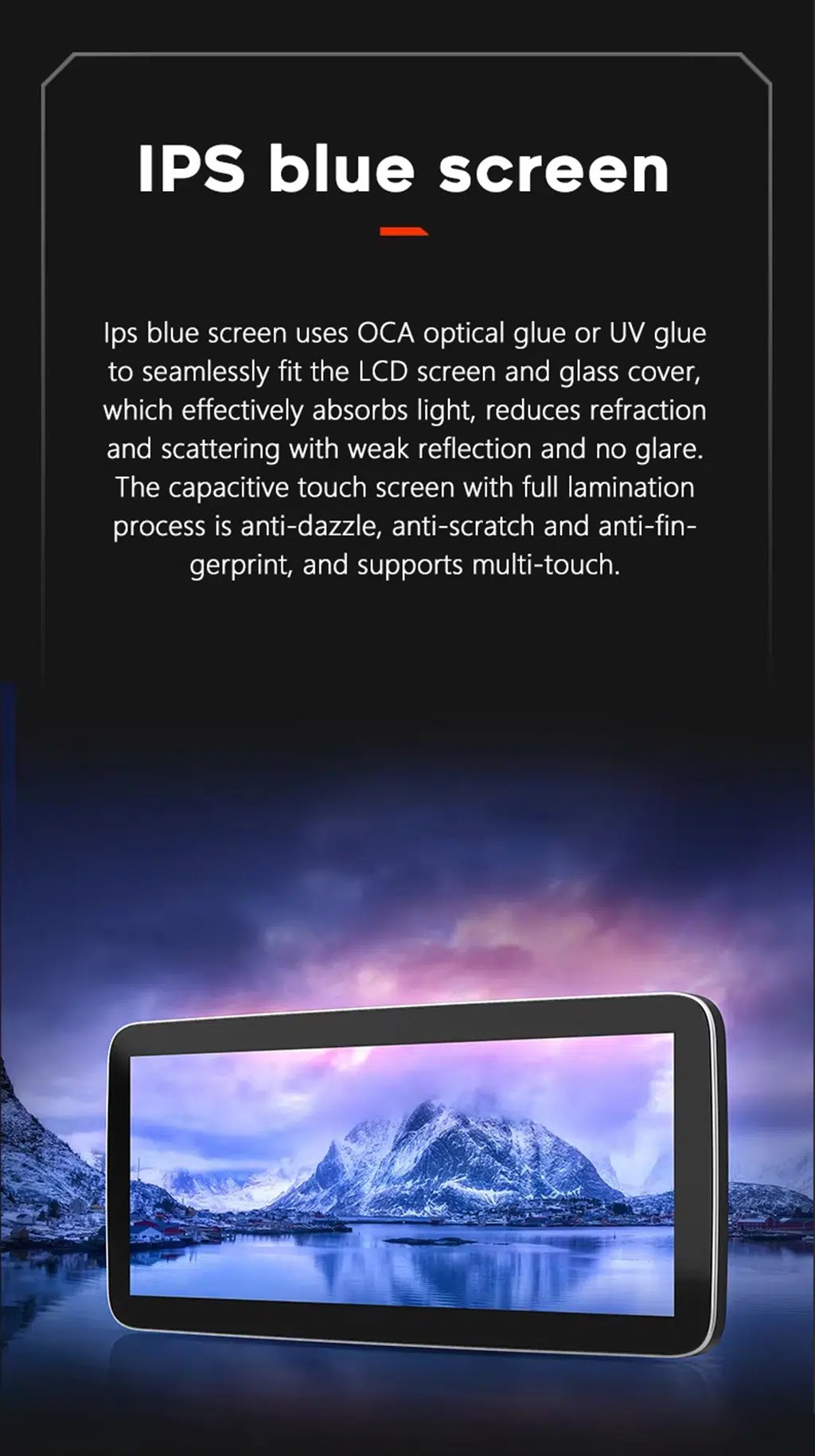
Choose a clearer IPS-style display experience
The IPS-style display direction helps maps, menus and media look clearer during daily driving, especially when using navigation or CarPlay.
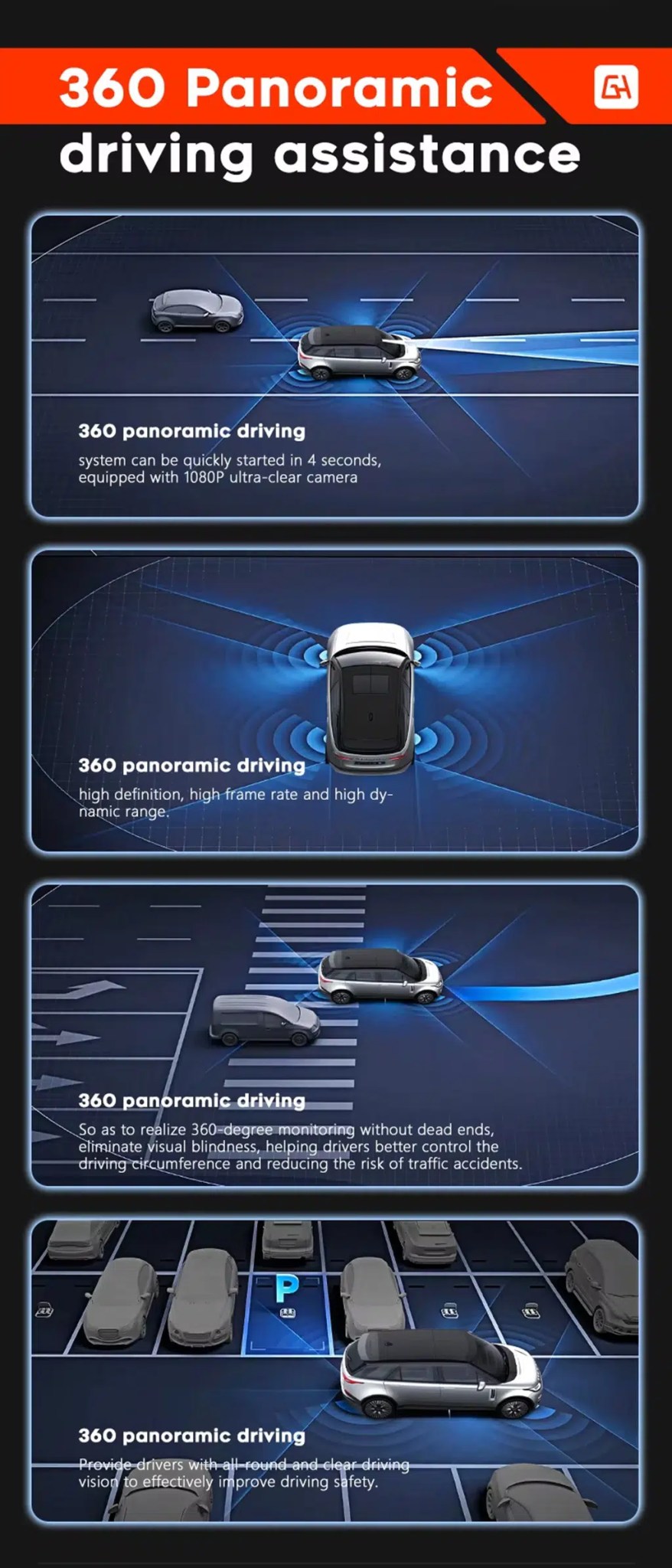
Add camera support where the vehicle route allows it
360 panoramic driving assistance and rear camera display depend on the selected hardware, camera system and vehicle wiring route.
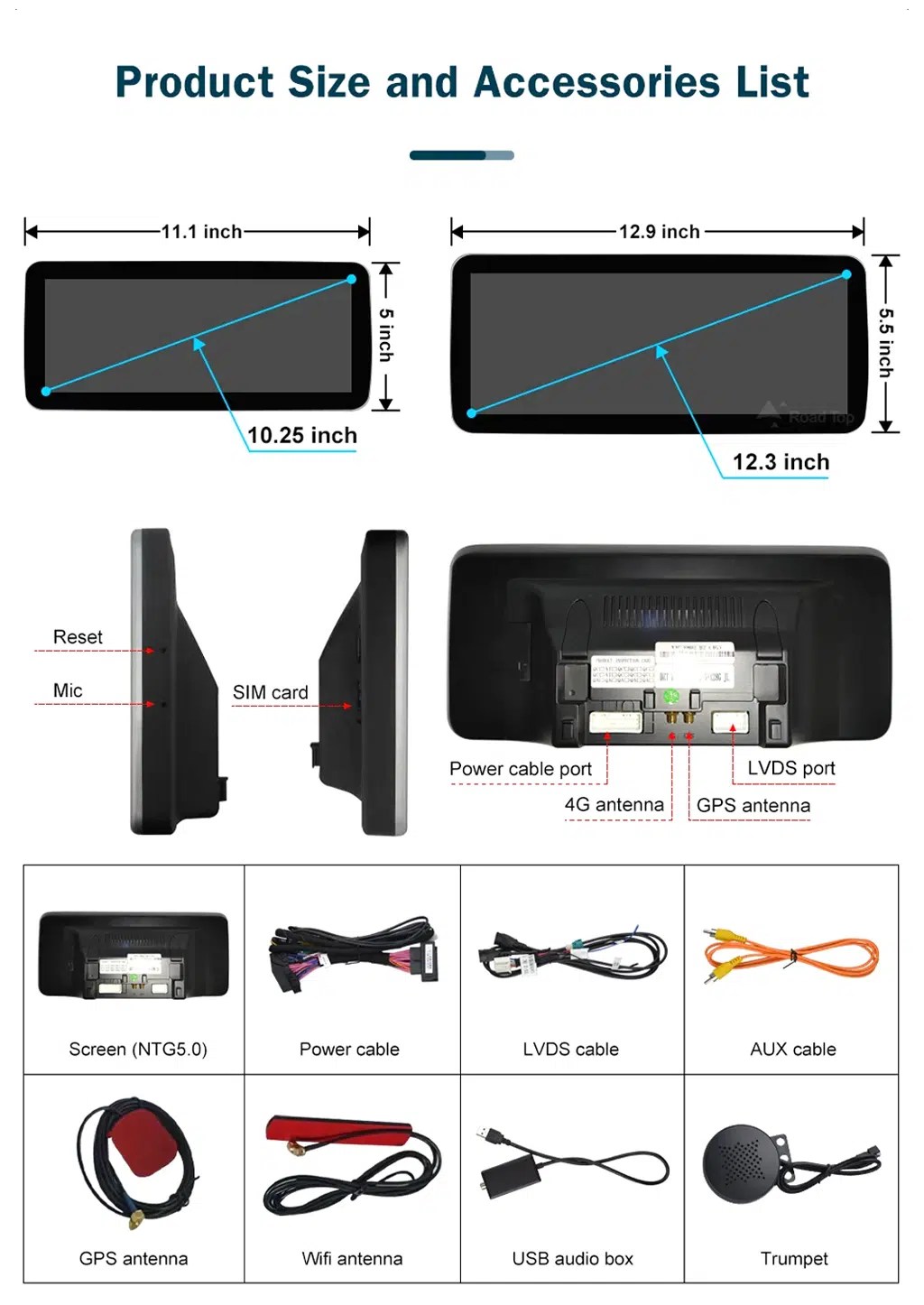
Check product size, ports and accessory list
The accessory list helps installers understand the screen body, power cable, LVDS cable, AUX cable, GPS antenna, WiFi antenna, USB audio box and microphone route.
What Should My Installer Check Before Reassembly?
Check the vehicle
Confirm Audi A6 C6, model year, dashboard photo, original MMI screen, button panel, LHD/RHD and audio route.
Prepare the version
iKAGOO prepares the correct screen, harness, CANBUS, AUX/AMI route and fiber optic decoder when needed.
Install and connect
The installer removes the required trim, connects the harness, routes GPS/USB and checks camera and audio connections.
Effectuer un test avant le remontage
Test original Audi menu, sound output, CarPlay, Android Auto, camera, parking display, steering-wheel controls and sleep/wake behavior.
Main work required
- Dashboard trim and original screen area disassembly.
- Original Audi MMI screen and button layout confirmation.
- Matched power harness, LVDS, CANBUS and audio route connection.
- AUX or AMI audio source configuration.
- MOST fiber optic decoder installation if required.
- GPS, USB, microphone, WiFi/4G and camera connections where applicable.
- Full function testing before final reassembly.
Stop installation and contact iKAGOO if this happens
- The screen panel does not match the dashboard opening.
- La forme du connecteur ou la disposition des broches ne correspond manifestement pas.
- No audio appears after AUX/AMI or fiber optic route setup.
- The original Audi menu cannot be accessed.
- Factory camera or parking display behavior is abnormal.
- Une broche du connecteur est tordue, mal fixée ou endommagée.
- Un fusible saute à plusieurs reprises, ou une chaleur, une odeur ou une fumée anormale apparaît.
- The installer would need to cut the factory main wiring harness.
What Comes with the Audi A6 C6 Upgrade?
Android Display
10.25-inch display assembly according to the selected hardware route.
Faisceau d'alimentation
Vehicle-specific wiring harness selected according to the confirmed Audi system route.
CANBUS Interface
CANBUS route for supported original controls and vehicle-information integration.
GPS and WiFi Antennas
External antennas for supported navigation and network functions.
USB and AUX Cables
USB, AUX or related audio cables according to the confirmed vehicle configuration.
Optional Decoder
MOST fiber optic decoder or camera interface may be required for selected vehicles.
Package contents vary by selected version and confirmed vehicle configuration. Check your order details before dispatch.
What Happens After I Order?
Préparation des commandes
Le délai de préparation standard d'une commande est généralement de 1 à 3 jours ouvrés après la validation de la configuration de votre véhicule.
Expédition internationale avec suivi
International delivery is tracked. Estimated delivery time depends on destination, customs clearance and selected shipping method.
Garantie matérielle de 12 mois
Eligible hardware issues are handled under the iKAGOO limited warranty. Damage from incorrect wiring, wrong audio route, water ingress, misuse or unauthorized modification is not normally covered.
Vehicle-specific products require accurate vehicle information before shipment. If iKAGOO confirmed compatibility before purchase, your information was accurate, and no reasonable installation solution is available after supported troubleshooting, the current published policy applies.
Politique de retour et de remboursement · Politique de garantie · Politique d'expédition
Audi A6 C6 Android Head Unit FAQ
Is this Audi A6 C6 Android Head Unit for every A6 from 2005 to 2011?
Does this Audi A6 C6 Android Head Unit support wireless CarPlay and Android Auto?
Does this Audi A6 C6 MMI 2G Android Screen keep the original Audi menu?
Will this Audi A6 C6 Android screen work with factory camera and parking display?
Do Audi A6 C6 vehicles need a MOST fiber optic decoder?
Does the Audi A6 C6 Android head unit require AUX or AMI for sound?
Is this Audi A6 C6 4F Android Radio plug-and-play?
What should I send before ordering an Audi A6 C6 Android screen upgrade?
Ready to Confirm Your Audi A6 C6 Setup?
Choose this Audi A6 C6 Android Head Unit if you want a factory-style 10.25-inch Android screen upgrade with wireless CarPlay, Android Auto, GPS navigation, DSP 32-band EQ audio, WiFi/4G, camera support, MMI system matching and iKAGOO vehicle-specific preparation before shipment.
Related Audi upgrade: Audi A4 A5 Android Radio