01
D'où les commandes sont-elles expédiées et combien de temps prend la livraison ?
La plupart des commandes iKAGOO sont expédiées depuis notre entrepôt
en Chine après vérification de la configuration du produit et des
informations sur le véhicule.
Le traitement normal des commandes est d'environ
1 à 3 jours ouvrables.
La livraison estimée après l'expédition est généralement :
- États-Unis et Canada : environ 5 à 9 jours ouvrables
- Union européenne : environ 7 à 15 jours ouvrables
- Royaume-Uni et Australie : environ 7 à 10 jours ouvrables
- Autres régions prises en charge : environ 7 à 20 jours ouvrables
Le dédouanement, les jours fériés, les conditions météorologiques, les retards de transport et
la livraison en zone éloignée peuvent affecter ces estimations.
02
Devrai-je payer la TVA, les droits d'importation ou les frais de douane ?
L'expédition internationale standard n'inclut normalement pas
la TVA du pays de destination, les droits d'importation, les frais de courtage ou
les frais de dédouanement.
Pour les destinations éligibles de l'Union européenne,
L'expédition DDP peut être disponible.
Les frais liés à l'importation ne sont inclus que lorsque le DDP est sélectionné
lors du paiement ou confirmé par iKAGOO par écrit avant l'expédition.
Lorsque le DDP n'est pas sélectionné, les frais perçus par les douanes locales
ou le transporteur sont normalement à la charge du destinataire.
03
Puis-je demander une expédition express et comment suivre le colis ?
L'expédition express ou accélérée peut être disponible pour certains
produits et destinations. La disponibilité, le transporteur et tout
coût supplémentaire sont confirmés avant l'expédition.
Selon l'itinéraire et le type de produit, iKAGOO peut utiliser DHL,
FedEx, UPS, EMS, 4PX ou un autre prestataire logistique avec suivi.
Après l'expédition, le numéro de suivi ou le lien de suivi est
normalement envoyé à l'adresse e-mail utilisée pour la commande.
Les mises à jour du suivi peuvent prendre plusieurs jours ouvrés avant d'apparaître
lors des transferts entre transporteurs internationaux.
04
Quelle est la politique de retour et de remboursement ?
L'éligibilité au retour dépend du motif du retour, de l'état du produit,
du statut d'installation, des preuves justificatives et
du fait que le retour a été approuvé par iKAGOO.
Pour un retour approuvé sans défaut, le produit doit normalement
rester inutilisé, non installé, complet et adapté à la revente.
Le client est généralement responsable des frais d'expédition
de retour approuvés.
Les frais d'expédition d'origine, DDP, TVA, droits de douane et autres frais
logistiques sont généralement non remboursables, sauf si la loi l'exige ou
s'ils sont confirmés par iKAGOO.
N'envoyez pas un produit avant d'avoir reçu une adresse de retour approuvée
et des instructions de retour de iKAGOO.
05
Que se passe-t-il si le produit ne peut toujours pas être installé après l'examen de compatibilité ?
Une protection supplémentaire peut s'appliquer lorsque iKAGOO a examiné
la compatibilité du véhicule, que le client a fourni des informations précises sur le véhicule
et que des étapes raisonnables d'installation et de diagnostic
ont été effectuées.
Si iKAGOO confirme qu'aucune solution technique raisonnable n'est
disponible et que le problème est signalé dans
7 jours calendaires après la livraison,
le client peut être éligible à un remboursement du prix du produit
sans être tenu de retourner le produit.
Frais d'expédition d'origine, DDP, TVA, droits de douane et autres
frais de tiers ne sont pas inclus dans ce remboursement du prix du produit.
06
Quelle garantie est fournie, et le fait d'ouvrir le produit annule-t-il celle-ci ?
Les produits éligibles incluent une
Garantie matérielle limitée de 12 mois
couvrant les défauts de fabrication vérifiés et les pannes matérielles éligibles
dans le cadre d'une utilisation normale.
Selon le problème vérifié, le support peut inclure un diagnostic à distance
une assistance à la configuration, des pièces de rechange,
une réparation, un remplacement, un remboursement partiel ou un remboursement complet.
L'inspection ou l'examen par un tiers n'annule pas automatiquement
l'ensemble de la garantie. Cependant, les dommages causés par
une réparation non autorisée, une modification incorrecte, des circuits cassés,
un remontage inapproprié, un câblage incorrect, un impact, une infiltration d'eau
ou une mauvaise utilisation ne sont normalement pas couverts.
Contactez iKAGOO avant de démonter, modifier ou réparer
le produit afin que la procédure de diagnostic correcte puisse être fournie.
07
Que faire si ma commande arrive endommagée ou s'il manque des pièces ?
Contactez iKAGOO dans un délai de
7 jours calendaires après la livraison
et conservez l'emballage d'origine, l'étiquette d'expédition, les accessoires
et le produit.
Veuillez fournir des photos ou une vidéo nettes montrant :
- Le carton d'expédition extérieur et l'étiquette d'expédition
- Dommages visibles sur l'emballage
- Le produit et la zone concernée
- Tous les accessoires et câblages reçus
Après vérification, iKAGOO peut organiser l'expédition d'une pièce manquante,
un remplacement, une réparation, un remboursement ou une autre solution raisonnable.
08
Que faire si j'ai commandé la mauvaise version ou si je dois modifier ma commande ?
Contactez iKAGOO dès que possible et avant l'installation.
Pour toute modification d'adresse, de configuration du véhicule ou de produit, contactez-nous de préférence dans
12 heures après avoir passé la commande.
Un échange ou un retour peut être approuvé lorsqu'un produit
sélectionné par erreur reste inutilisé, non installé, complet et
apte à la revente. Les clients sont normalement responsables des
frais d'expédition et des différences de prix correspondants.
Les produits spécifiques au véhicule peuvent entrer en approvisionnement, programmation,
test ou configuration peu après le paiement. Une fois la préparation
ou l'expédition commencée, l'annulation peut ne plus être possible,
ou des coûts raisonnables déjà engagés peuvent être déduits.
09
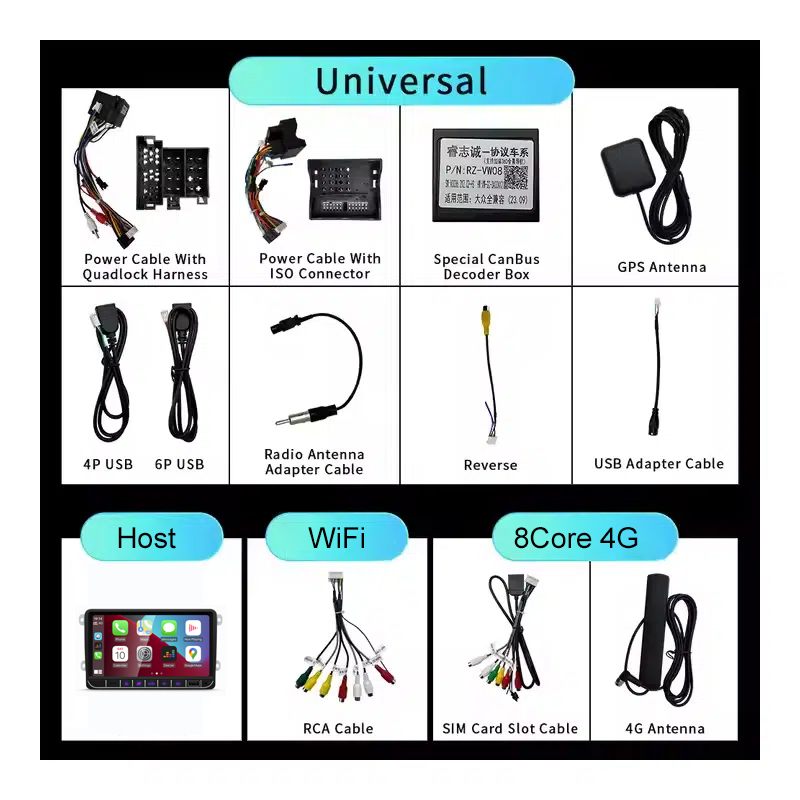
Qu'est-ce qui est inclus dans le paquet ?
Le contenu de l'emballage varie selon le produit, le modèle de véhicule, le système d'origine
et la configuration sélectionnée.
Selon le produit, l'emballage peut inclure l'appareil
principal, des faisceaux de câblage spécifiques au véhicule, une interface CANBUS,
des adaptateurs, des câbles USB, des antennes, des microphones, du matériel de montage
ou d'autres accessoires d'installation requis.
Reportez-vous aux photos du produit, aux spécifications et à la confirmation
de commande pour connaître le contenu exact de votre commande.
10
Comment contacter iKAGOO pour une assistance technique ou après-vente ?
Vous pouvez contacter iKAGOO via le formulaire de contact du site Web,
WhatsApp ou d'autres canaux d'assistance disponibles. Le délai de réponse
typique est de 24 heures ouvrables.
Pour un diagnostic technique plus rapide, incluez votre numéro de commande,
le modèle et l'année du véhicule, les photos pertinentes du système d'origine,
les photos du produit et une vidéo claire montrant le problème.
Contacter le support iKAGOO →
11
Le paiement est-il sécurisé et des options de paiement en plusieurs fois sont-elles disponibles ?
Les paiements sont traités via les méthodes de paiement sécurisées
affichées lors du paiement.
Les options de carte, de portefeuille électronique et de paiement en plusieurs fois peuvent varier selon
le pays, la devise, le fournisseur de paiement et l'éligibilité du client.
Les services de paiement en plusieurs fois, y compris les options proposées par PayPal ou
un autre fournisseur de paiement, restent soumis à la disponibilité régionale de ce fournisseur
et à ses exigences d'approbation.
Cette section est un guide client simplifié. Les pages de politique publiées
complètes, la confirmation de commande et la loi sur la consommation applicable
prévalent si une formulation diffère.


















John.Doe -
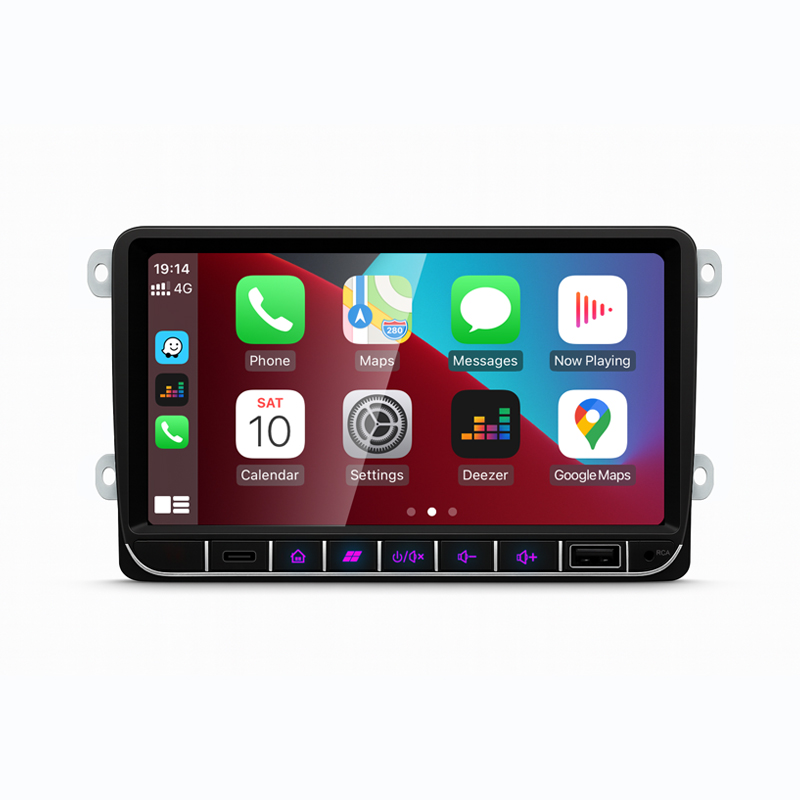
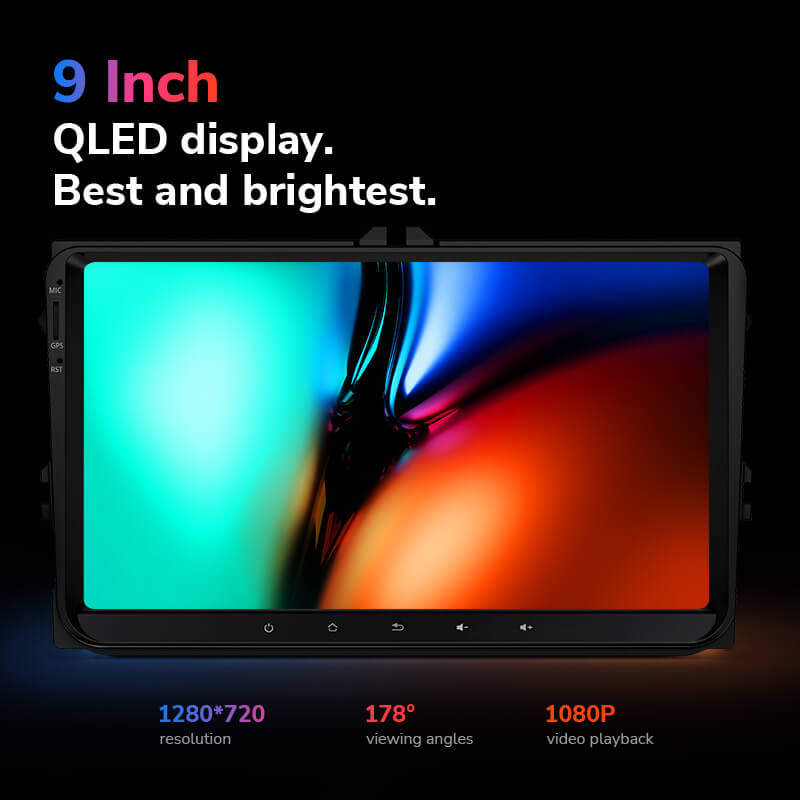
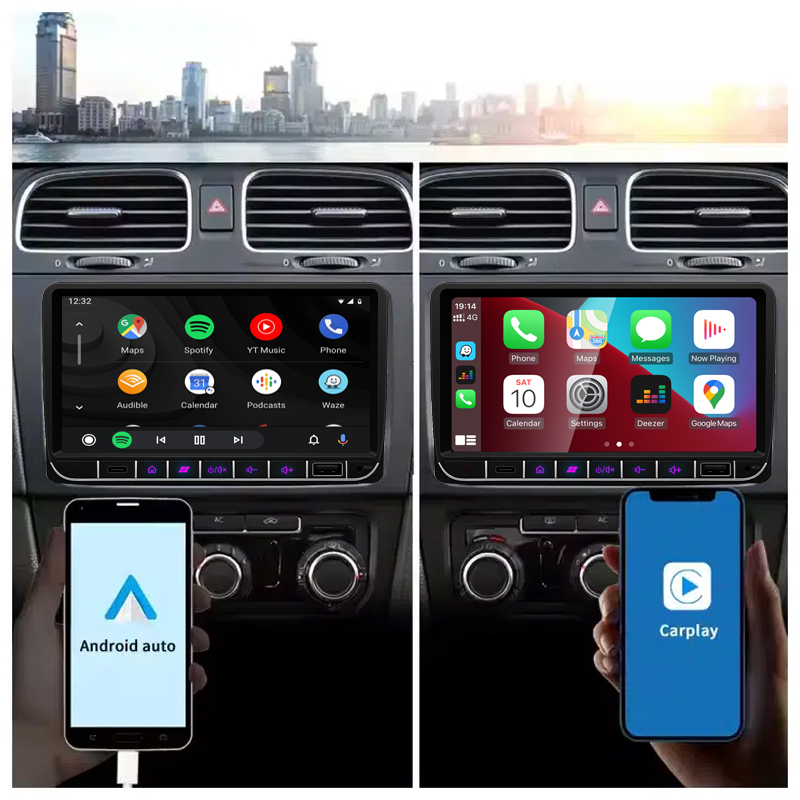
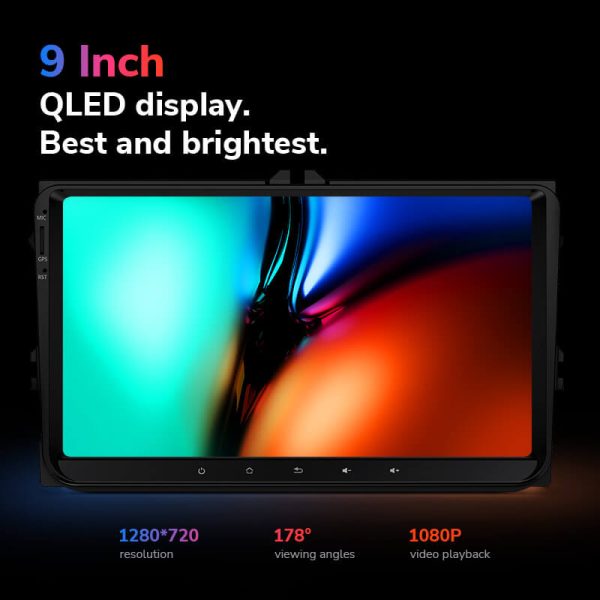
J'ai récemment installé l'autoradio Android Ikagoo dans ma 2012 VW Golf, et l'amélioration est remarquable. L'installation a été simple, et l'unité s'intègre parfaitement au tableau de bord. L'écran QLED de 10.33″ est éclatant et réactif, et les fonctions CarPlay et Android Auto sans fil fonctionnent parfaitement. J'apprécie également le DSP intégré pour une meilleure qualité audio. Dans l'ensemble, une mise à niveau importante qui améliore à la fois la fonctionnalité et l'esthétique de ma voiture.
Jiménez Andrés -
Ho installato questa unità Android sulla mia Volkswagen e sono molto soddisfatto. Il display è chiaro e l’integrazione con il cruscotto originale è perfetta. La navigazione GPS e la compatibilità con CarPlay wireless rendono la guida più sicura e piacevole. L’installazione è stata semplice e l’interfaccia è intuitiva.