Améliorez votre Audi Q7 4L avec un écran Android de 10.25 pouces spécifique au véhicule qui ajoute le CarPlay sans fil, Android Auto, la navigation GPS, l'audio DSP, le WiFi/4G et la commutation du système Audi pris en charge, sans transformer l'habitacle en installation de tablette générique.
Avant l'expédition, iKAGOO vérifie l'année de votre modèle, le cadre du tableau de bord, le panneau CD/MMI, la position du volant, l'amplificateur d'origine, le trajet de la fibre optique MOST, le système de caméra et les photos des connecteurs afin de préparer l'écran, le faisceau et l'interface véhicule corrects pour votre commande.
Audi Q7 10.25 Mise à niveau de l'écran Android 2006–2015
Cette mise à niveau iKAGOO est une mise à niveau d'écran Android 10.25 spécifique au véhicule pour certains véhicules Audi Q7 4L de 2006 à 2015. Elle améliore l'expérience de l'écran d'origine avec un écran tactile Android plus large, CarPlay sans fil, Android Auto, navigation GPS, Bluetooth, WiFi/4G et audio DSP sur les versions matérielles prises en charge. Les fonctions Audi prises en charge telles que la commutation du système d'origine, les commandes au volant, le trajet de la caméra d'origine, la sortie des haut-parleurs d'origine et les informations du véhicule peuvent continuer à fonctionner après la préparation du cadre, du CANBUS, de l'adaptateur audio et du trajet du décodeur corrects. Avant l'expédition, iKAGOO vérifie l'année de votre véhicule, la position LHD/RHD, le panneau MMI/CD, l'exigence Bose ou fibre optique MOST et les photos des connecteurs. Il convient aux propriétaires de Q7 qui souhaitent une mise à niveau d'écran moderne au lieu de simplement réparer ou conserver l'ancien écran MMI.
Pourquoi cette 10.25 mise à niveau d'écran Android convient à l'Audi Q7 4L
Écran moderne sans aspect de tablette bon marché
Le tableau de bord du Q7 dispose d'une large zone d'écran d'origine. Cette solution de 10.25 pouces utilise le cadre spécifique au véhicule afin que la mise à niveau paraisse intégrée à la garniture d'origine.
CarPlay et Android Auto pour un usage quotidien.
Utilisez les applications de navigation, les appels, la musique, les messages et les fonctions vocales compatibles du téléphone sur un écran plus grand dans le tableau de bord, au lieu de vous fier uniquement à l'ancienne interface MMI.
MMI, Bose et MOST vérifiés avant l'expédition.
Les mises à niveau d'écran de l'Audi Q7 échouent lorsque le circuit audio est deviné. iKAGOO vérifie le panneau MMI, l'amplificateur et le circuit fibre optique avant de préparer la commande.
Fonctions Audi d'origine prises en charge après correspondance correcte
Ces fonctions dépendent du système de véhicule confirmé, du faisceau correct, du décodeur CAN, du parcours de caméra, de l'adaptateur audio et de la configuration d'installation.
- Accès au menu Audi d'origine
La commutation du système d'origine prise en charge peut être conservée via le parcours d'intégration correspondant. - Commandes au volant
Les boutons du volant pris en charge peuvent continuer à fonctionner via le décodeur CAN correspondant. - Parcours de caméra d'origine
Les parcours de caméra arrière AHD/CVBS et 360 doivent être confirmés avant l'expédition. - Parcours audio Bose / amplificateur
La sortie des haut-parleurs d'origine peut fonctionner lorsque le bon amplificateur ou le routage du décodeur fibre optique MOST est préparé. - Informations sur le véhicule d'origine
Les données du véhicule prises en charge peuvent continuer à s'afficher via le bon routage de commutation système et CANBUS. - Protection du câblage d'usine
Le faisceau adapté est conçu pour une connexion propre sans avoir à couper le câblage principal d'origine pris en charge.
Confirmez votre Audi Q7 4L avant que nous préparions l'écran.
Informations requises concernant le véhicule avant l'expédition
- Année exacte et région de marché de l'Audi Q7.
- Conduite à gauche ou conduite à droite.
- Photo du tableau de bord et de l'écran d'origine.
- Photo du panneau de commande CD \/ MMI d'origine.
- Système audio d'origine : Bose, amplificateur externe ou audio standard.
- Original connector photos if requested.
- Whether your Q7 has MOST fiber optic, original rear camera or 360 camera.
- Preferred hardware version: 4GB+64GB or 8GB+256GB.
Why these details matter
The Audi Q7 4L can use different dashboard frames, CD panels, MMI systems, Bose amplifiers, MOST fiber-optic audio routes, camera systems and LHD/RHD interiors. These details help iKAGOO prepare the correct 10.25 Android screen, wiring harness, CAN decoder, audio adapter, fiber-optic decoder and camera route.
This reduces wrong-order risk such as no sound, wrong frame, no original menu switching, camera mismatch or unsupported steering control behavior after installation.
Caractéristiques techniques principales du produit
| Type de produit | Audi Q7 10.25 Android screen upgrade / Android stereo / vehicle-specific Android head unit route. |
|---|---|
| Compatibilité principale | Selected Audi Q7 4L vehicles in the 2006–2015 range. Some 2005 market-year vehicles may match the same route after dashboard and CD/MMI panel photo confirmation. |
| Taille de l'écran | 10.25-inch vehicle-specific display. |
| Système | Android 13 system shown in current product attributes. |
| UNITÉ CENTRALE | 8-core CPU route according to selected motherboard. |
| Carte mère | TSK / TSK8259 / TSK8667 according to selected hardware route. |
| Checkout Memory Options | 4GB+64GB 8-core and 8GB+256GB 8-core options shown on the current purchase area. |
| Audio | DSP 32-band EQ support where selected hardware and audio route support it. |
| Bluetooth | BT 4.0 / BT 5.0 depending on selected hardware version. |
| Navigation | GPS / Glonass support for compatible online or offline navigation apps. |
| Réseau | WiFi / 4G support where selected hardware and local service allow it. |
| DVR | USB front / rear 1080P DVR route where compatible accessories are used. |
| Radio | FM / AM / RDS or FM / RDS depending on selected hardware route. |
| Parcours de la caméra | Rear view camera AHD, rear view camera CVBS and 360 panorama routes require vehicle and version confirmation. |
| Position de la direction | Left-hand drive and right-hand drive routes must be confirmed before shipment. |
| Informations sur le colis | Listed weight: 3.5 kg. Listed dimensions: 85 × 35 × 25 cm. |
Choose the Right Hardware Version
4GB + 64GB 8-core
A practical choice for buyers who mainly want CarPlay, Android Auto, Bluetooth, navigation and daily media use without choosing the highest storage option.
- Good daily usability
- Better than basic memory routes
- Suitable for normal app and navigation use
8GB + 256GB 8-core
The stronger option for owners keeping the Q7 long term and wanting smoother Android operation, more storage and better multitasking space.
- Highest listed storage route
- Better for heavier app use
- Recommended for long-term ownership
iKAGOO Purchase Assessment for This Q7 Screen Upgrade
Nécessité de la mise à jour d'iKAGOO
89/100Strong Upgrade Case. The first-generation Audi Q7 interior benefits clearly from a modern 10.25-inch Android screen, wireless smartphone integration, navigation and improved media usability.
Afficher la norme relative à la nécessité d'une mise à niveauCompatibilité des véhicules avec iKAGOO Original
84/100Good compatibility route when the correct dashboard frame, MMI route, CAN decoder, amplifier adapter and fiber-optic requirement are checked before shipment.
A score of 84/100 does not mean that 16% of factory functions are lost. It means this product requires stricter checking because Audi Q7 4L audio and MMI configurations vary.
Consulter la norme de compatibilitéDifficulté d'installation d'iKAGOO
Niveau 3Advanced DIY. Suitable for experienced DIY installers or an automotive electronics technician. Q7 MMI, MOST fiber optic, amplifier, camera and CANBUS routes must be checked carefully before final reassembly.
Voir le guide de difficulté d'installationWhy Owners Choose iKAGOO for This Audi Q7 Screen Upgrade
Préparation spécifique au véhicule
iKAGOO checks your Q7 year, dashboard photos, MMI panel, steering side and audio system before shipment so the correct version can be prepared.
Correspondance de l'écran, du faisceau et de l'interface
The correct CAN decoder, amplifier route and fiber-optic requirement matter more than buying a screen by size alone.
Intégration des fonctions d'origine
The upgrade is prepared to retain supported original menus, steering-wheel controls, camera display and vehicle information where the matched route allows it.
Protection du câblage d'usine
The matched wiring harness is designed to avoid unnecessary cutting of the original main wiring when the vehicle and harness match.
Assistance à l'installation et à la configuration
If your installer needs help identifying the MMI type, fiber-optic route or function test result, iKAGOO can provide order-based support.
Garantie matérielle de 12 mois
Les problèmes matériels couverts sont pris en charge dans le cadre de la garantie limitée de 12 mois d'iKAGOO, qui comprend un service après-vente assurant le diagnostic et la proposition de solutions adaptées.
Keep the Old MMI, Add a Box, or Upgrade with iKAGOO?
Factory MMI Only
Best only if you are satisfied with the old screen size, old interface and limited smartphone integration.
- Pas de frais de mise à niveau
- Old interface remains
- Limited app experience
Module dédié à CarPlay
Useful if you only need phone projection, but it does not give the Q7 a new Android display or modern screen layout.
- Limited visual change
- No full Android system
- Depends on original screen condition
Universal Android Screen
May be cheaper, but Audi Q7 dashboard frame, MMI, Bose, MOST fiber and camera integration can become the real risk.
- Fitment uncertainty
- May look aftermarket
- Higher audio risk
iKAGOO 10.25 Q7 Screen Upgrade
Best for owners who want a vehicle-specific 10.25-inch screen, CarPlay, Android Auto, navigation, DSP and Q7 configuration review before shipment.
- 10.25-inch Q7-specific frame
- CarPlay sans fil et Android Auto
- Original-system switching route
- Fiber-optic decoder check
- Préparation spécifique au véhicule
Conclusion de l'achat
If you want your Audi Q7 4L to feel modern without making the dashboard look cheap or creating MMI/audio problems, this iKAGOO 10.25 Android screen upgrade is the stronger route than a generic screen or a small add-on box.
Les photos de produits et leur rôle dans votre prise de décision
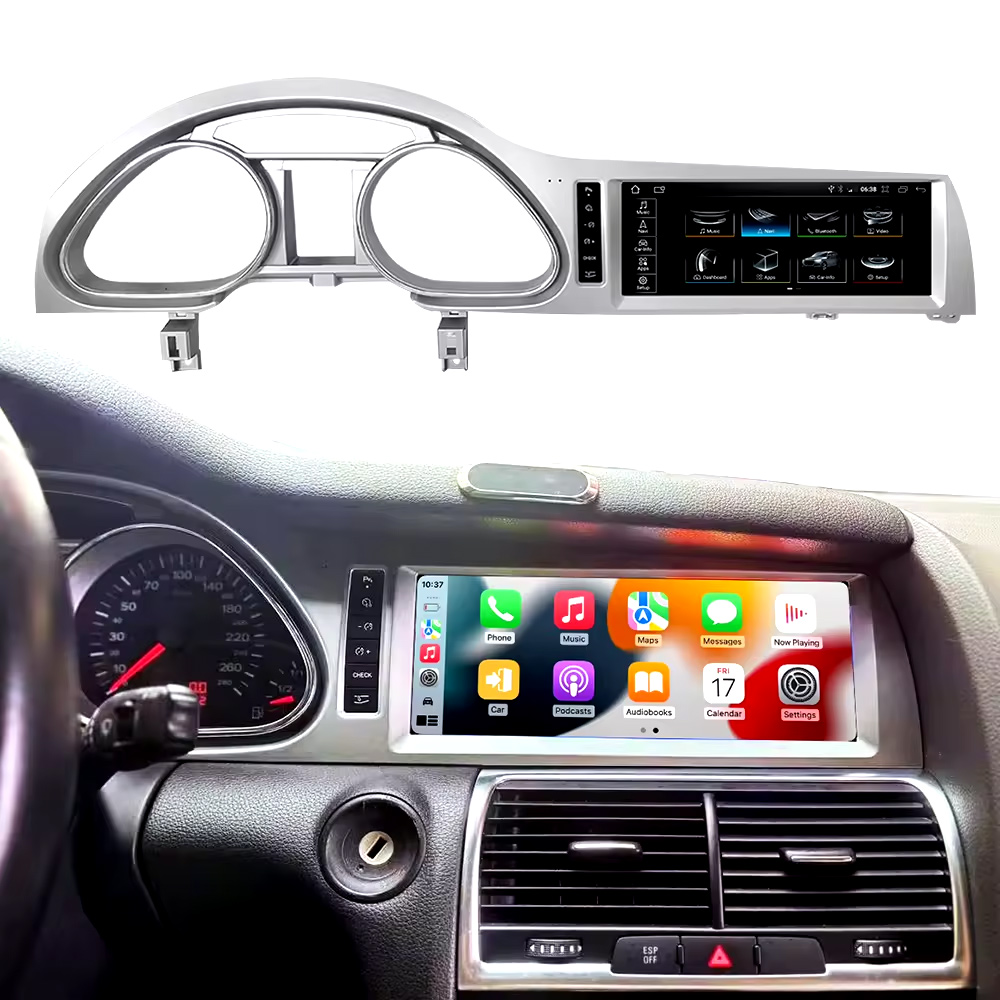
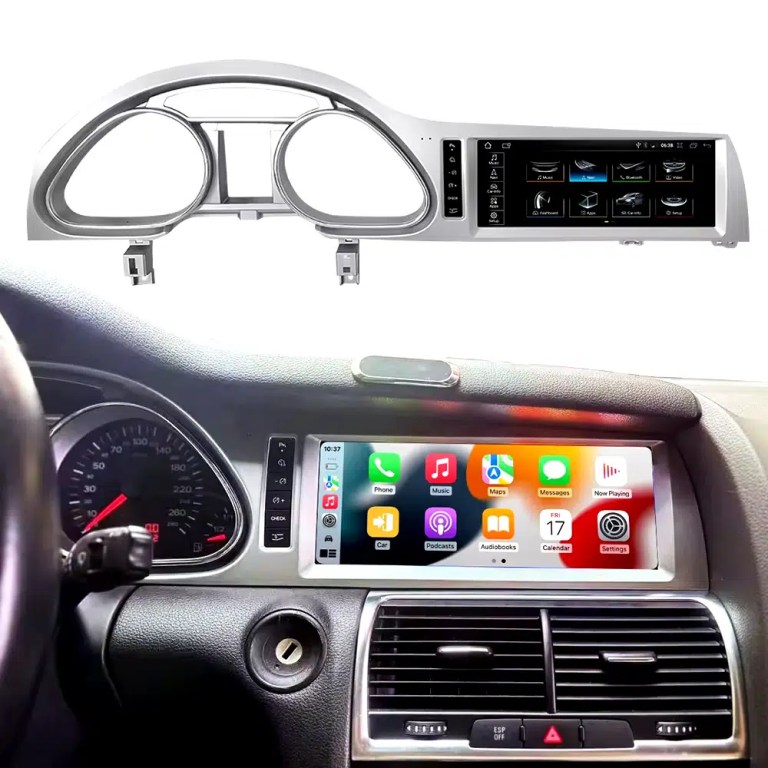
See the installed result inside the Audi Q7 dashboard
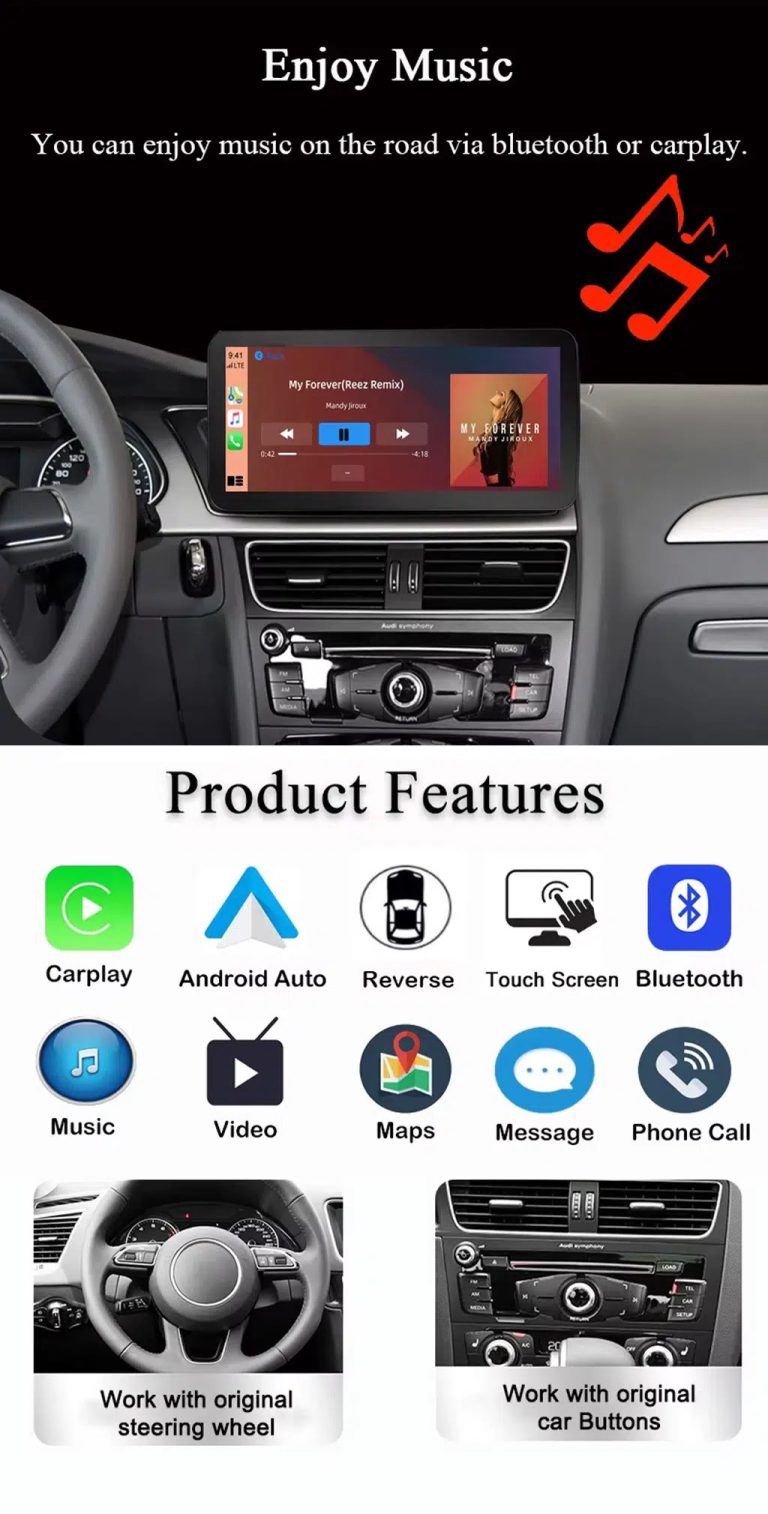
This cockpit view helps you judge the final screen position, dashboard balance and CarPlay-style daily-use interface before ordering.
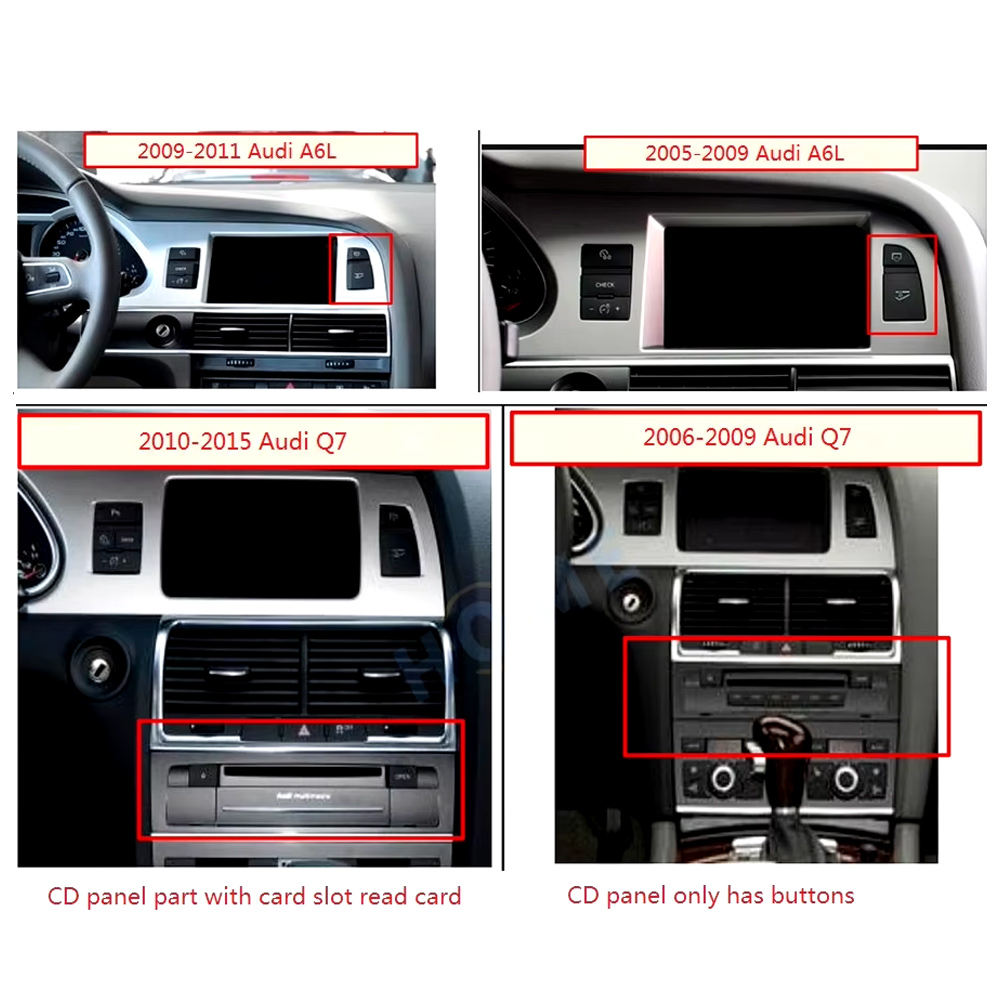
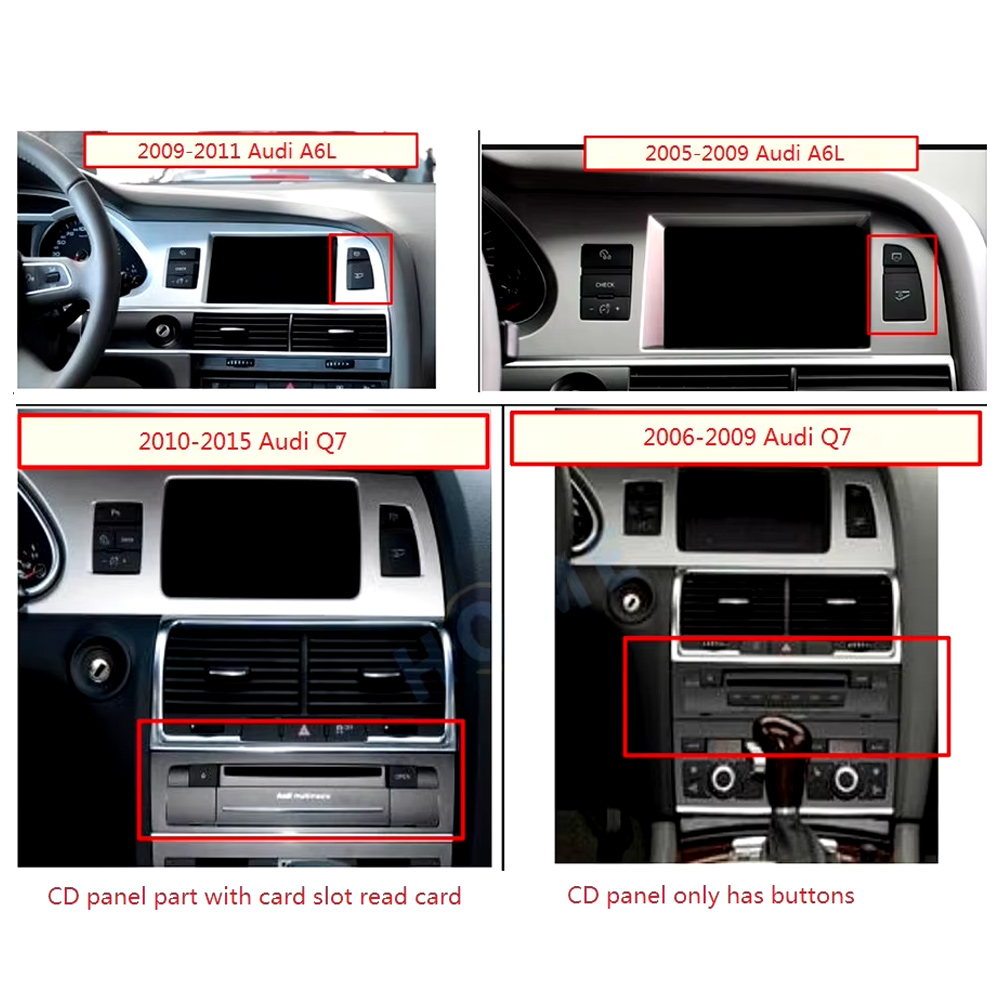
Check the original dashboard and CD/MMI panel before ordering
The correct Audi Q7 Android screen route depends on the original screen area, button layout, CD panel and model-year dashboard structure.
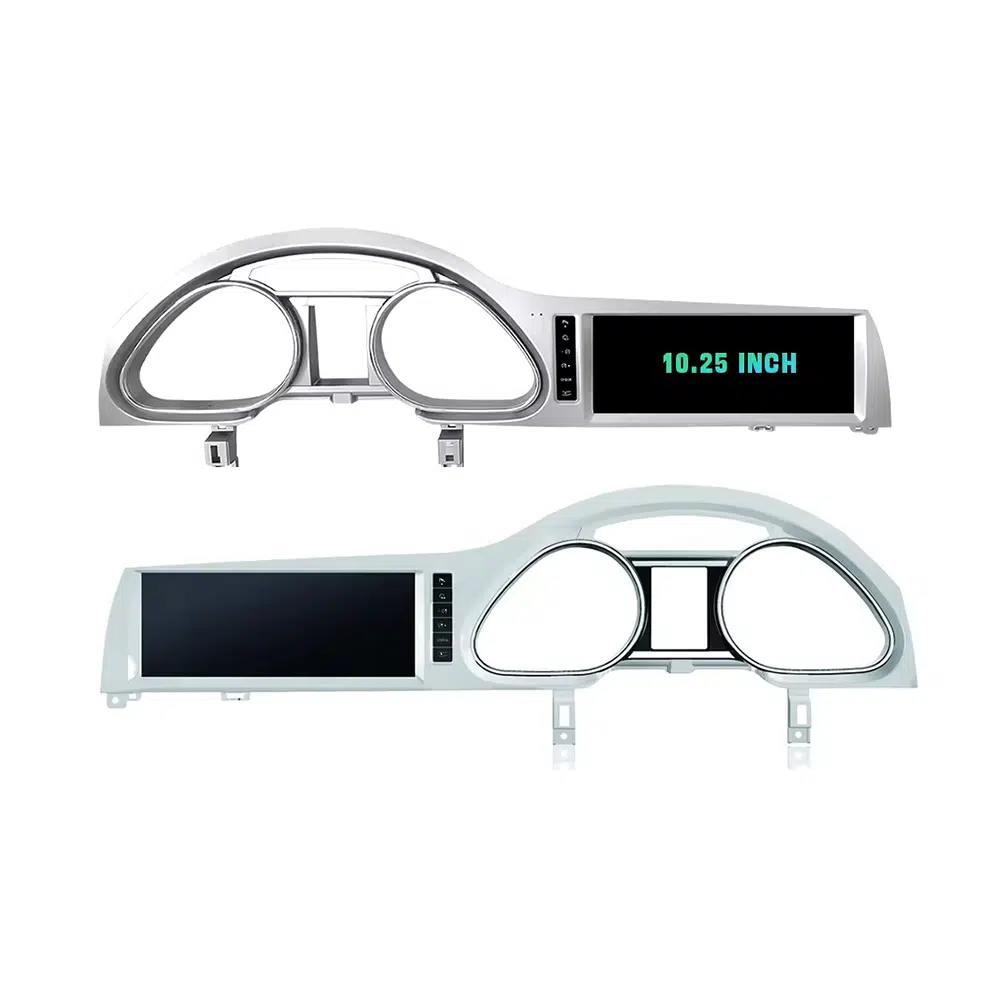
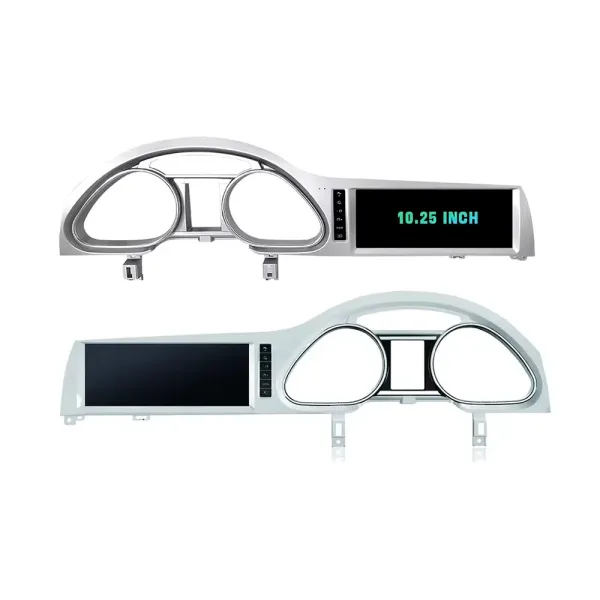
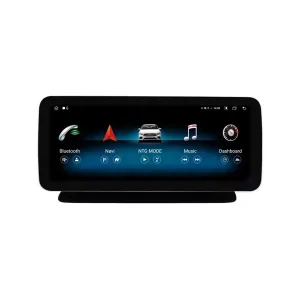
Confirm the 10.25-inch screen frame shape
The product frame view helps you compare steering-side layout and screen position so iKAGOO can prepare the correct Q7-specific frame.
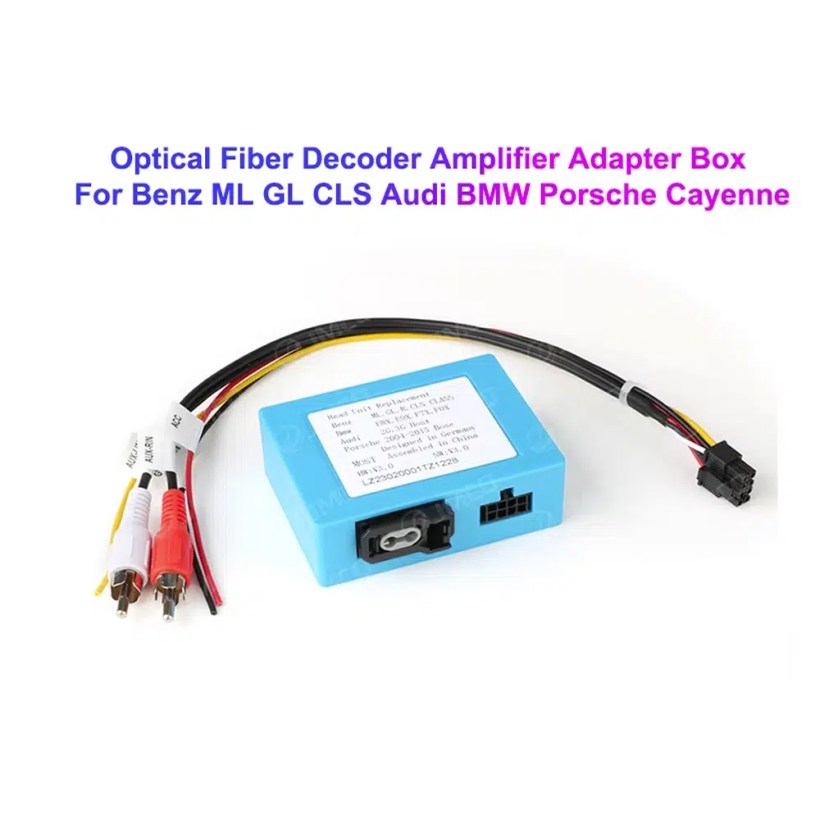
Understand the Bose and MOST fiber-optic decoder route
Many Q7 audio issues come from the amplifier and fiber-optic route. The required decoder must match the original Audi audio system and connector layout.
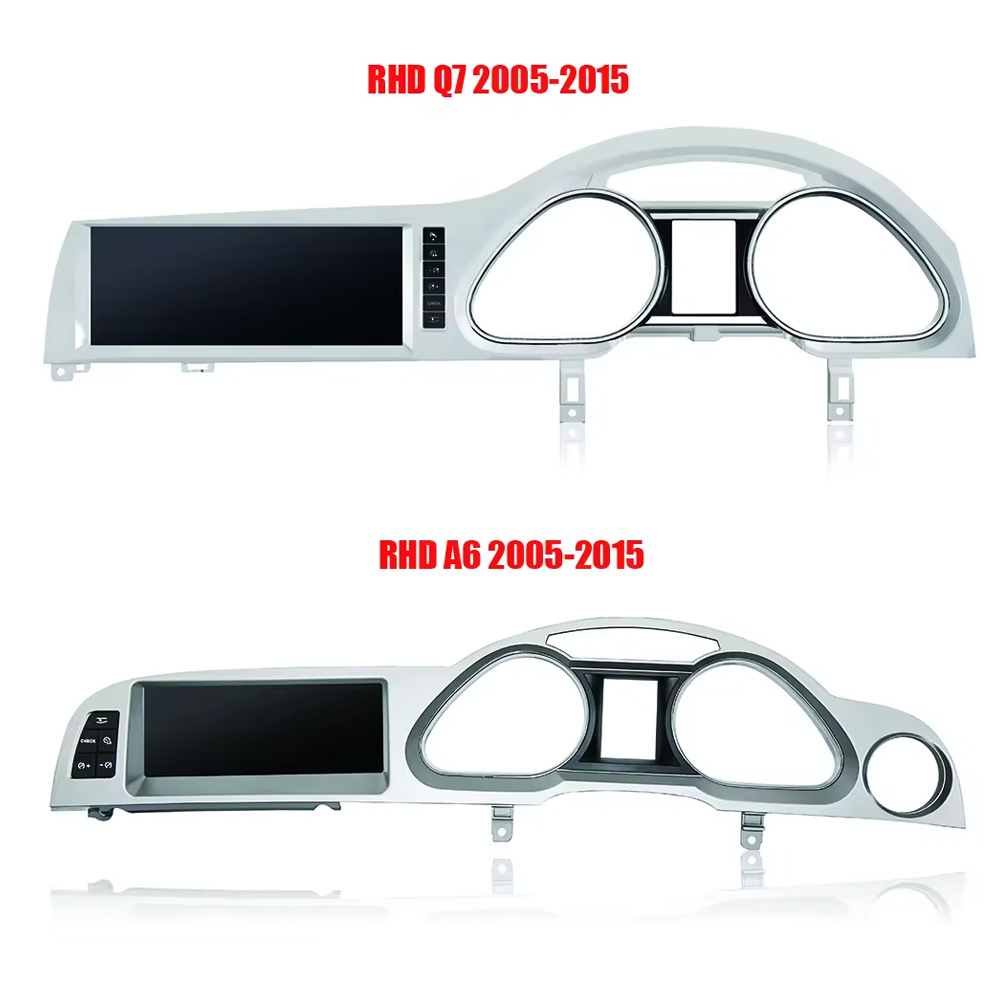
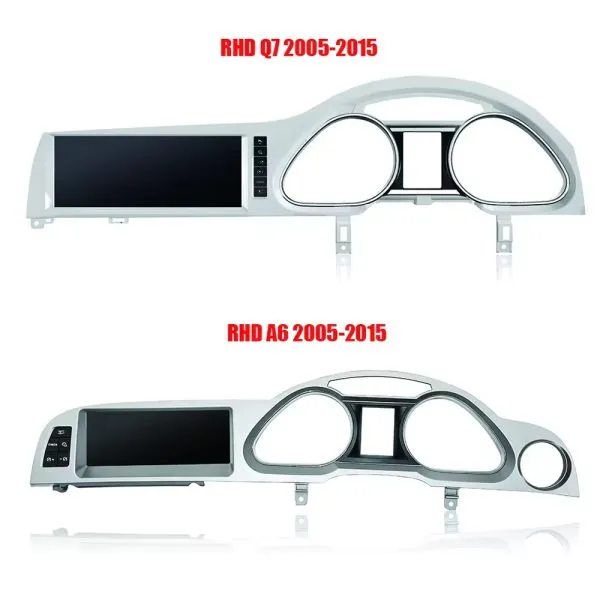
Compare Q7 and A6 frame routes carefully
This product reference makes one point clear: similar Audi frames are not automatically interchangeable. Your dashboard photo must be checked before shipment.
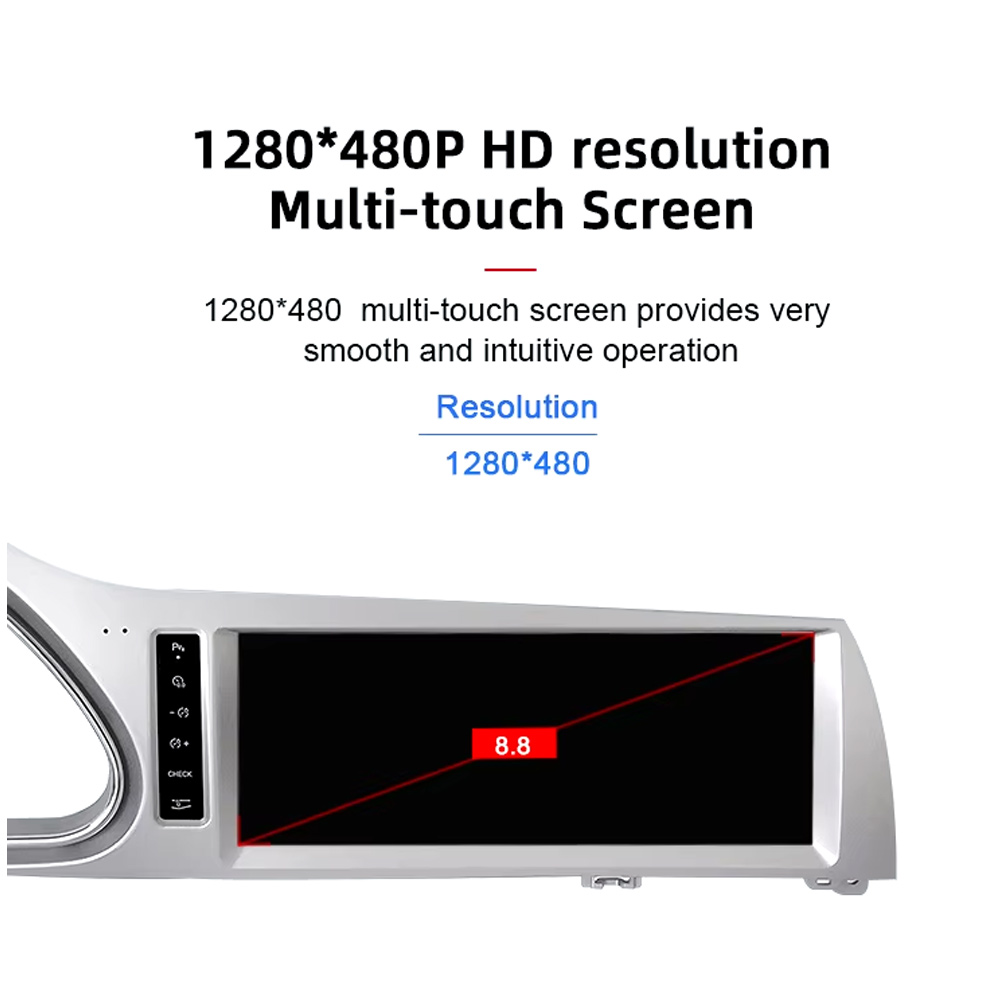
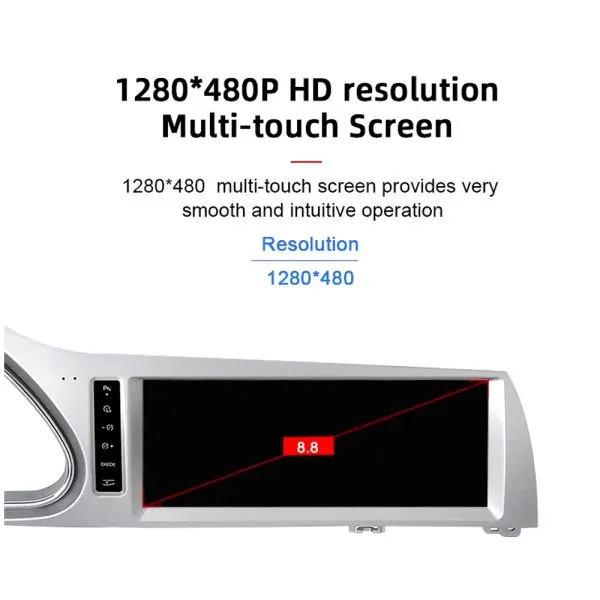
Review the 1280×480 screen reference
The wide display format is designed for the Q7 screen area and gives a cleaner navigation and media layout than the older factory display experience.
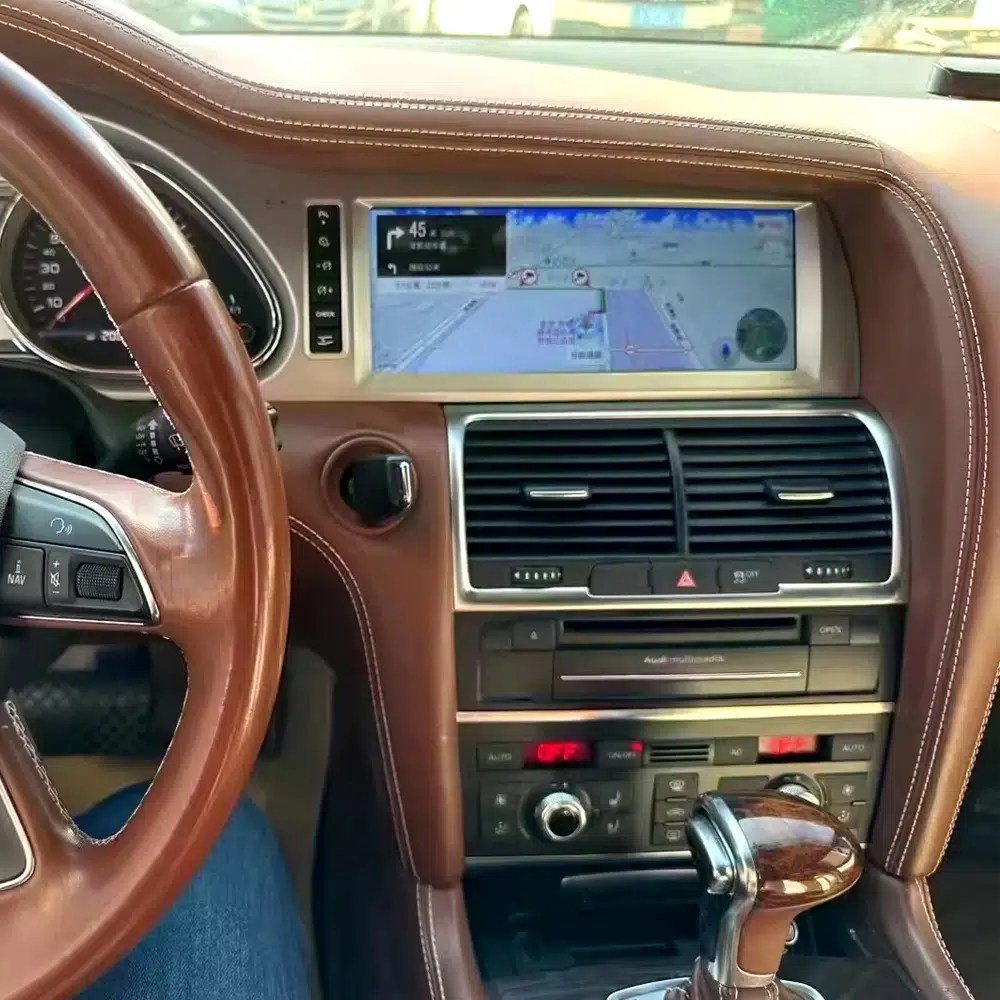
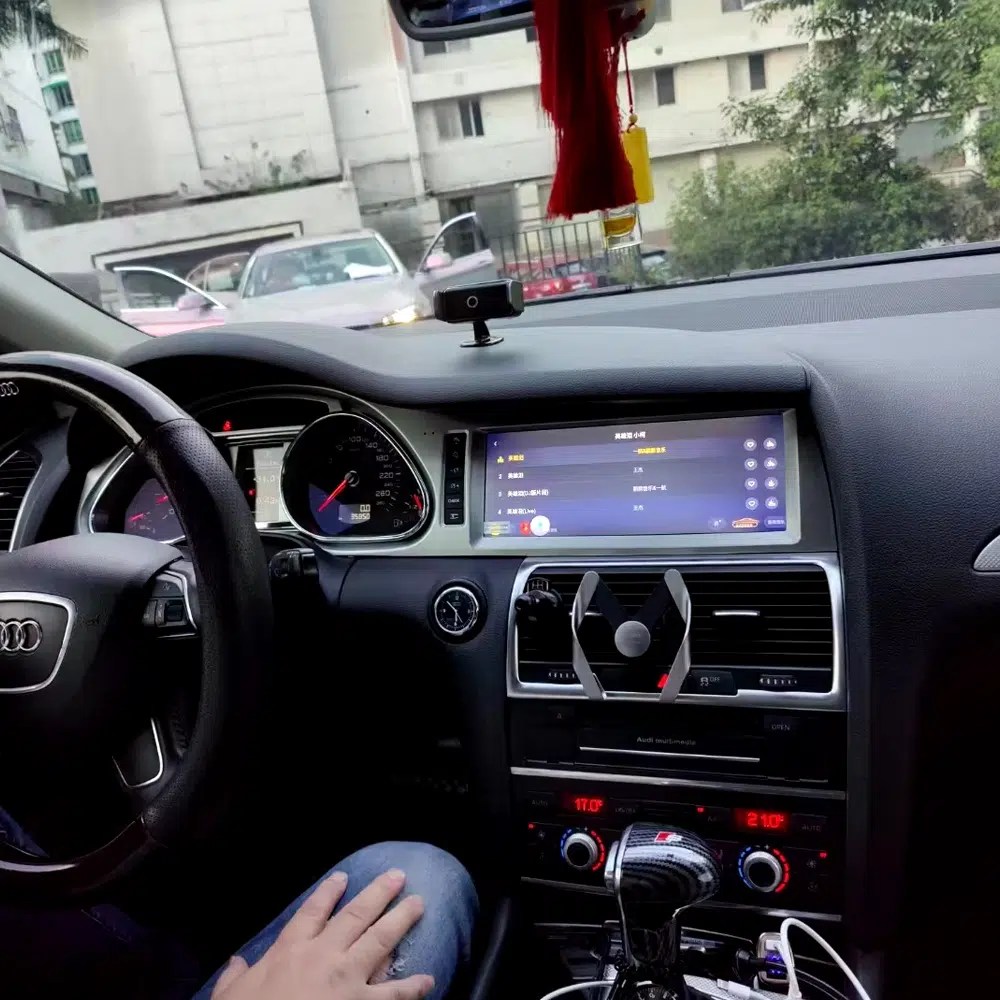
See navigation running inside a real Audi Q7 interior
The installed navigation view helps you judge driver visibility, screen angle and how the 10.25 Android display sits inside the used Q7 cabin.
Check another real installation interface
This cabin view gives another practical reference for screen readability, dashboard integration and menu position after installation.
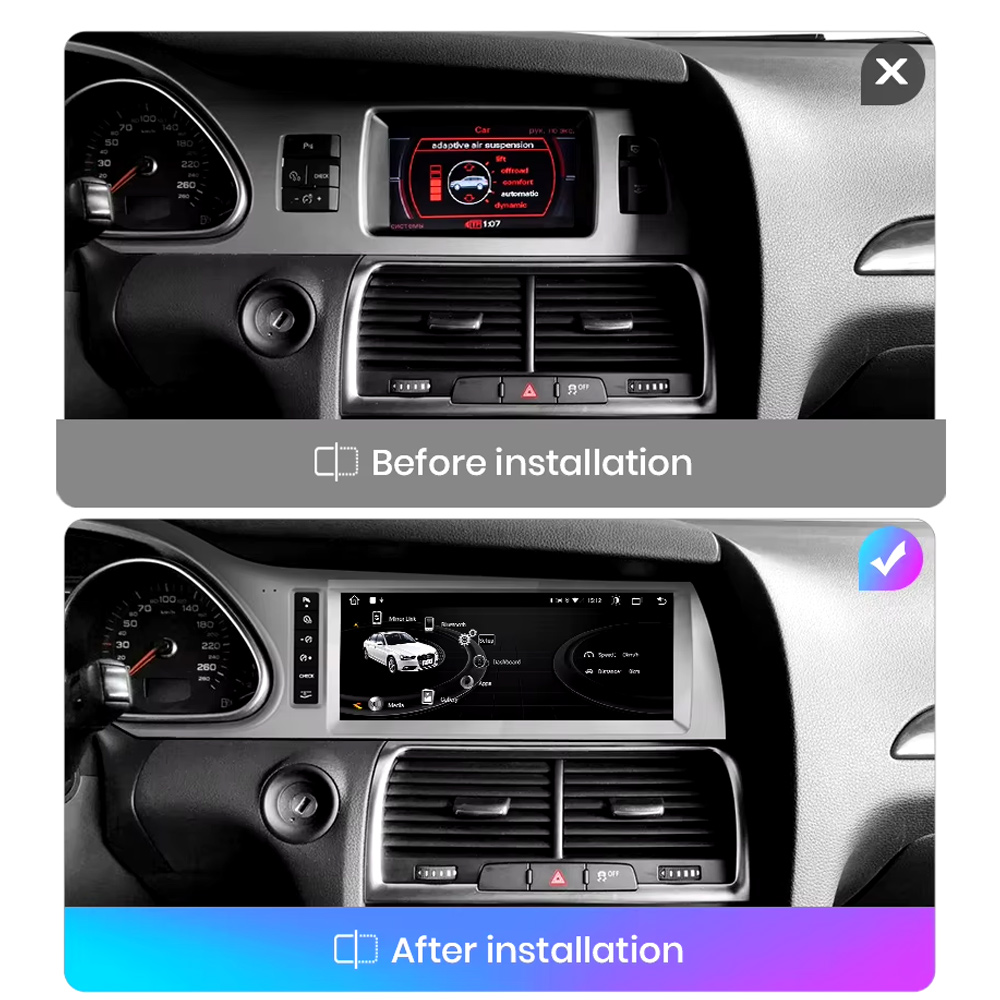
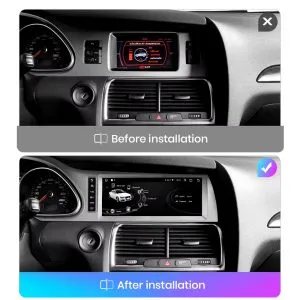
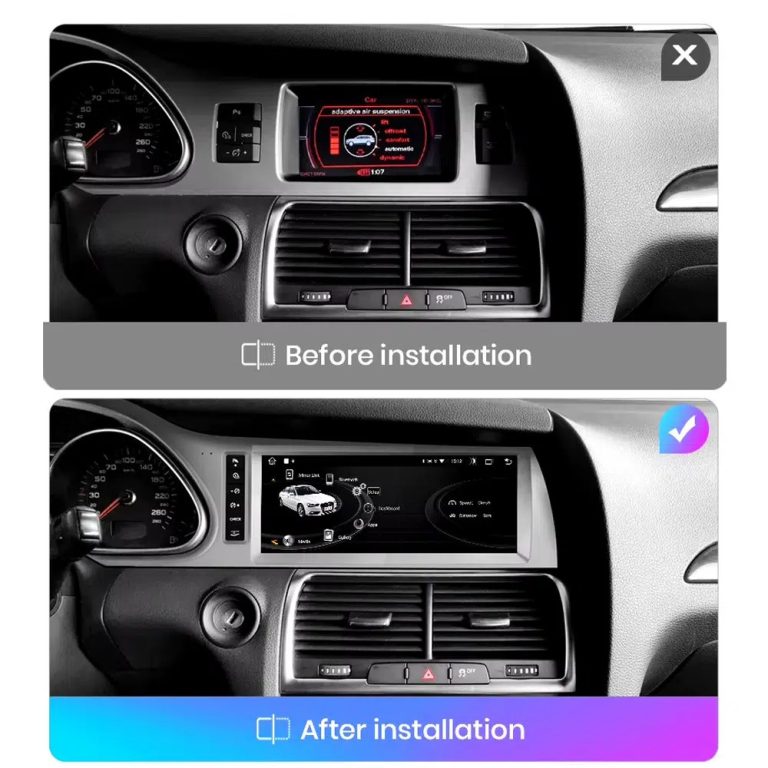
Compare the old display with the upgraded Android display
The before-and-after view shows the main visual change: the old screen area becomes a wider Android interface with a more modern layout.
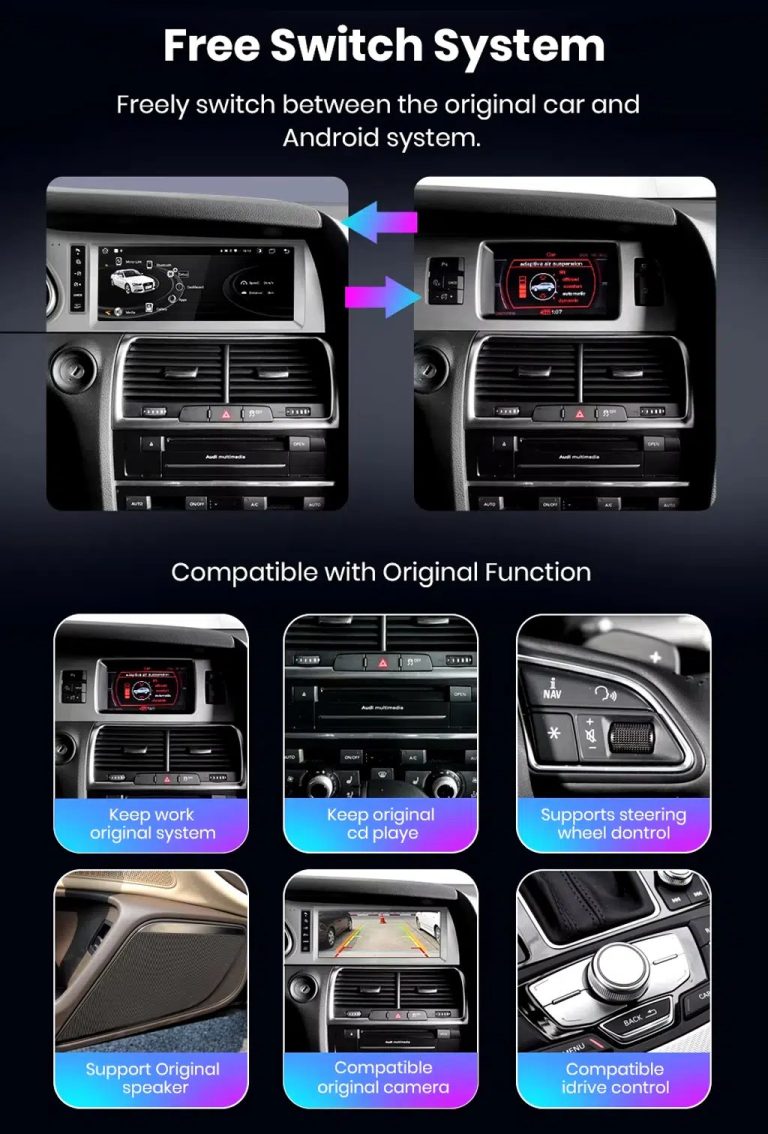
Switch between Android and supported original Audi systems
System switching matters for Q7 owners because it helps keep supported Audi menus available while adding Android, CarPlay and Android Auto functions.
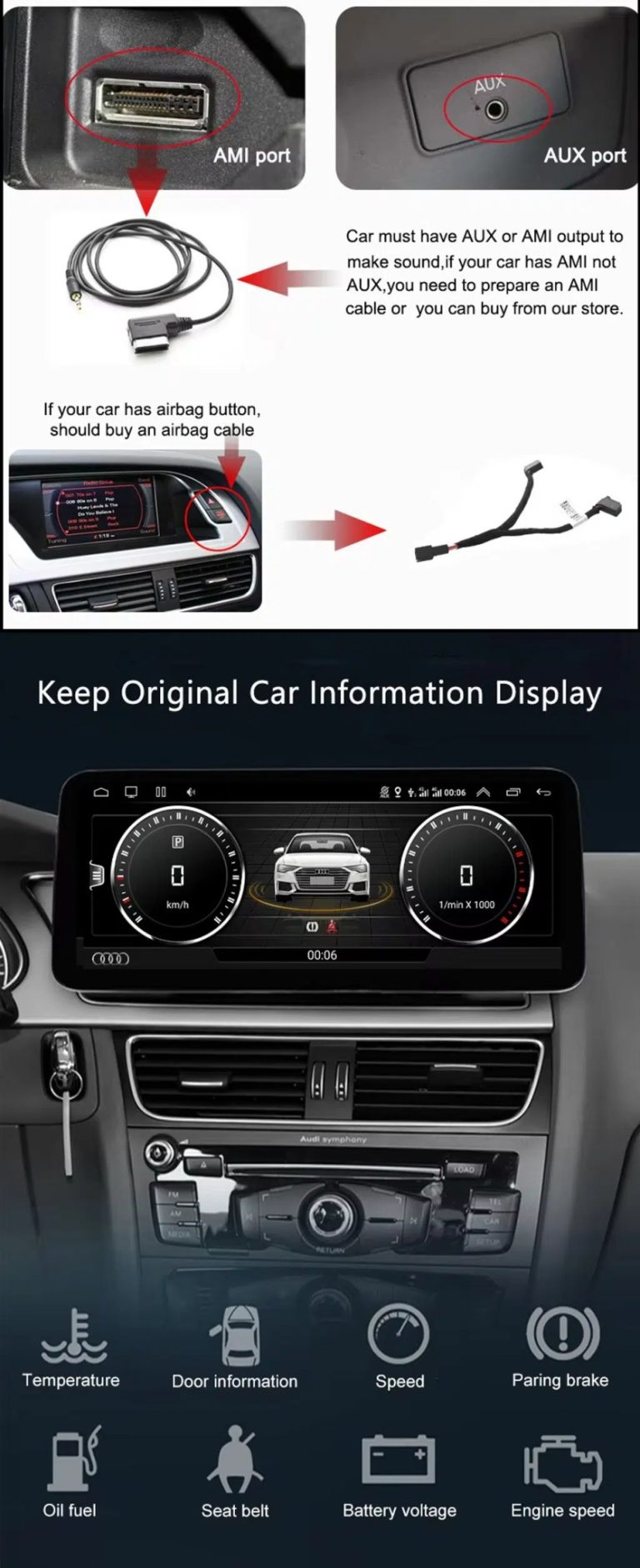
Check AUX, AMI and original vehicle information routes
Some Q7 configurations need the correct AUX, AMI or adapter route for sound and original data display. This should be checked before installation.
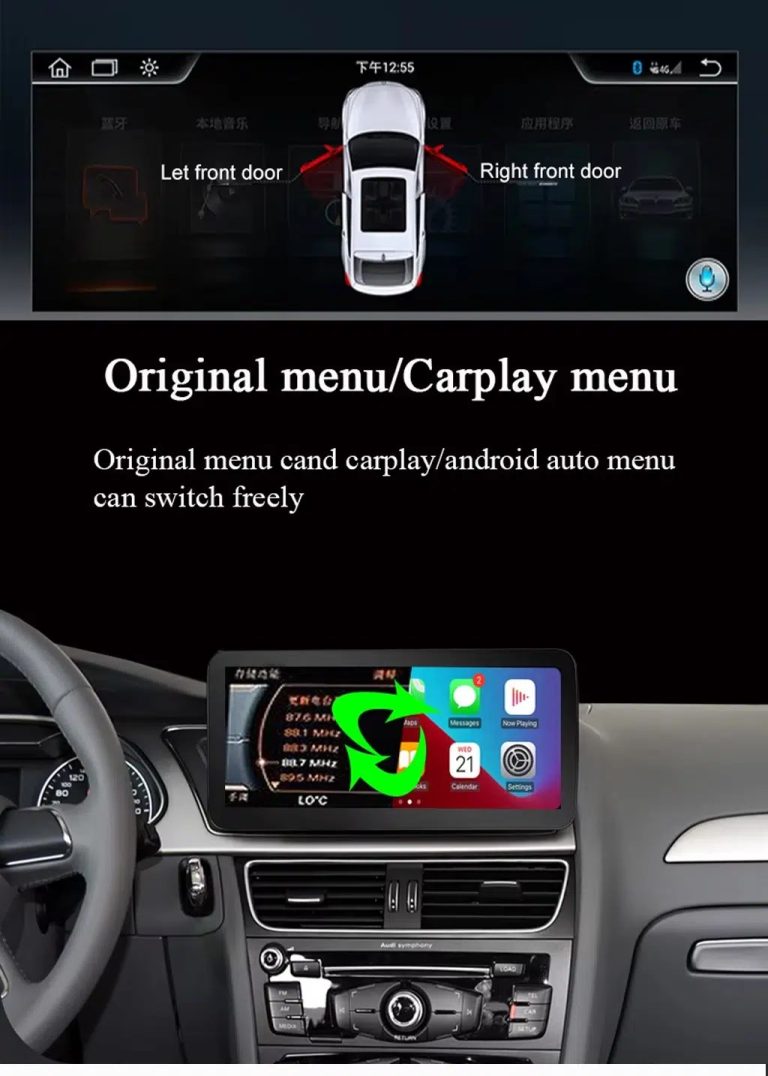
Use original menu and CarPlay menu switching
This interface direction shows how the owner can move between the supported original Audi interface and modern CarPlay or Android Auto style display.
Use music, maps, calls and steering-wheel controls every day
The function overview explains the daily value of the upgrade: music, video, maps, messages, calls, touch operation and supported steering-wheel control.
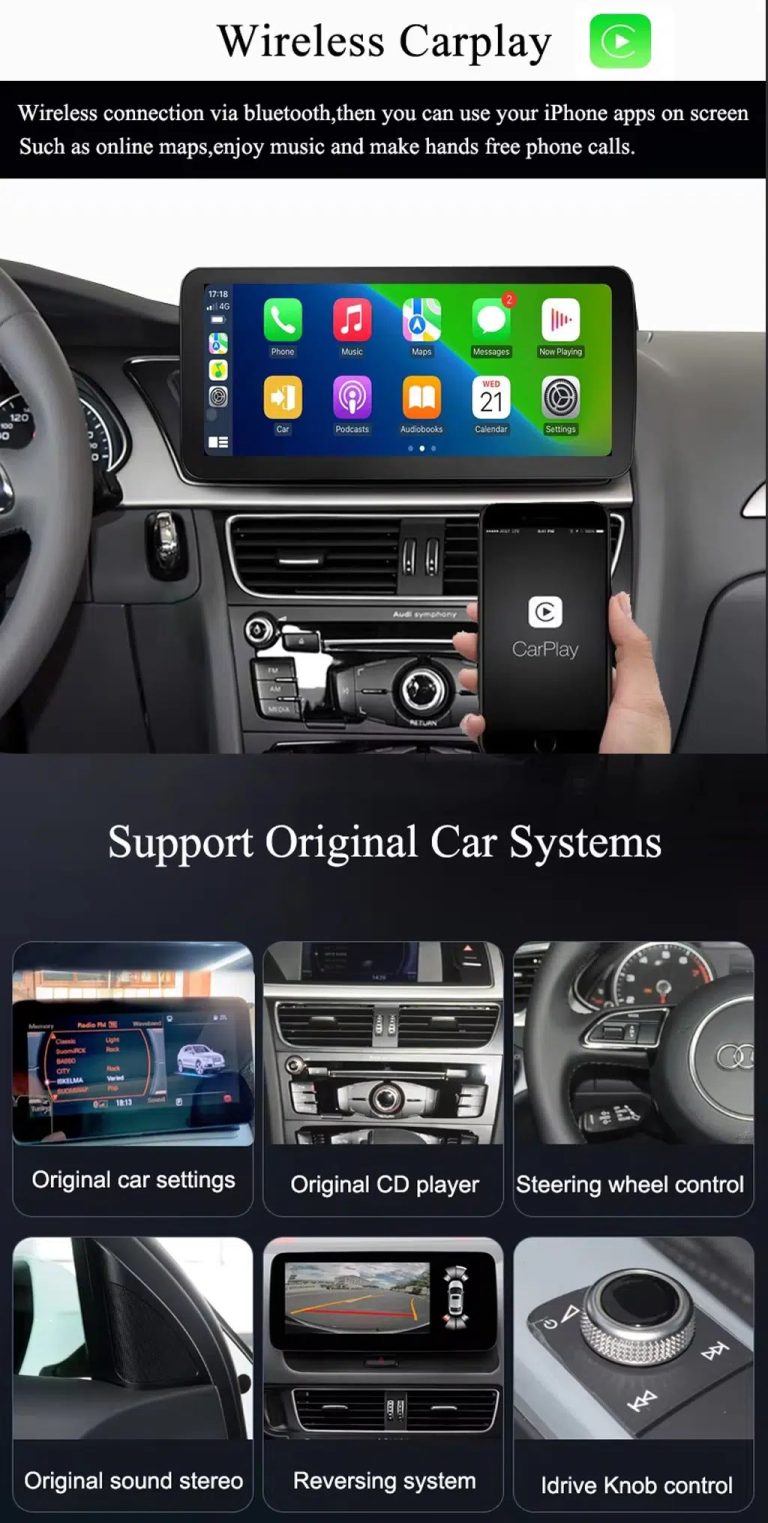
Use wireless CarPlay while keeping supported original car systems
This visual combines wireless CarPlay with original-system value, helping buyers understand that this is more than a simple screen swap.
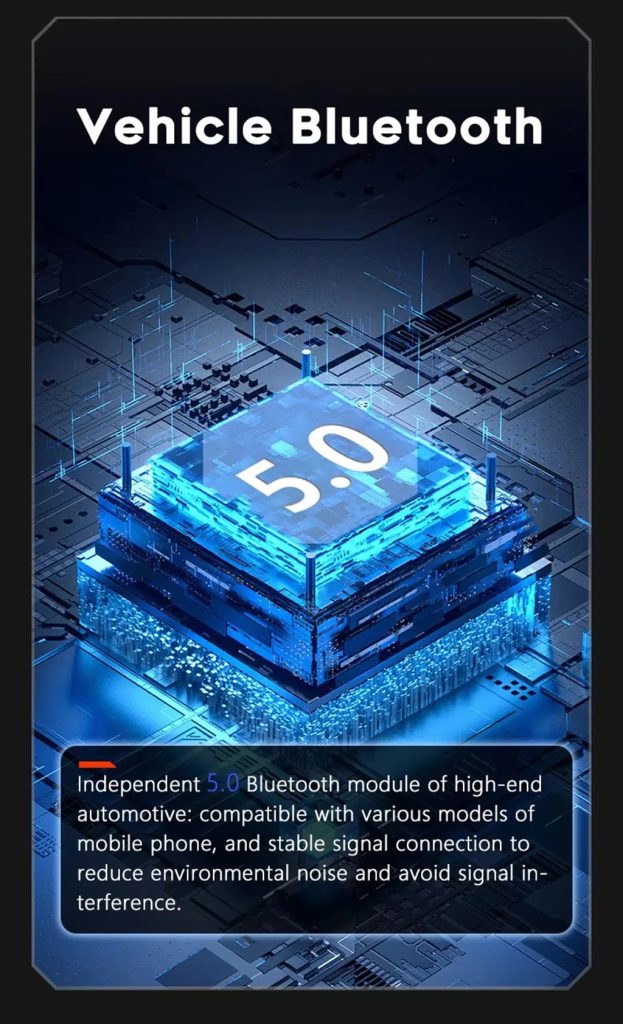
Improve Bluetooth connection on supported hardware
Bluetooth version depends on the selected hardware route, but the upgrade direction supports more practical phone and media connection than relying only on old factory behavior.
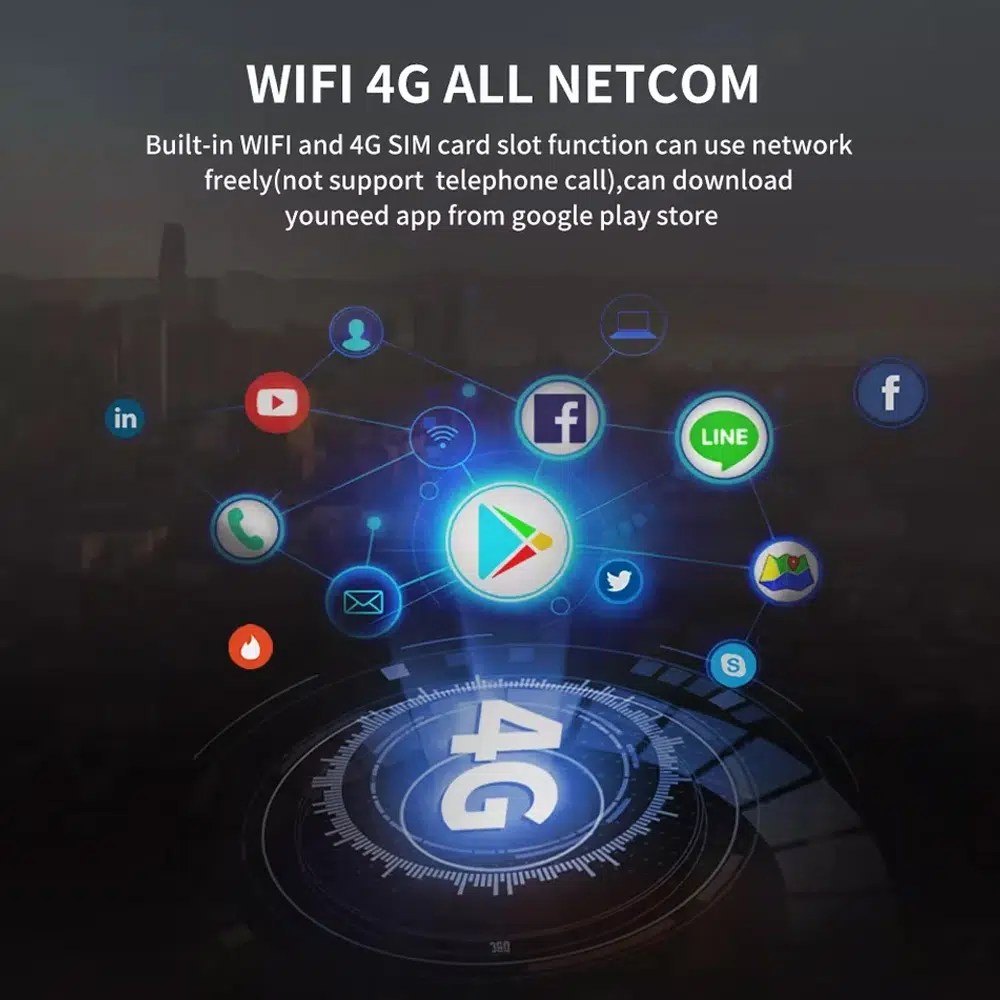
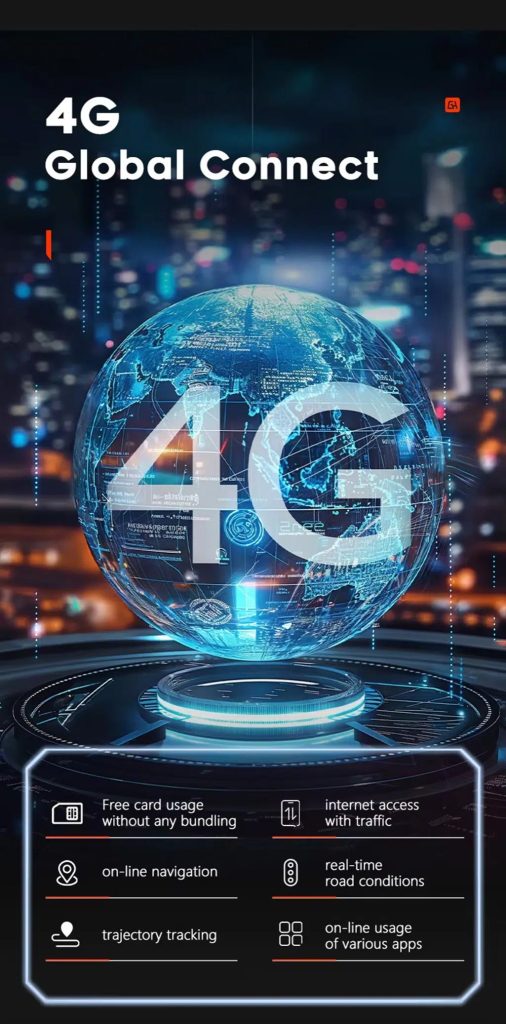
Use WiFi and 4G for apps and online navigation
WiFi and compatible 4G support online maps, app downloads and connected Android functions where local network and selected hardware allow it.
Use 4G network features where local service allows
Online navigation, traffic information and app access depend on compatible network service, SIM support and selected hardware configuration.
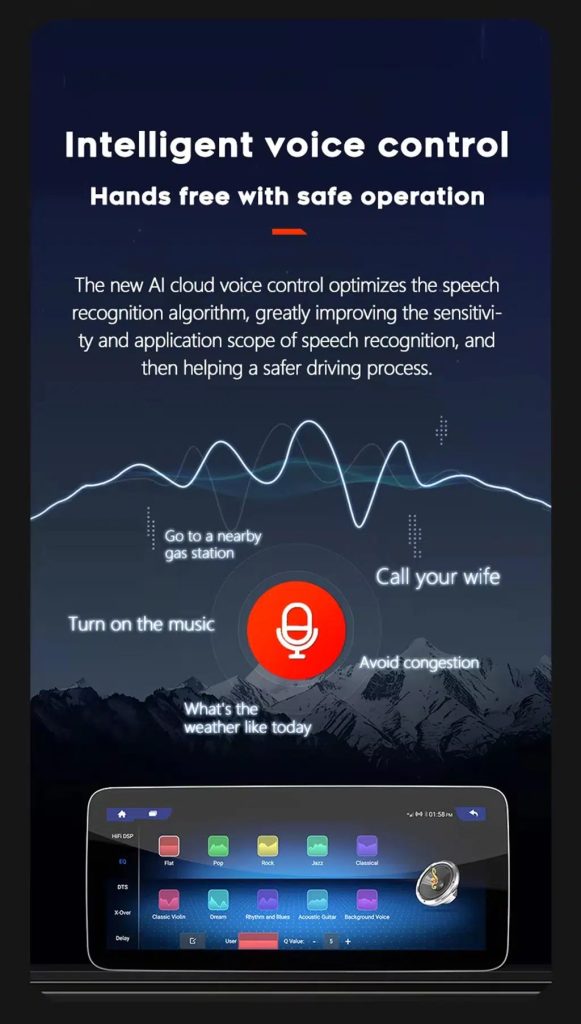
Use voice control with compatible apps
Voice control can make navigation, music and calls easier, but recognition depends on the app, microphone, language, internet connection and phone compatibility.
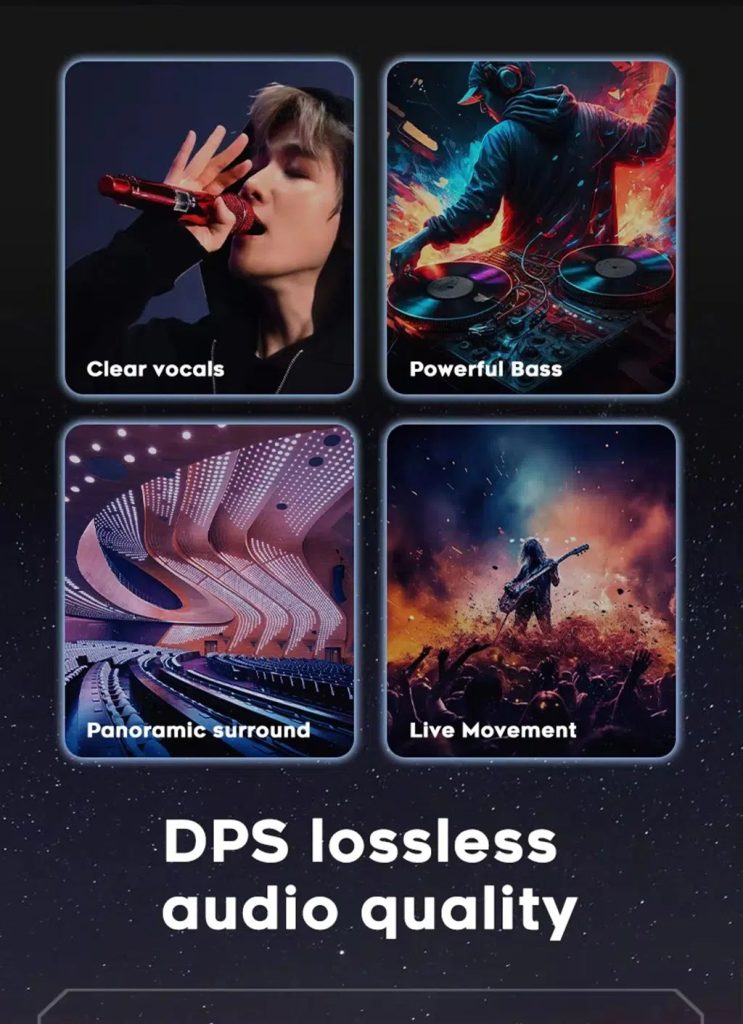
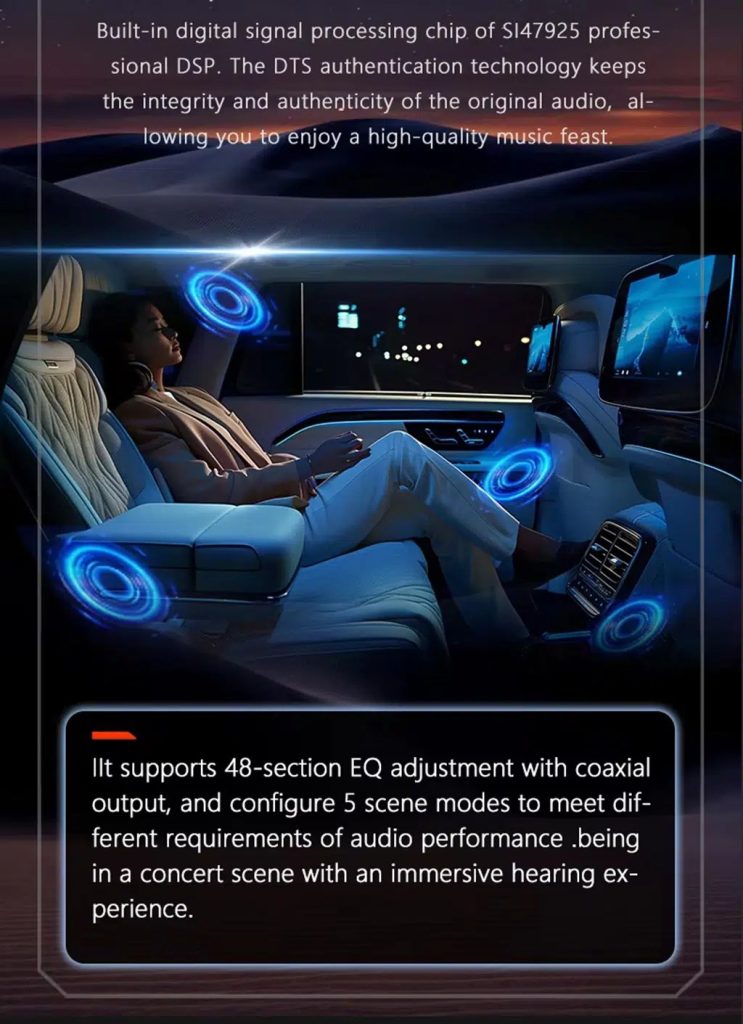
Tune the audio with DSP where supported
DSP helps tune vocals, bass, surround feeling and sound staging when the selected hardware version includes the supported DSP route.
Review multimedia and DSP function direction
This additional media reference helps buyers understand the entertainment and equalizer direction before choosing the hardware version.
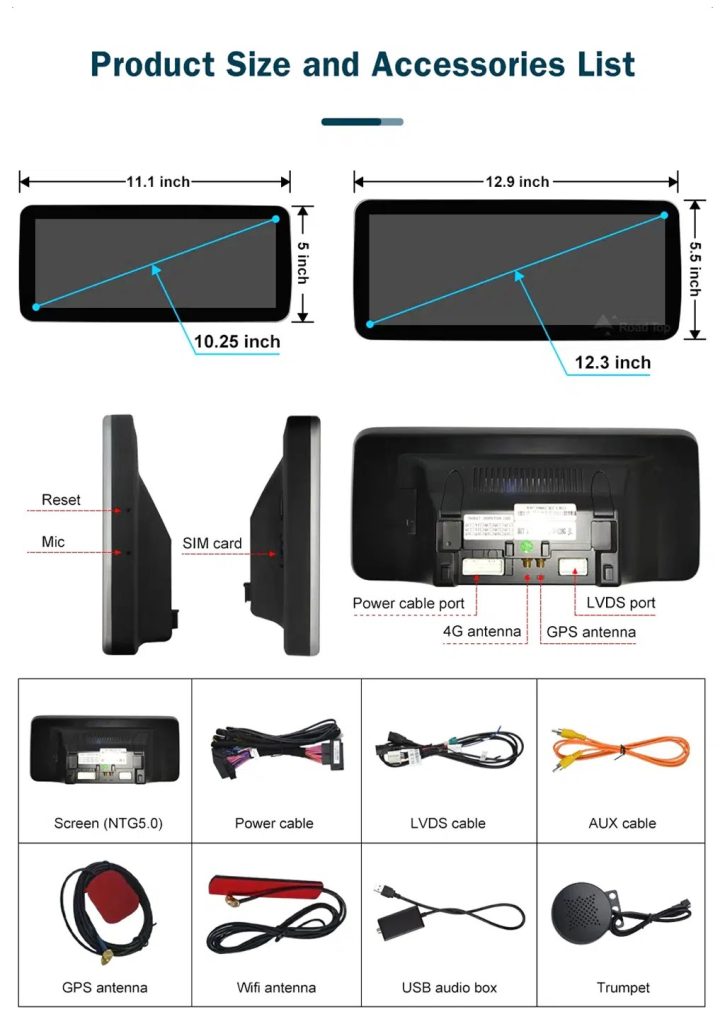
Check product size, rear ports and accessories
The accessory view helps installers understand the screen size, rear connection area, LVDS, power cable, AUX cable, GPS antenna, WiFi antenna, USB audio box and other included parts.
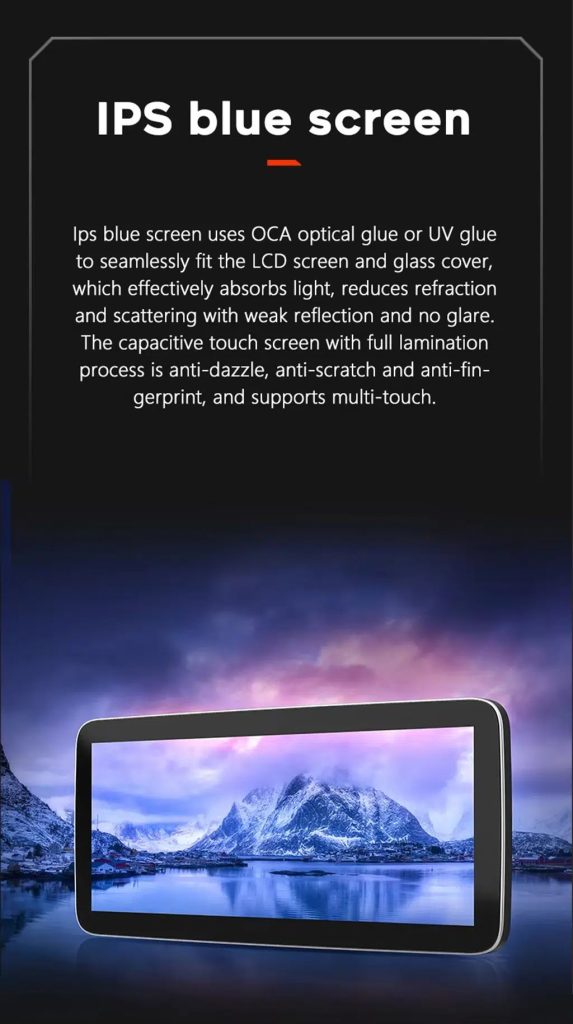
Understand the IPS blue screen display direction
The display construction direction supports a clearer and more comfortable in-car touch experience for daily map, media and menu use.
Review the product gallery before-and-after reference
This gallery view gives another quick reference for the original Q7 display before installation and the wider Android interface after installation.
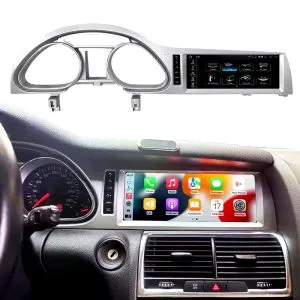
Confirm another installed dashboard angle
This gallery view shows the unit installed in the Q7 dashboard with a modern interface, helping buyers compare the final visual balance.
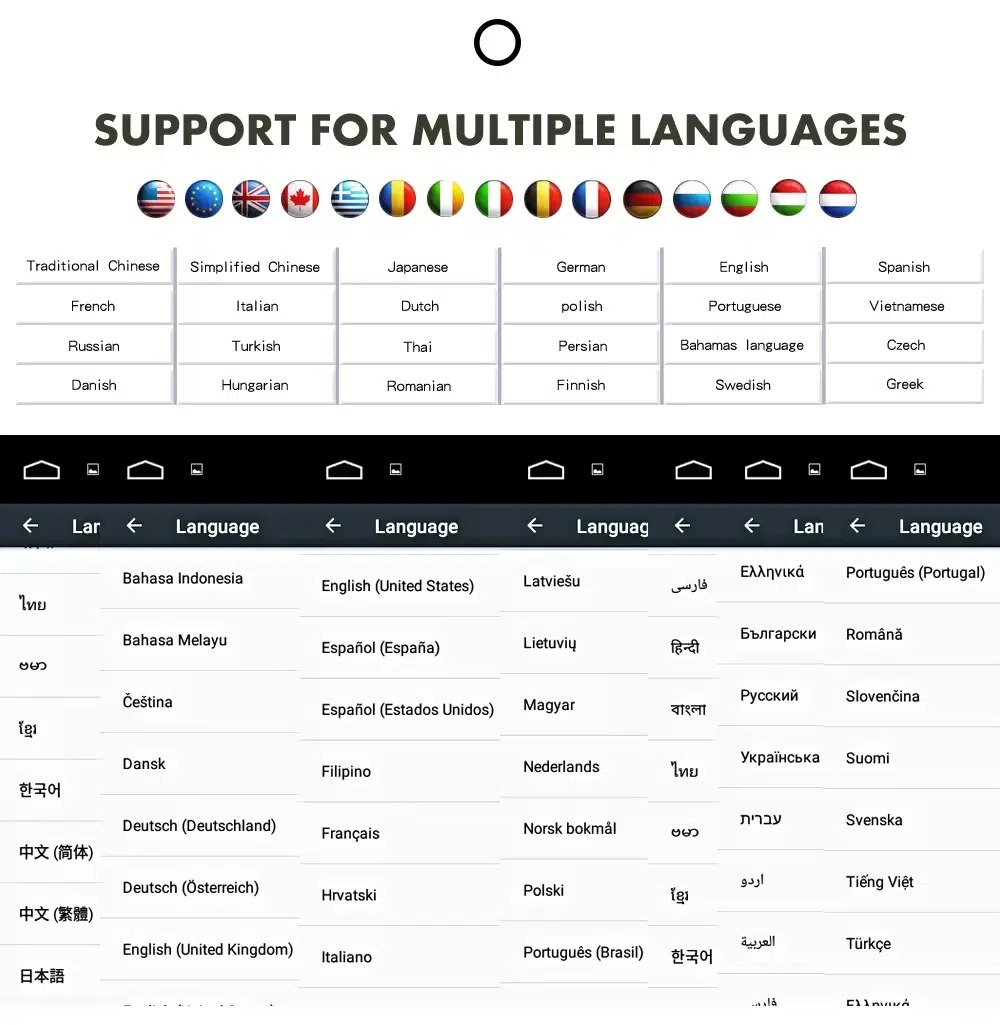
Use the Android interface in multiple languages
Multiple language support helps international owners and installers use the Android interface in a familiar language. Final availability depends on firmware and app settings.
Common interface languages include English, German, French, Spanish, Italian, Portuguese, Dutch, Russian, Arabic, Japanese and Chinese, depending on firmware and app settings.
Installation Route for the Audi Q7 10.25 Android Screen Upgrade
Essai automobile
Submit the year, dashboard photos, steering position and original audio-system details.
Correspondance de configuration
iKAGOO checks the frame, harness, CAN decoder, amplifier and fiber-optic requirements.
Pre-Shipment Setup
The Android unit and matching accessories are prepared for the confirmed vehicle configuration.
Assistance à l'installation
Guidance is available for wiring, configuration and supported-function testing.
Main work required
- Confirm dashboard year route, CD panel, MMI system and steering side before shipment.
- Check whether the car has Bose, external amplifier or MOST fiber optic.
- Remove the original screen area and required dashboard trim carefully.
- Connect the matched power harness, CAN decoder, LVDS/video route and audio adapter.
- Install fiber-optic decoder when confirmed necessary.
- Connect GPS, USB, camera, microphone and WiFi/4G accessories according to selected configuration.
- Power on before final reassembly.
- Test original menu switching, CarPlay, Android Auto, audio, steering-wheel controls, cameras, Bluetooth, GPS and sleep/wake behavior.
Stop installation and contact iKAGOO if this happens
- The screen frame does not match the dashboard opening.
- La forme du connecteur ou la disposition des broches ne correspond manifestement pas à celle du faisceau fourni.
- The car has Bose / MOST fiber optic but no confirmed decoder route.
- No sound comes from the speakers after power-on testing.
- The original MMI menu cannot be accessed after connection.
- A fiber-optic cable is bent sharply, crushed or left disconnected.
- Une broche du connecteur est tordue, mal fixée ou endommagée.
- Un fusible saute à plusieurs reprises, ou une chaleur, une odeur ou une fumée anormale apparaît.
- Cette installation nécessiterait de couper le faisceau de câbles d'origine de l'usine.
What Is Normally Included
Android Display
Vehicle-specific display assembly with the selected Android hardware configuration.
Wiring Harness
Power, signal and integration wiring selected according to the confirmed vehicle.
CAN Decoder
Compatible decoder for supported steering controls and vehicle-information integration.
GPS Antenna
External GPS antenna for supported Android navigation functions.
USB Connections
USB extension inputs for compatible media, accessories and software updates.
Optional Adapters
Fiber-optic decoder, camera interface, AMI cable or other adapters when confirmed as necessary.
Package contents vary by selected version and confirmed vehicle configuration. The final order details should be checked before dispatch.
Livraison, garantie et service après-vente
Préparation des commandes
Le délai de préparation standard d'une commande est généralement de 1 à 3 jours ouvrés après la validation de la configuration de votre véhicule.
Expédition internationale avec suivi
Les livraisons à l'international font l'objet d'un suivi. Le délai de livraison estimé dépend de la destination, des formalités douanières et du mode d'expédition choisi lors du paiement.
Garantie matérielle de 12 mois
Les problèmes matériels éligibles sont pris en charge dans le cadre de la garantie limitée iKAGOO. Les dommages résultant d'un câblage incorrect, d'une mauvaise utilisation, d'une infiltration d'eau ou d'une modification non autorisée ne sont généralement pas couverts.
Vehicle-specific products require accurate vehicle information before shipment. If iKAGOO confirmed compatibility before purchase, your information was accurate, and no reasonable installation solution is available after supported troubleshooting, the current published return and refund policy applies.
Politique de retour et de remboursement · Politique de garantie · Politique d'expédition
Audi Q7 10.25 Android Screen Upgrade FAQ
Is this Audi Q7 10.25 Android screen upgrade for every Q7 from 2006 to 2015?
Does this product support 2005 Audi Q7?
Prend-il en charge CarPlay et Android Auto sans fil ?
Will the original Audi MMI menu still work?
Will Bose or the factory amplifier still work?
Does every Audi Q7 need a fiber optic decoder?
Can the original rear camera be retained?
Does it work with left-hand-drive and right-hand-drive Q7 vehicles?
L'installation est-elle Plug-and-Play ?
Que dois-je envoyer avant de passer commande ?
Redonnez un coup de jeune à votre Audi Q7 4L
Choose this Audi Q7 10.25 Android screen upgrade if you want a factory-style display route, wireless CarPlay, Android Auto, GPS navigation, DSP audio and iKAGOO configuration matching for your dashboard, MMI and audio system.
Related Q7 upgrade: Combiné d'instruments numérique Audi Q7


Brian Gallagher -
Une amélioration absolument énorme pour mon 2013 Q7 ! L'écran de 10.25 pouces est d'une clarté cristalline et modernise complètement l'intérieur. L'Apple CarPlay sans fil se connecte parfaitement en 5 secondes après le démarrage de la voiture. Il conserve parfaitement toutes les fonctions MMI d'origine. Je recommande vivement ceci à quiconque veut faire entrer son Audi plus ancienne dans la décennie actuelle !
Brian Gallagher -
L'écran a l'air d'origine et l'ajustement est parfait. La qualité audio via AUX est excellente. L'installation était en grande partie plug-and-play, cela m'a pris environ 2 heures avec des outils de dépose de garnitures. J'ai retiré une étoile car les repères de la caméra de recul nécessitaient un calibrage dans le menu des réglages d'usine, mais le support client m'a guidé rapidement.