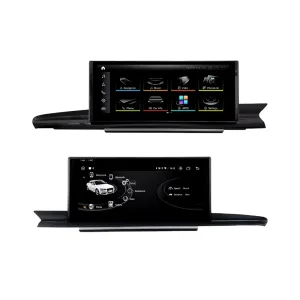
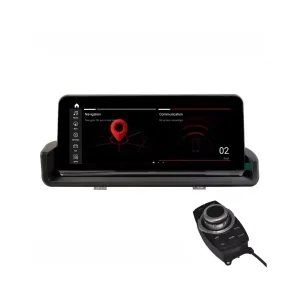
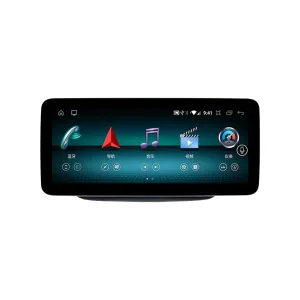
Audi Q3 CarPlay Screen for a cleaner, more modern daily drive
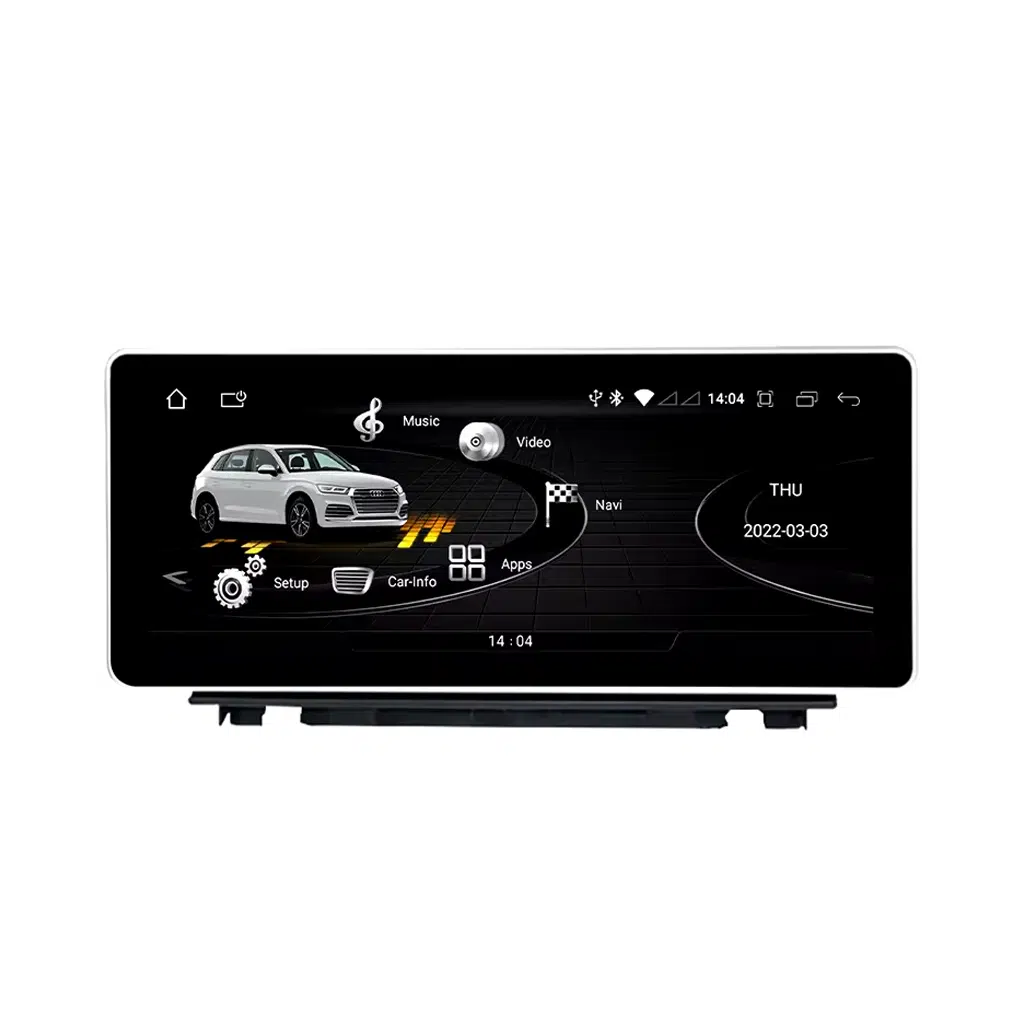
Le Audi Q3 CarPlay Screen upgrades your 2013–2018 Audi Q3 8U with a 10.25-inch or 12.3-inch Android 13 display, wireless CarPlay, Android Auto, GPS navigation, 4G/WiFi connectivity and DSP sound control.
iKAGOO prepares the screen, harness and vehicle interface according to your Audi Q3 year, dashboard layout, LHD/RHD position, factory system and connector photos before shipment.
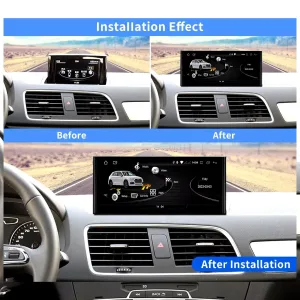
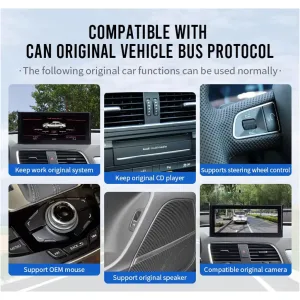
Cette mise à jour iKAGOO est spécifique au véhicule Audi Q3 CarPlay Screen for the 2013–2018 Audi Q3 8U. It upgrades the factory infotainment experience with a larger 10.25-inch or 12.3-inch Android 13 touchscreen, wireless CarPlay, Android Auto, GPS navigation, 4G/WiFi and DSP audio control. Supported original functions such as steering-wheel controls, original Audi menu switching, factory buttons, compatible reverse-camera input and factory audio connection continue to work after correct installation and configuration. Before shipment, iKAGOO checks your vehicle year, dashboard layout, factory system, LHD/RHD position and connector photos to prepare the correct version. It is suitable for Q3 owners who want a modern Android Auto screen upgrade instead of only repairing the old factory display.
Audi Q3 CarPlay Screen upgrade, functions and hardware
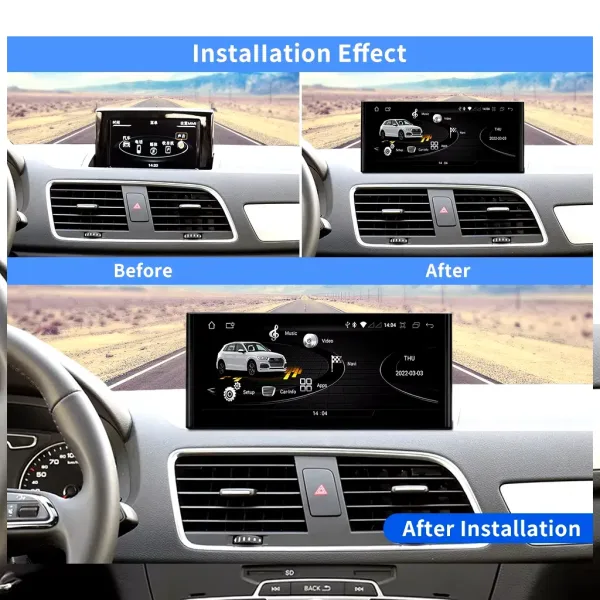
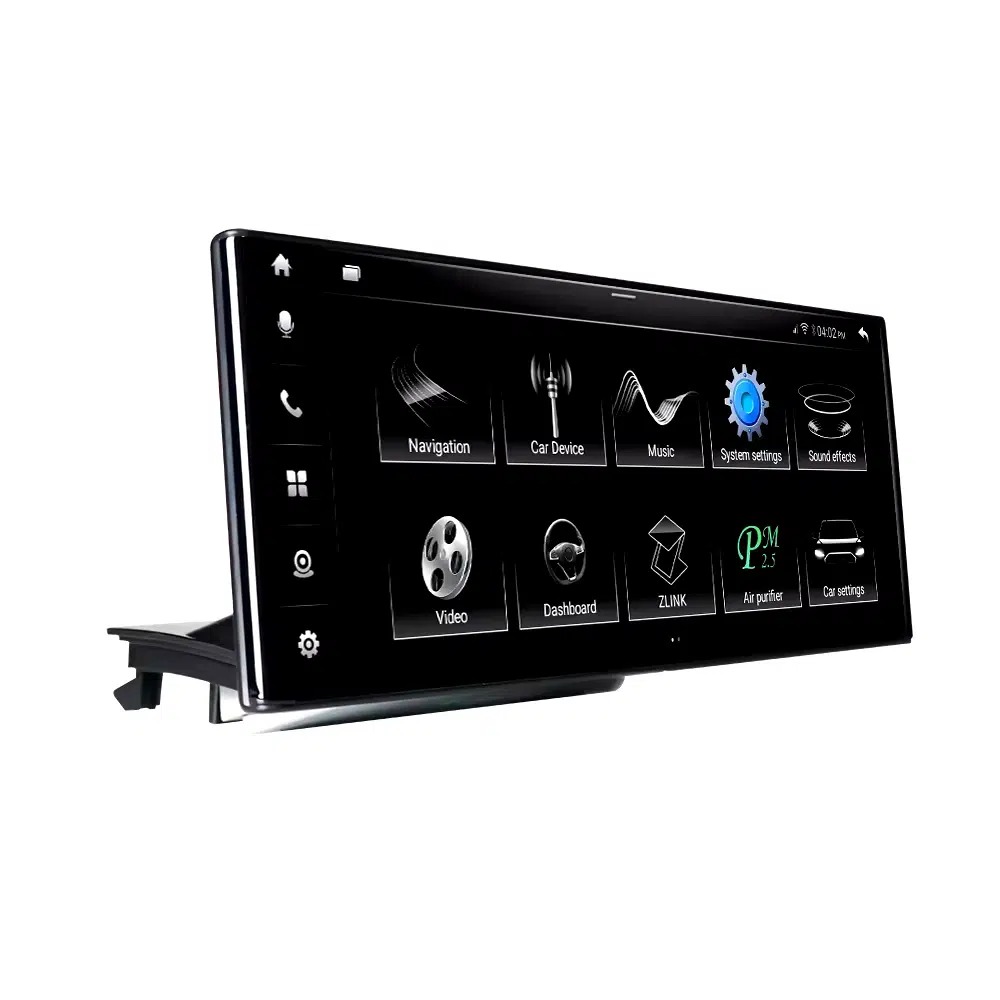
Wide-screen CarPlay experience for your Audi Q3
The larger screen gives your Q3 a cleaner navigation and media interface while keeping the dashboard style restrained and Audi-appropriate.
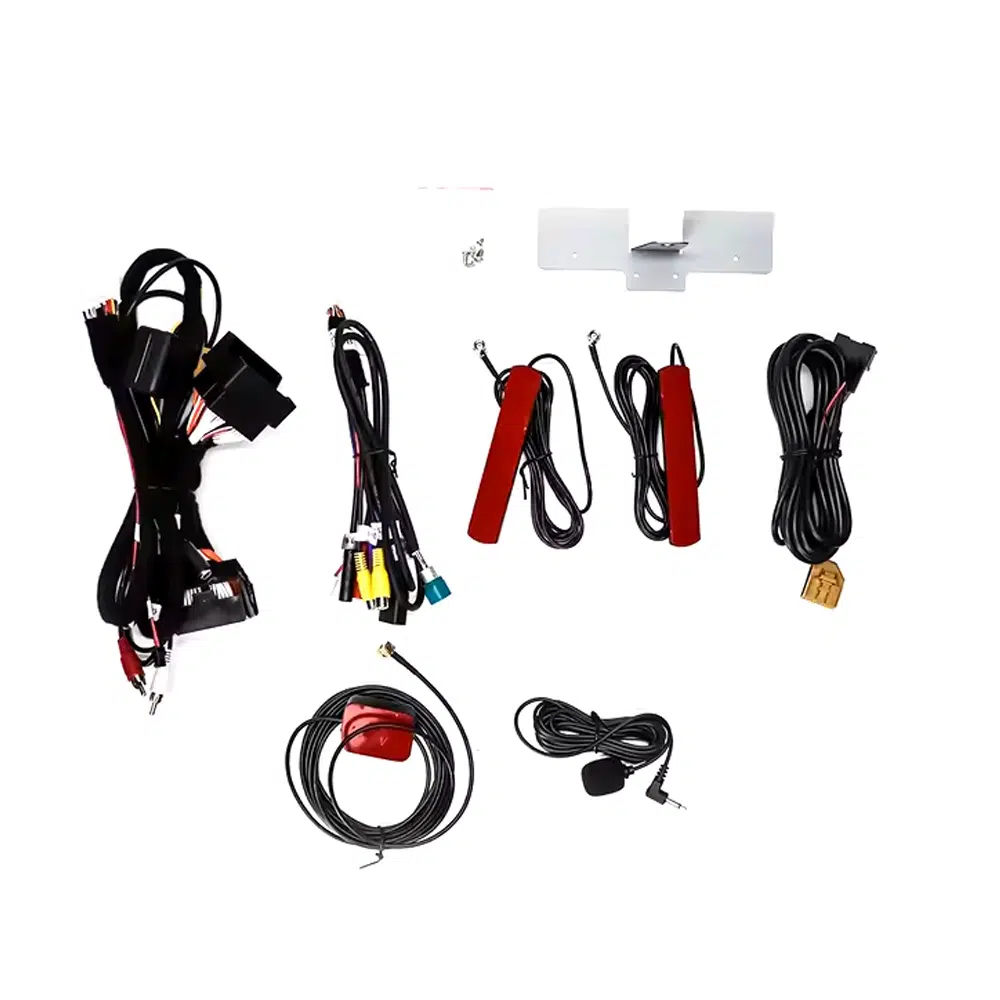
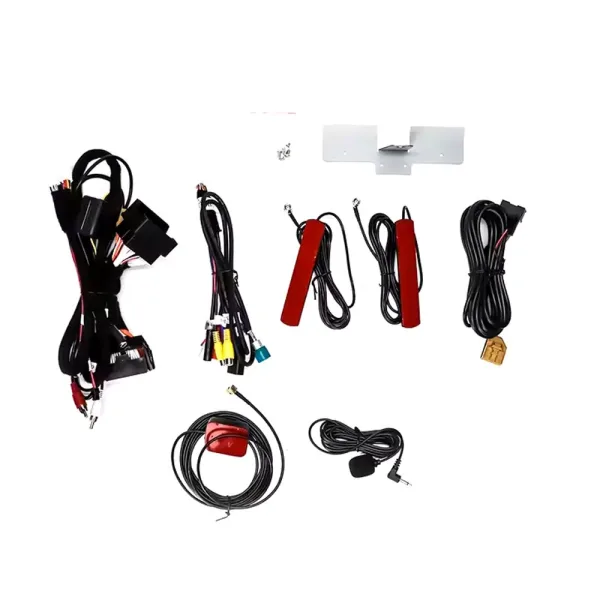
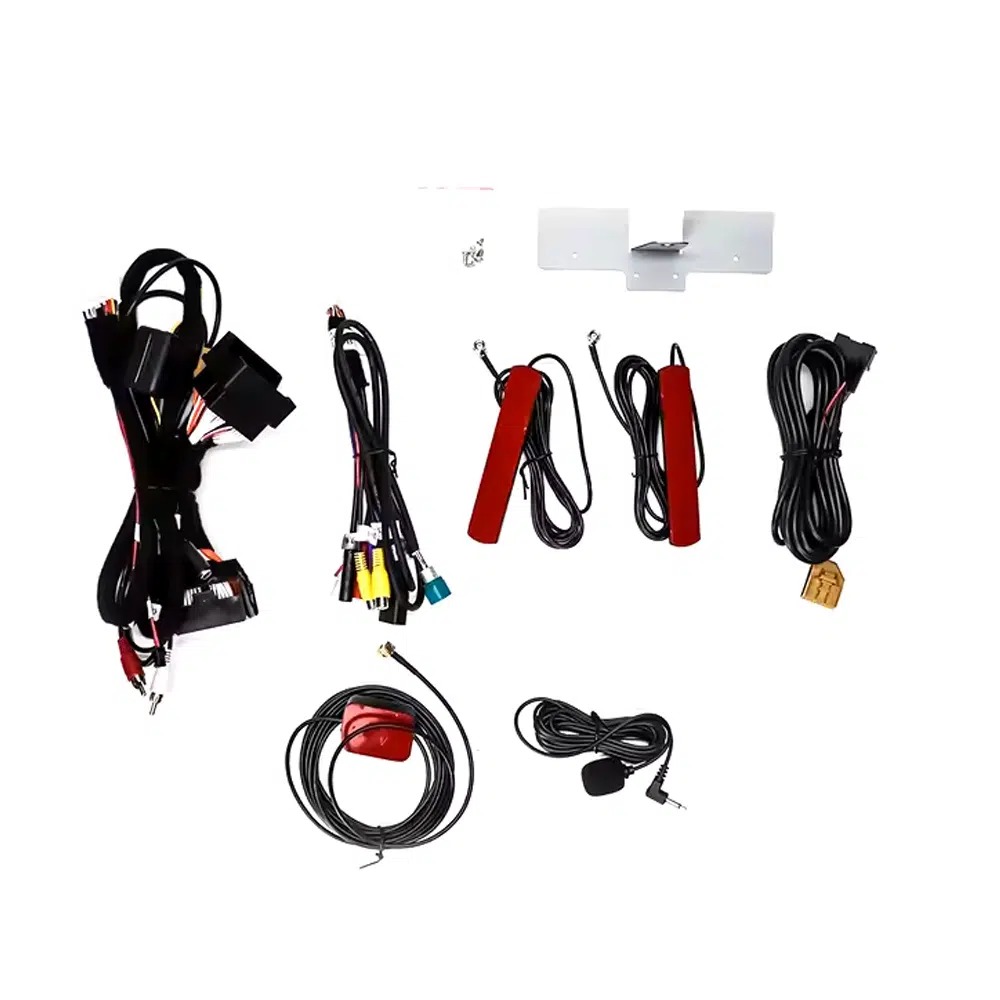
Vehicle-specific harness and antennas
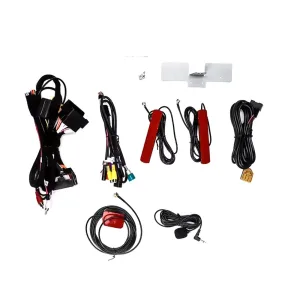
The supplied connection kit helps your Audi Q3 CarPlay Screen communicate with the factory system, GPS, WiFi, USB and microphone setup.
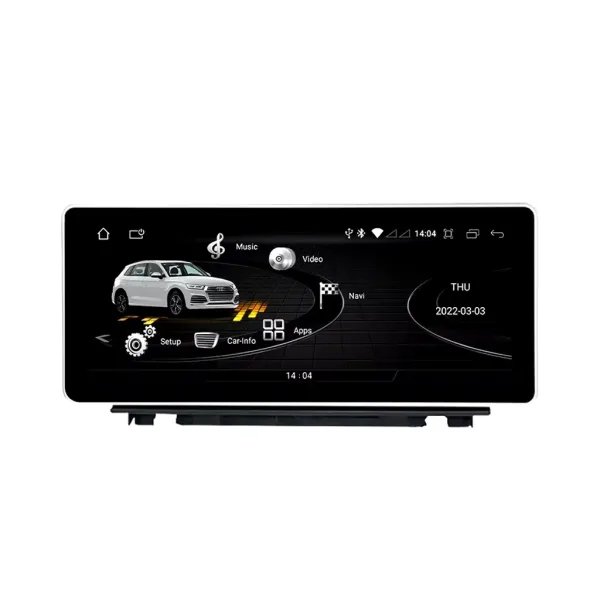
Factory-style Android screen body
The screen is prepared around the Audi Q3 dashboard structure, helping the upgrade feel closer to a vehicle-specific replacement than a universal tablet.
Factory function integration matters
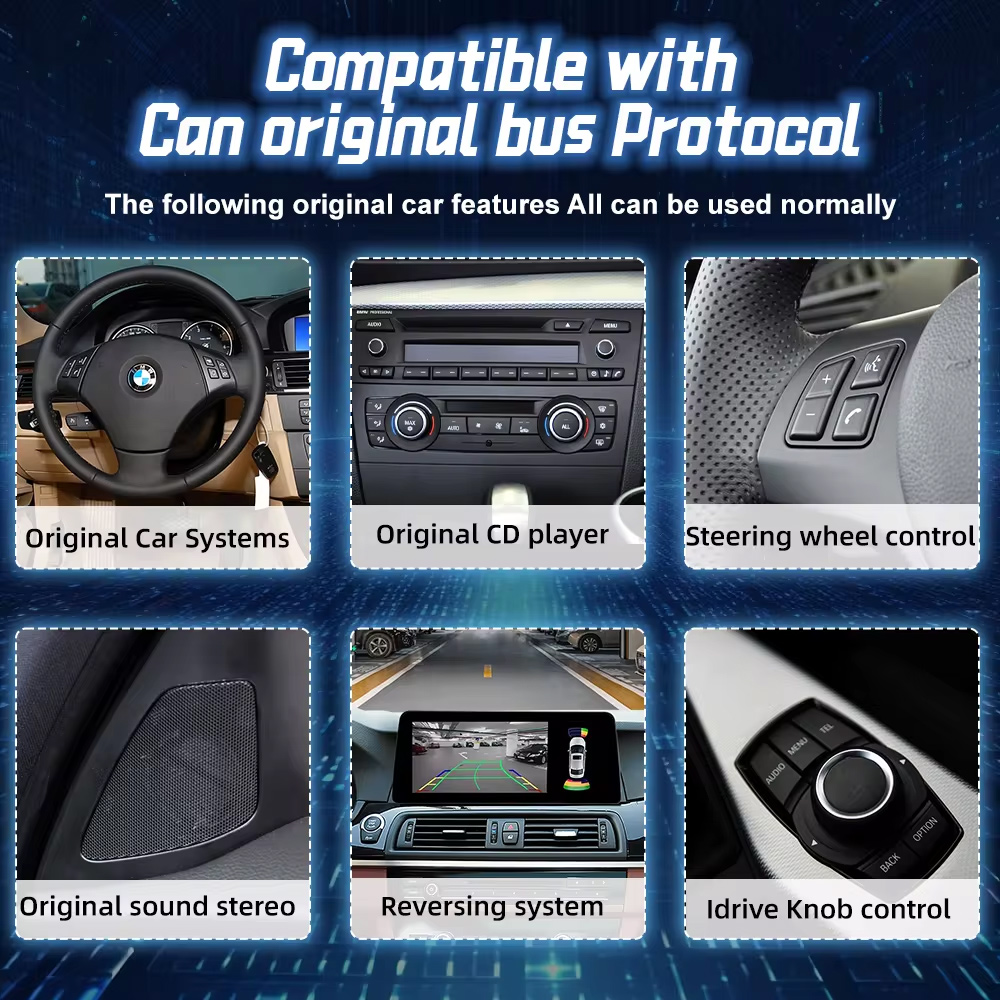
For daily driving, the upgrade is not only about CarPlay. Supported factory menu switching, vehicle interface functions and camera input are part of the buying decision.
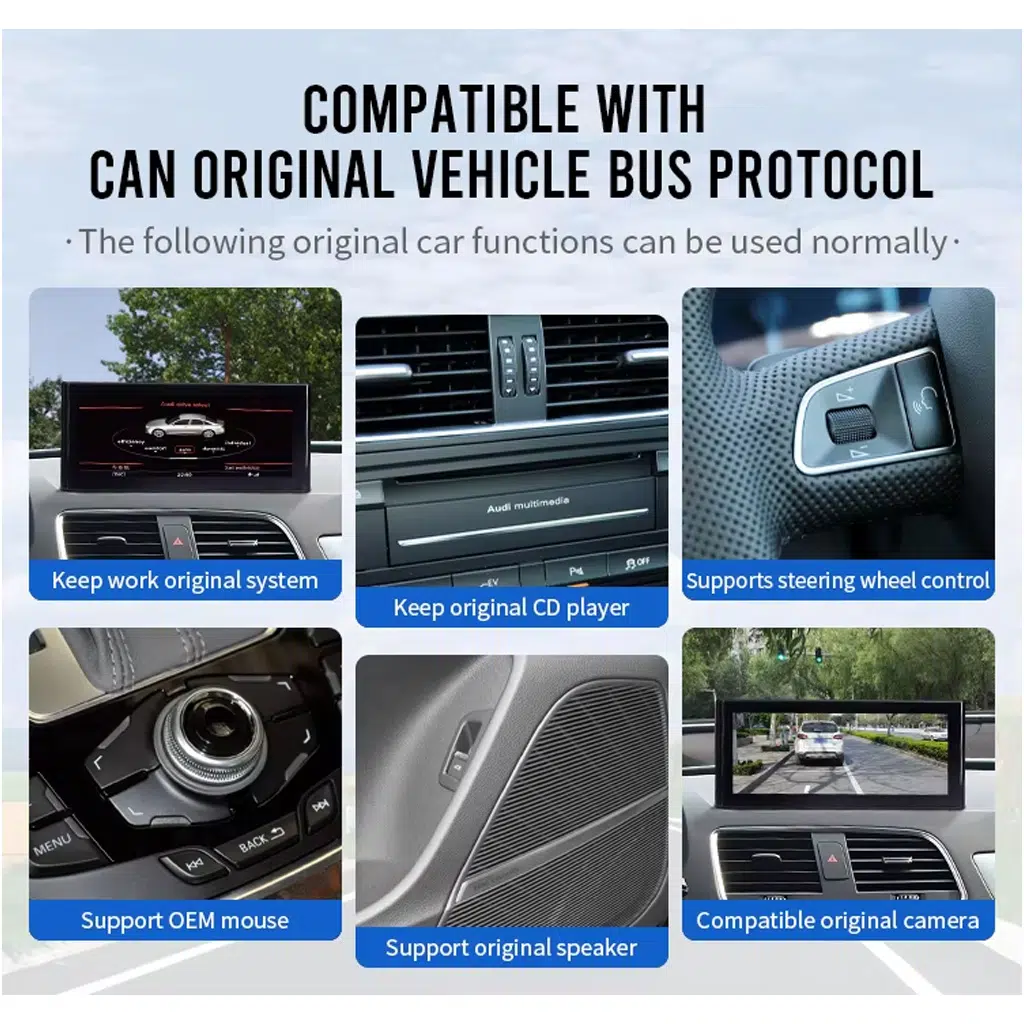
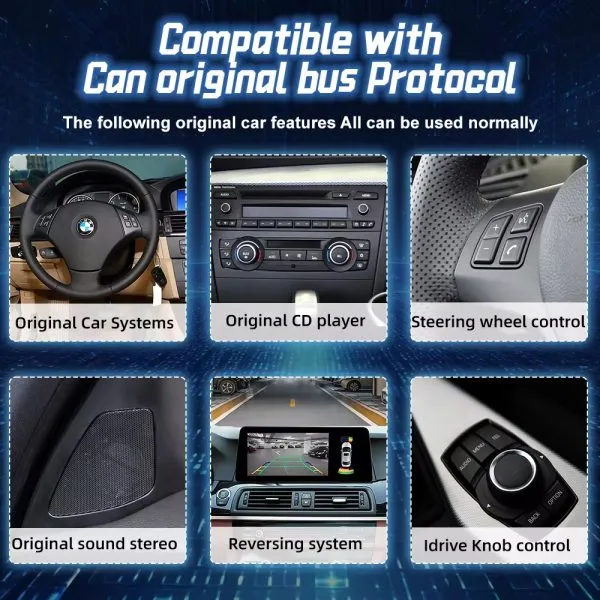
CANBUS support for original controls
The matched CANBUS interface helps retain supported Audi controls and vehicle communication after correct installation and setup.
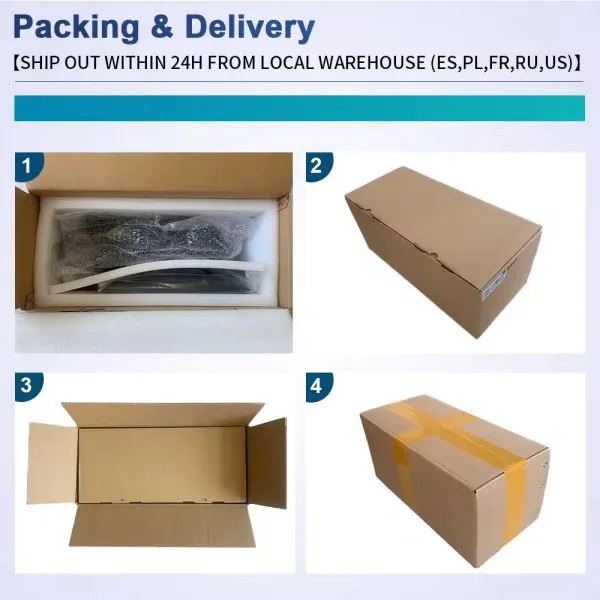
Protected packaging for international delivery
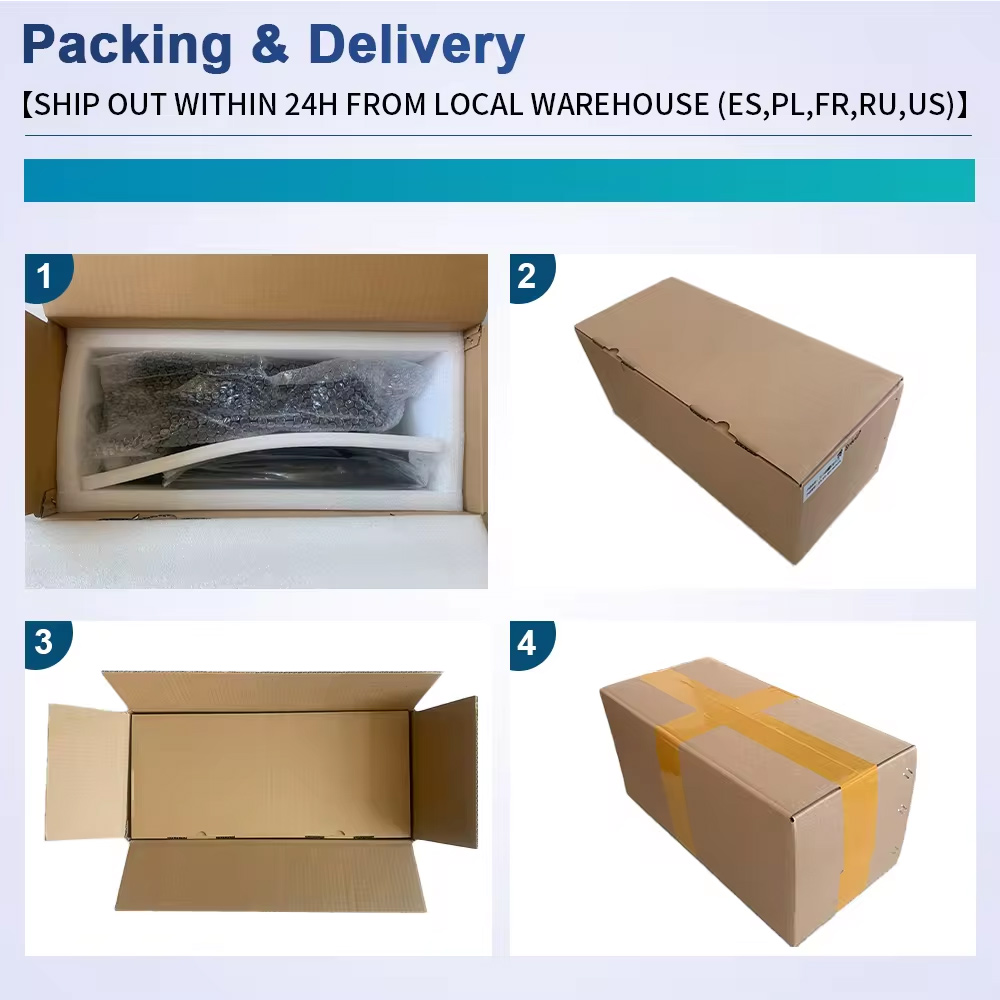
The screen and accessories are packed for tracked delivery so the installer receives the product and connection kit in usable condition.
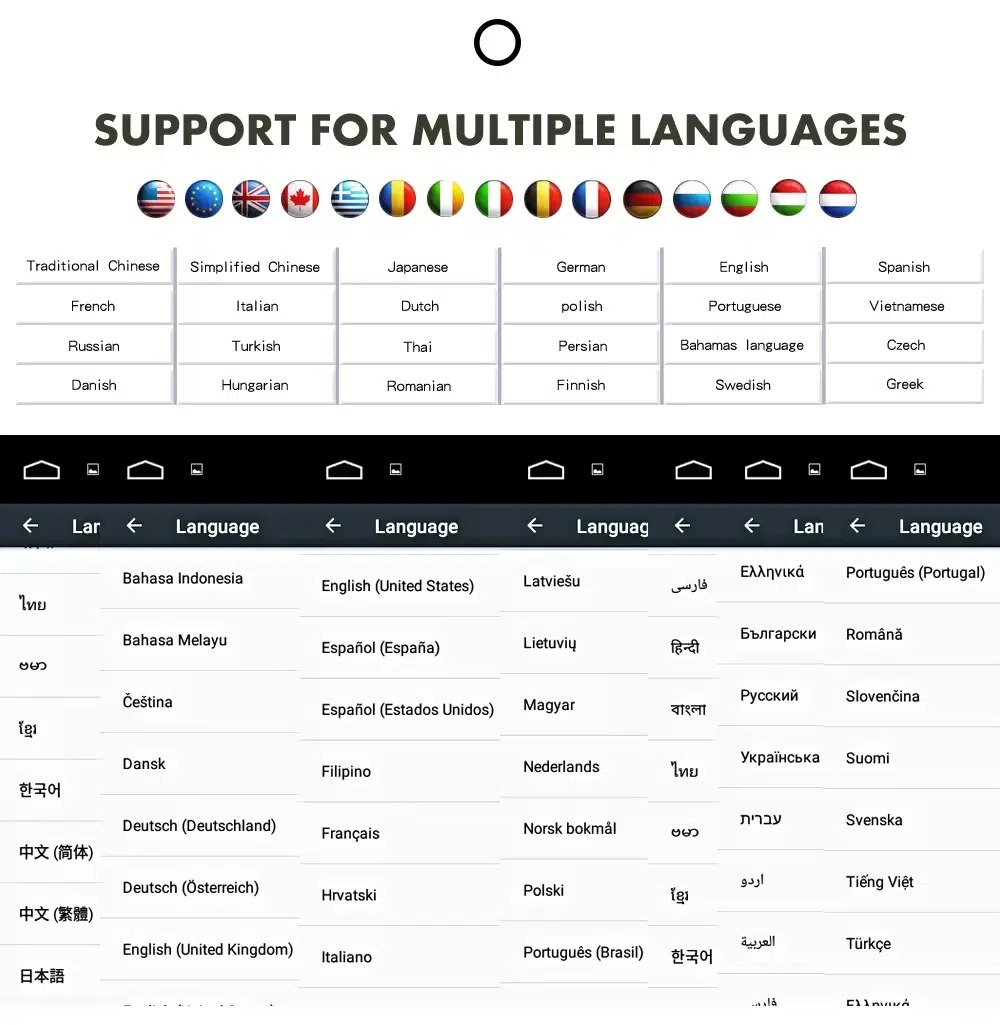
Multilingual interface for global Q3 owners
The Android system supports multiple interface languages, making the Audi Q3 screen upgrade easier to use in the US, Europe, UK, Australia, New Zealand and other supported markets.
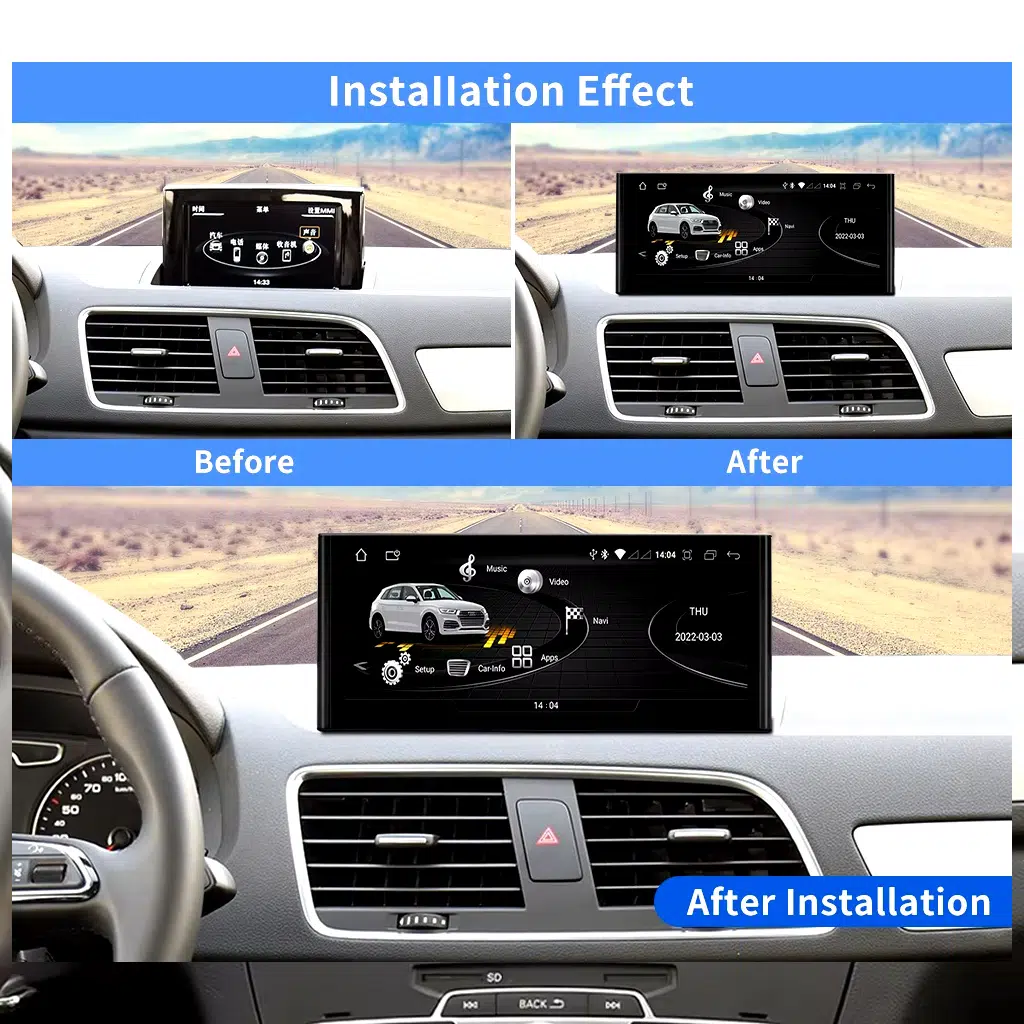
Slim screen design for a refined dashboard look
A slim screen body helps the upgrade look integrated in your Audi Q3 cabin instead of appearing like a low-cost add-on.
Connection kit for the correct version
The harness, antennas and interface accessories are important because the correct Audi Q3 configuration reduces wrong-version and wrong-connector risk.
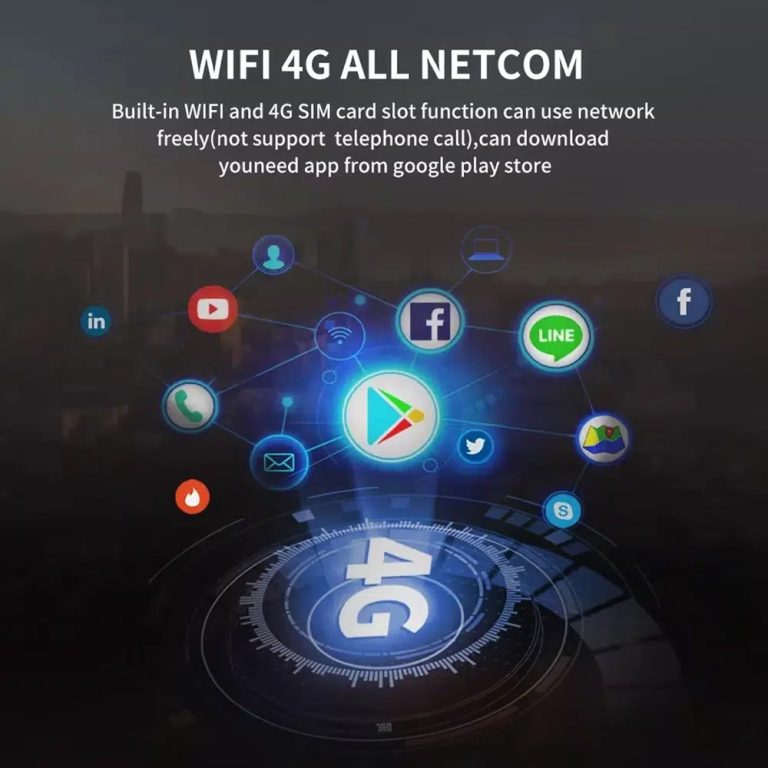
WiFi and 4G for connected driving
With WiFi and 4G support, your Q3 can use online navigation, connected apps and media streaming more naturally than the old factory interface.
Modern app access on a larger screen
The upgraded Android screen makes maps, music and daily phone functions easier to see and control during normal driving.
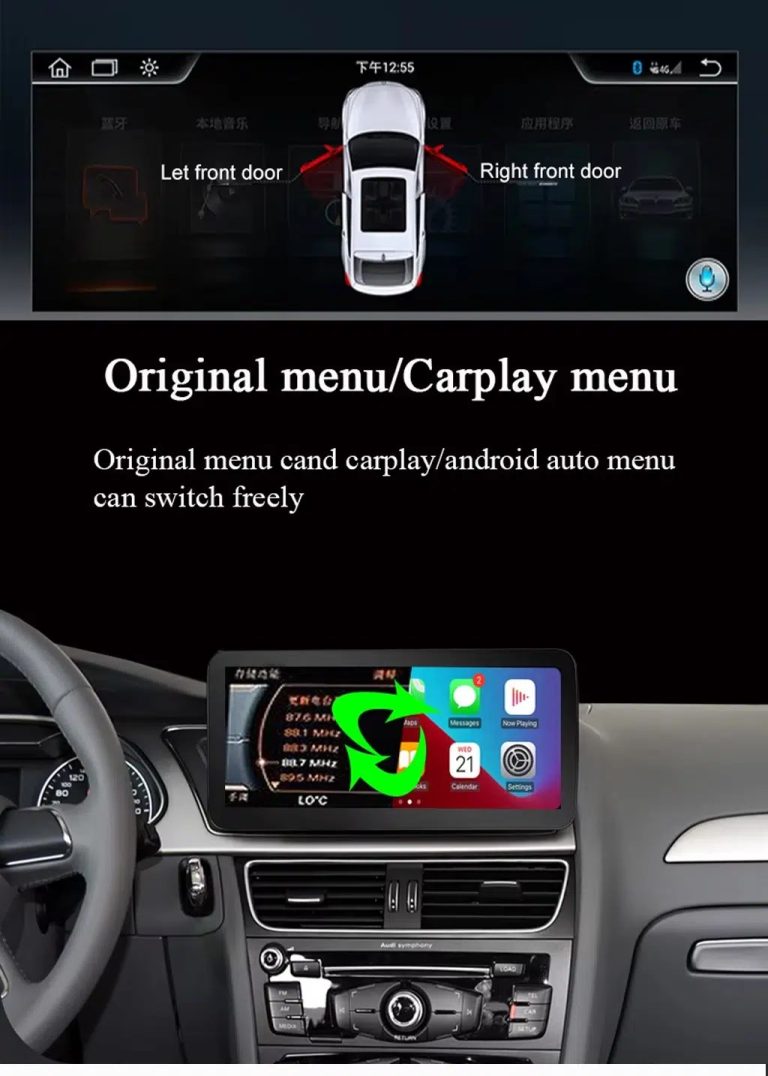
Switch between original Audi menu and CarPlay
You can use wireless CarPlay or Android Auto while keeping access to supported original Audi menu functions after correct configuration.
Navigation and entertainment in one upgrade
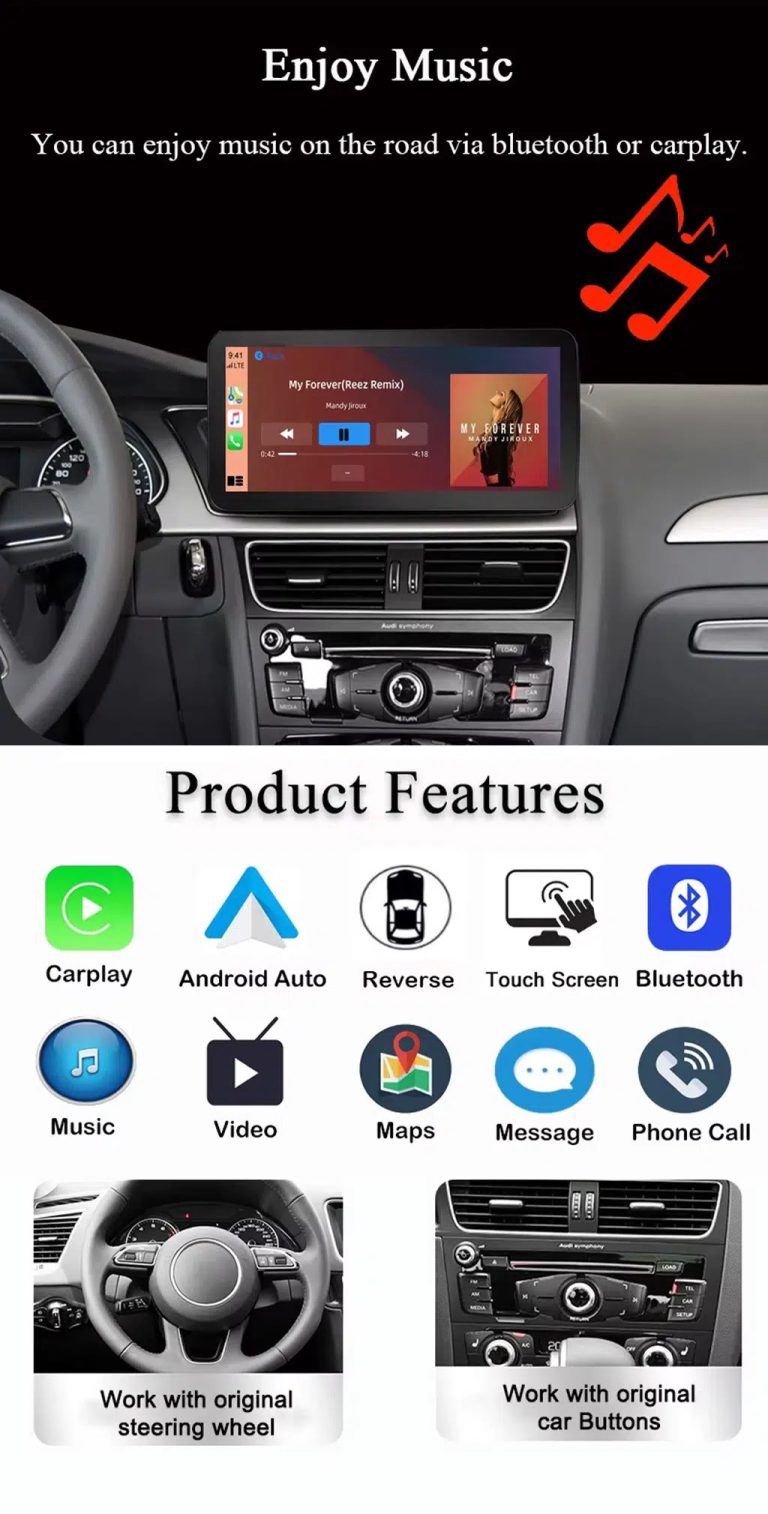
This Audi Q3 Android screen upgrade is useful when you want maps, media, Bluetooth and phone functions in one cleaner display.
CarPlay, Android Auto, music and Bluetooth
Your Q3 becomes easier to use every day with phone projection, maps, calls, music and Bluetooth brought into a larger touch interface.
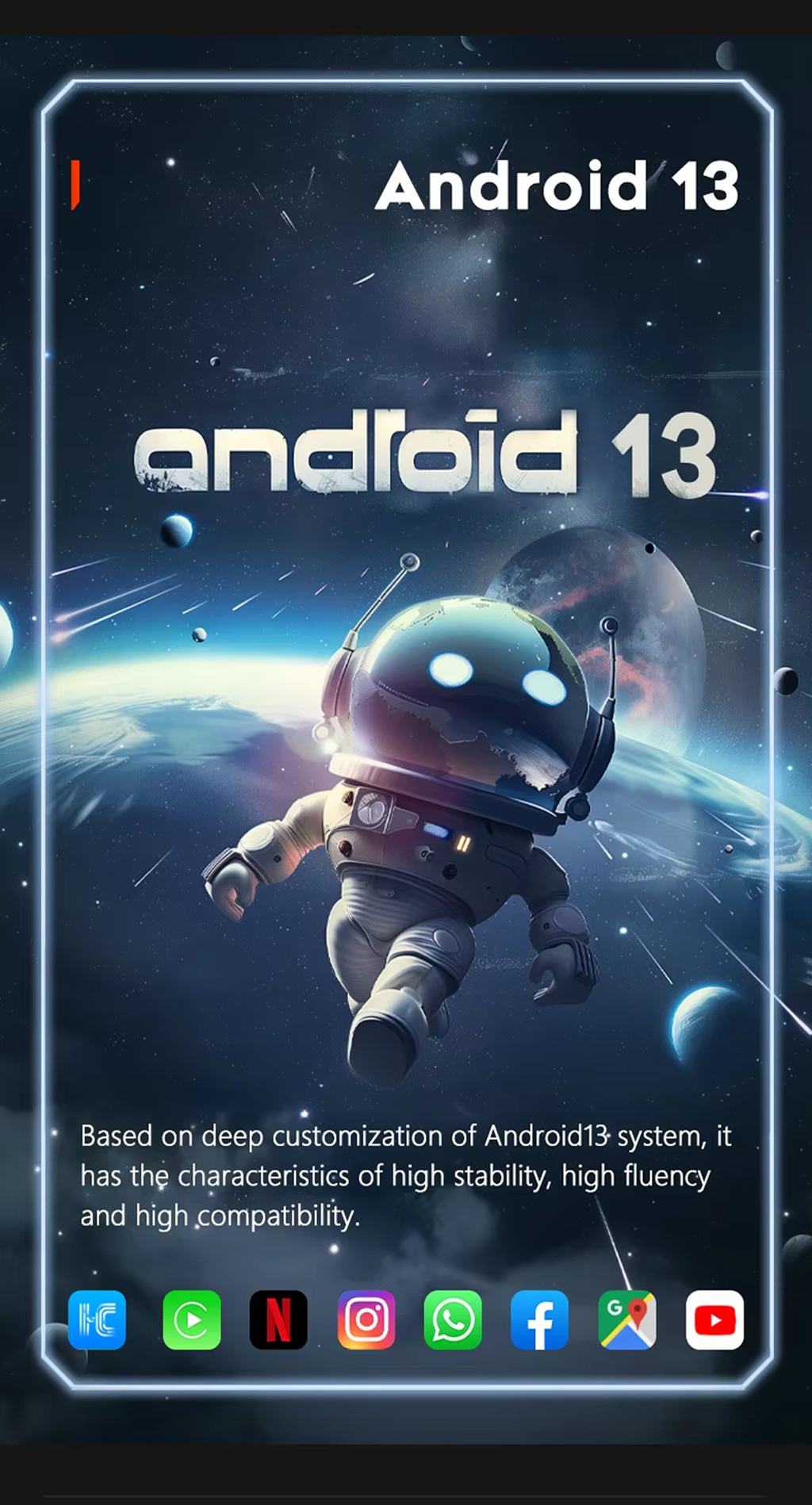
Android 13 operating system
Android 13 gives the screen a flexible app environment for navigation, media and connected driving features.
Connected navigation for daily routes
The larger display is built for drivers who rely on modern navigation apps instead of the older factory screen experience.
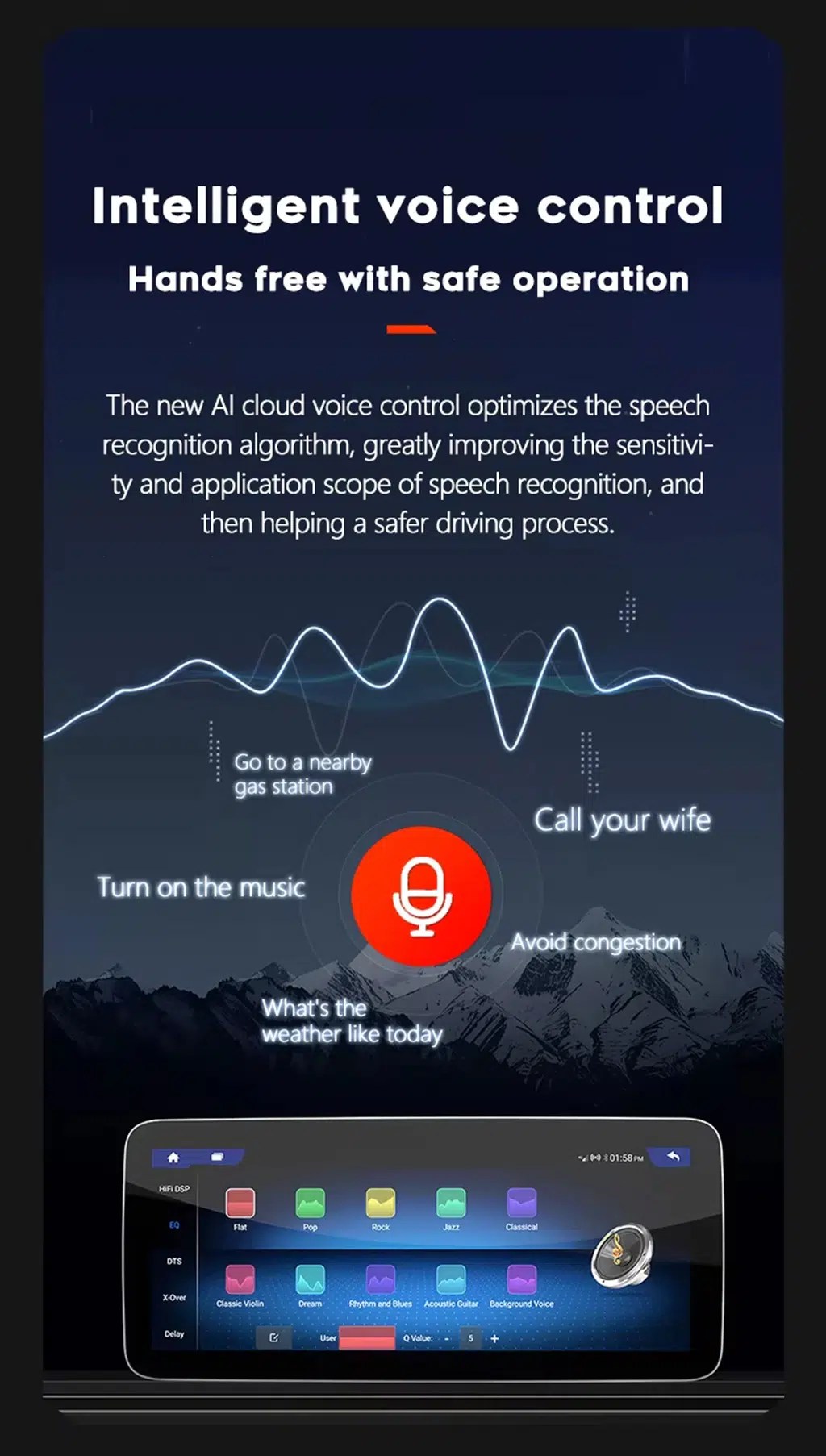
Voice control for safer operation
Voice assistant support helps you use maps, calls and music with less screen interaction while driving.
4G network support
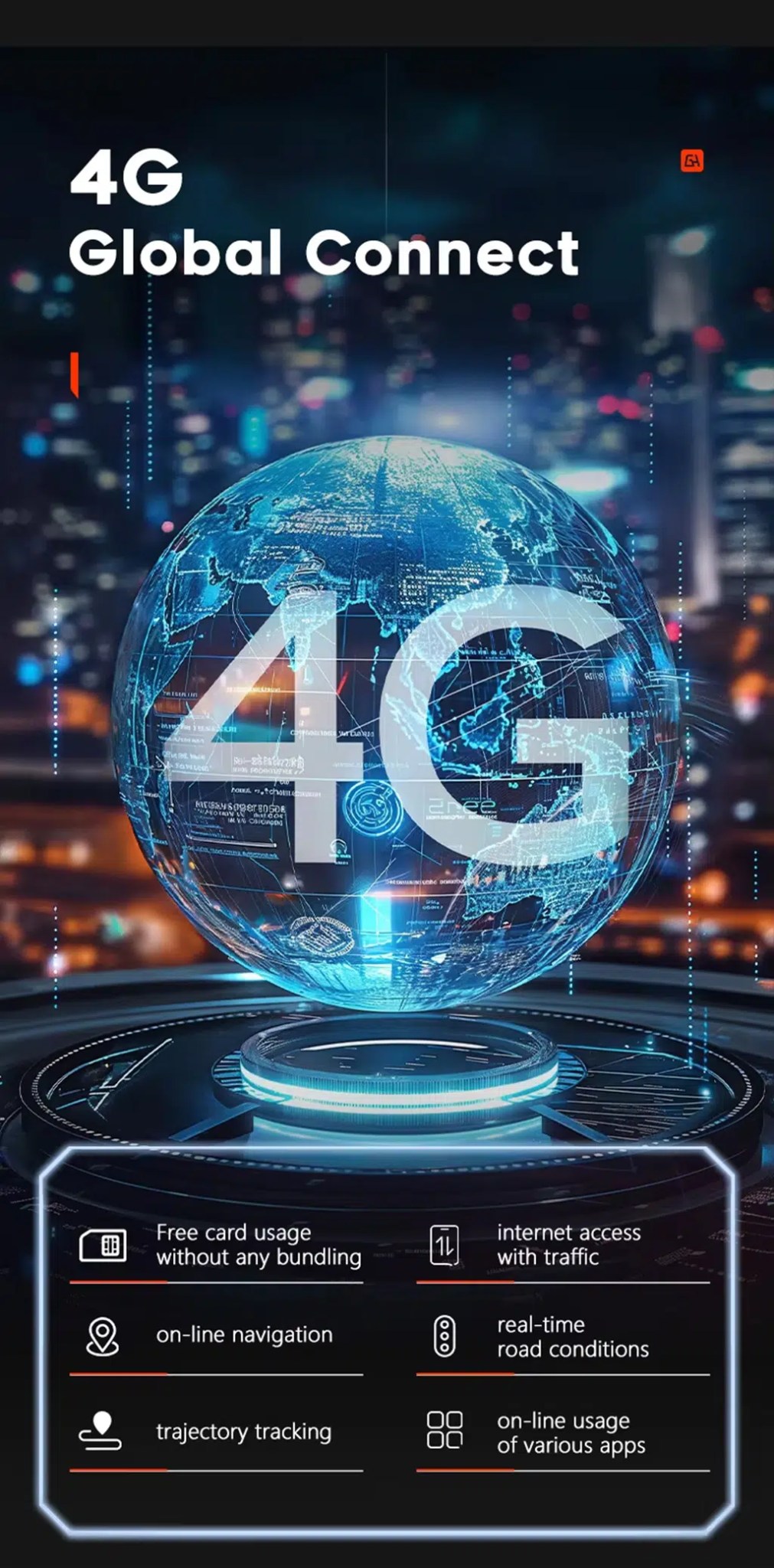
4G support allows online maps, app use and real-time connected functions when paired with a compatible SIM and local network coverage.
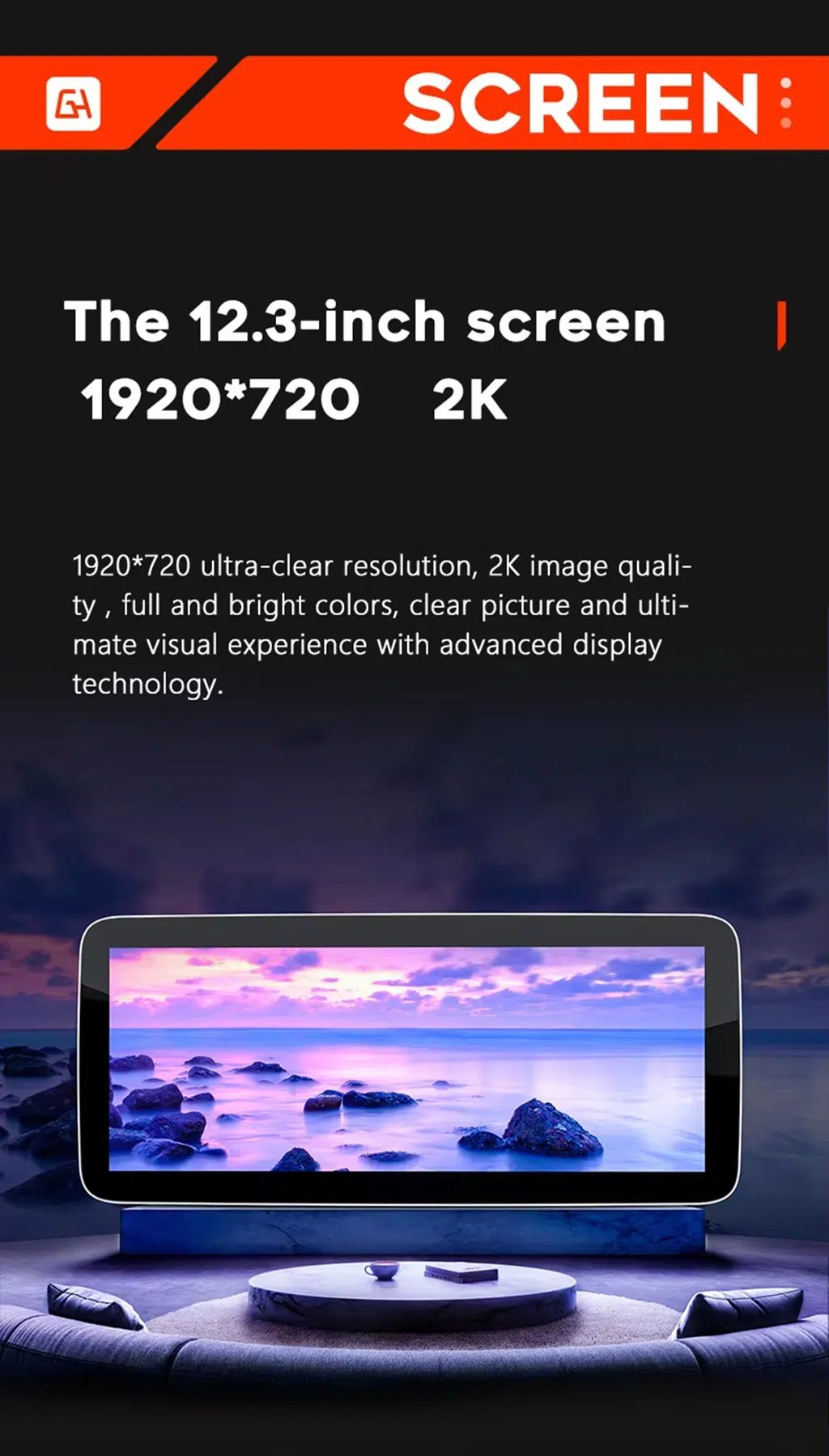
12.3-inch screen option with wide display support
Choose the 12.3-inch option if you want a stronger visual upgrade and a wider area for maps, CarPlay, Android Auto and media.
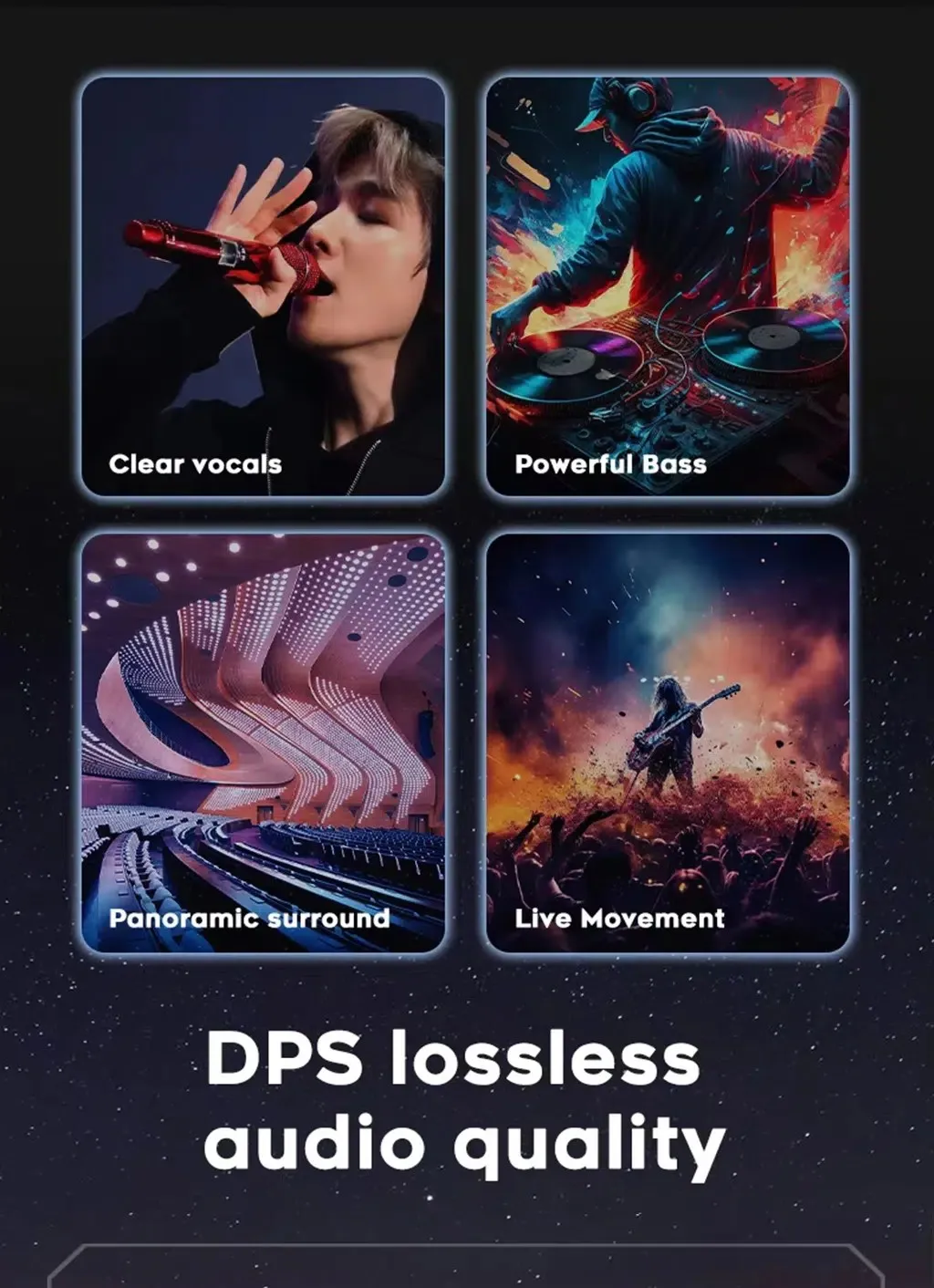
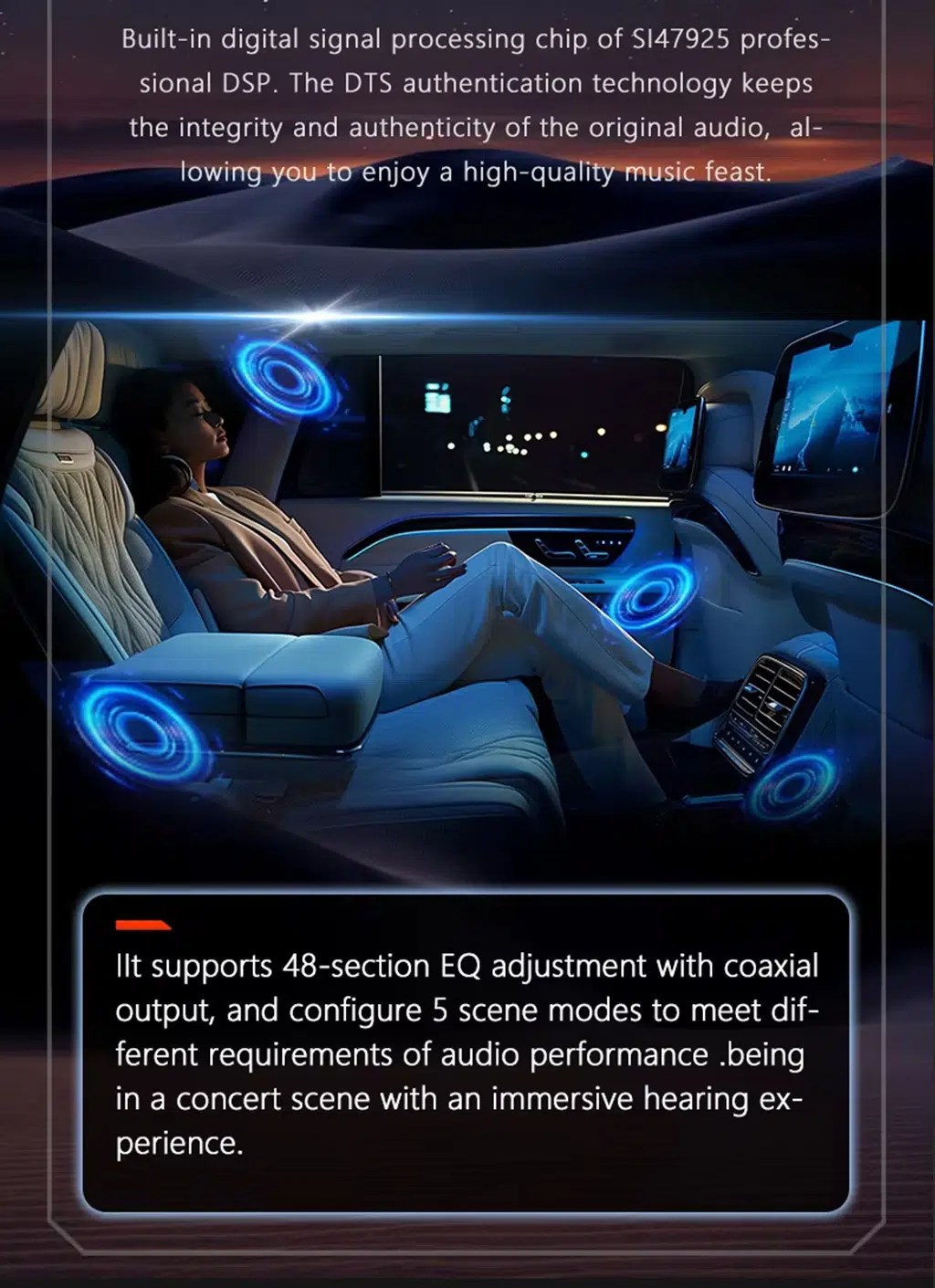
DSP tuning for better sound control
DSP audio control helps you adjust the music output more precisely than a basic factory sound menu.
32-band EQ for music adjustment
Fine EQ control helps you tune vocals, bass and sound balance for different driving conditions and listening preferences.
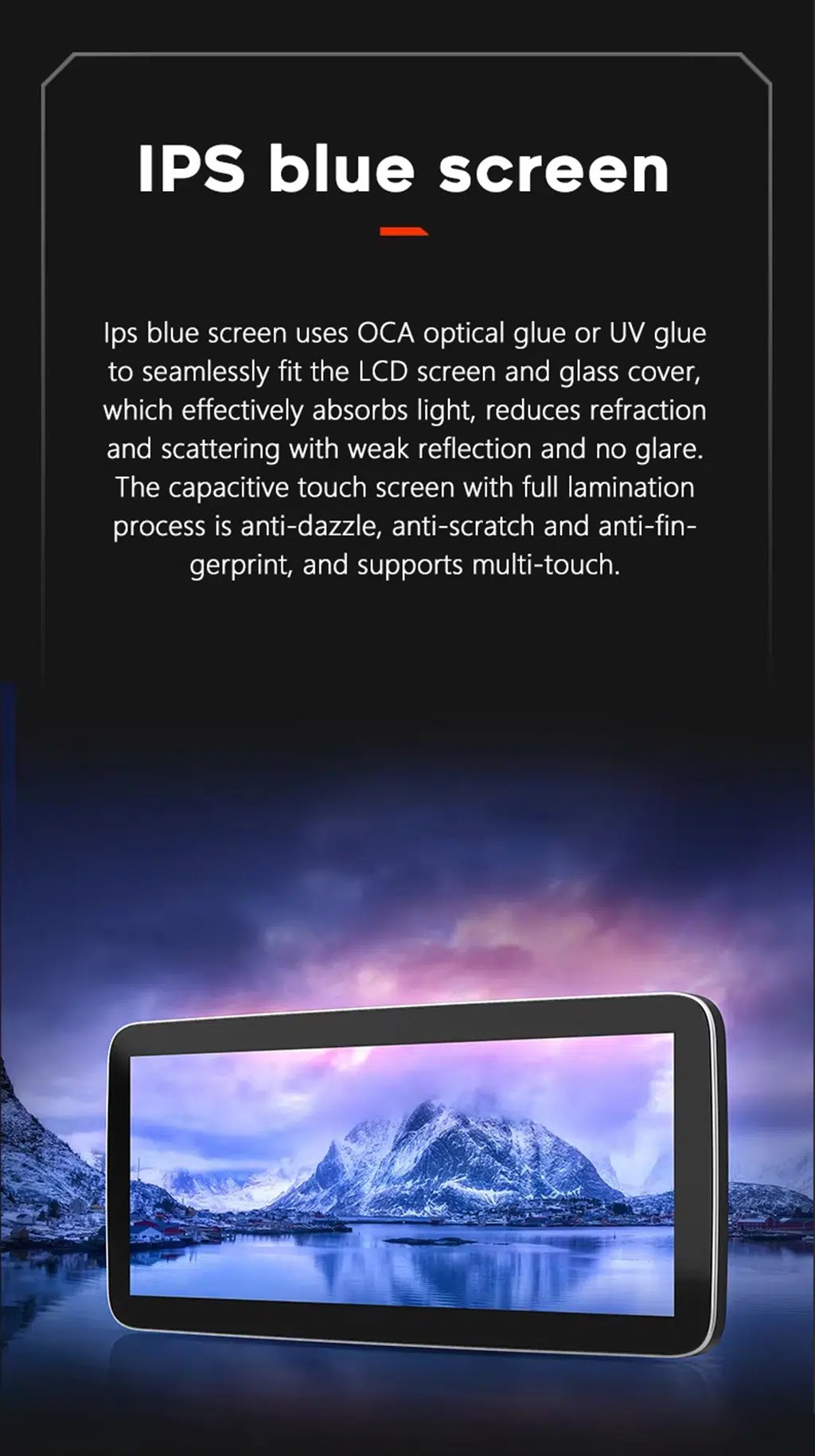
Laminated IPS-style screen experience
The screen structure is intended to improve viewing clarity and touch use compared with a dated factory interface.
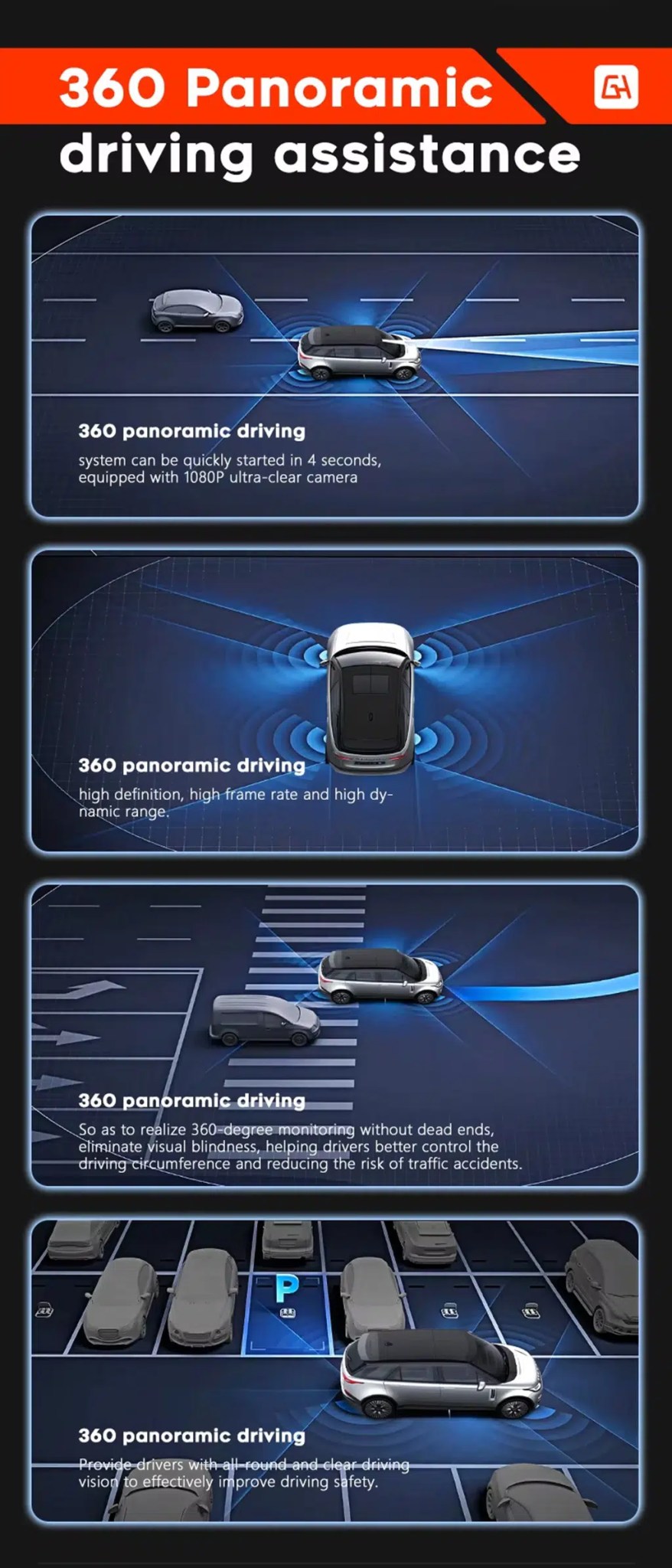
360 panoramic camera support where configured
For supported camera setups, panoramic camera input can help improve parking awareness and low-speed maneuvering.
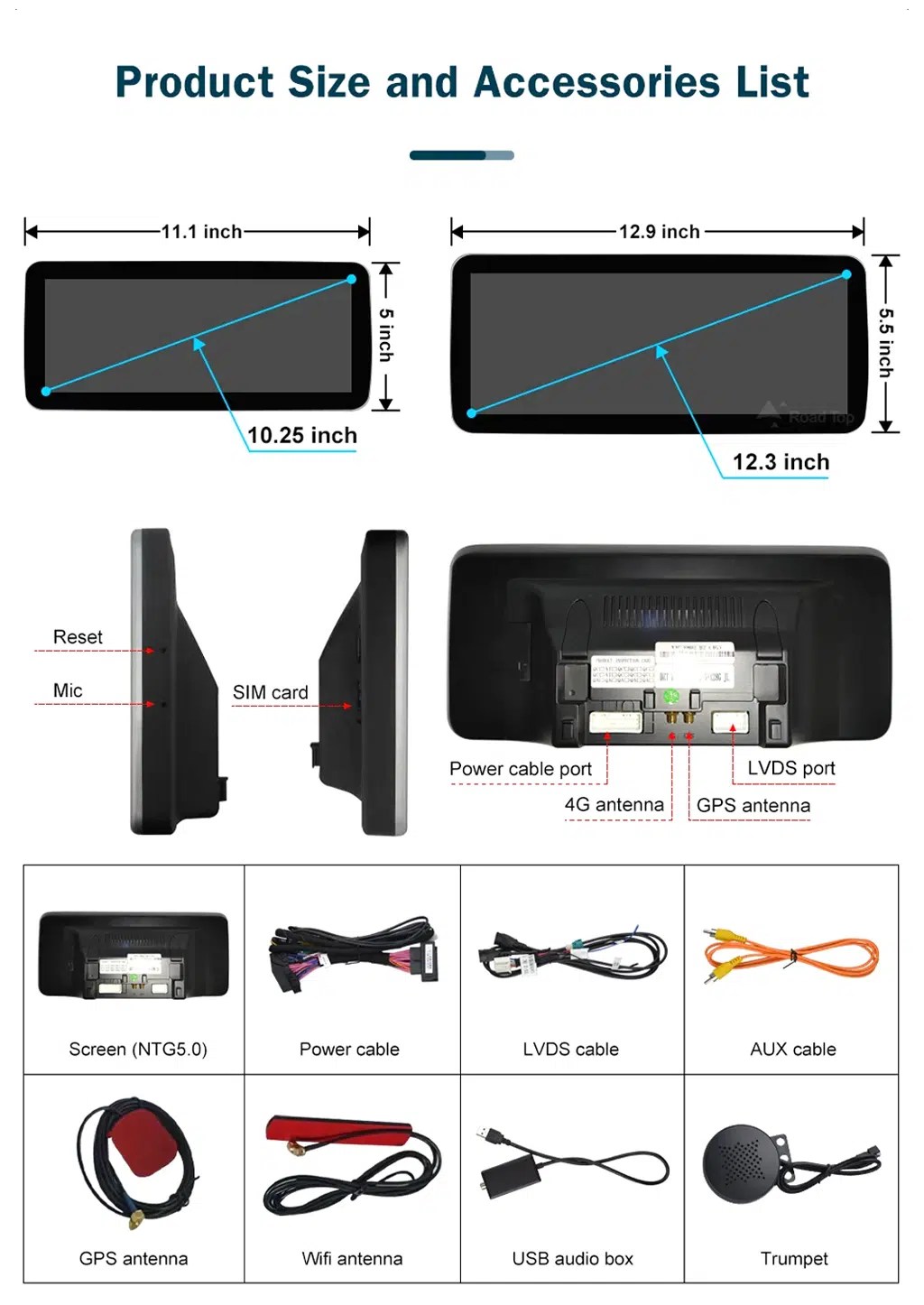
Screen size, ports and accessory layout
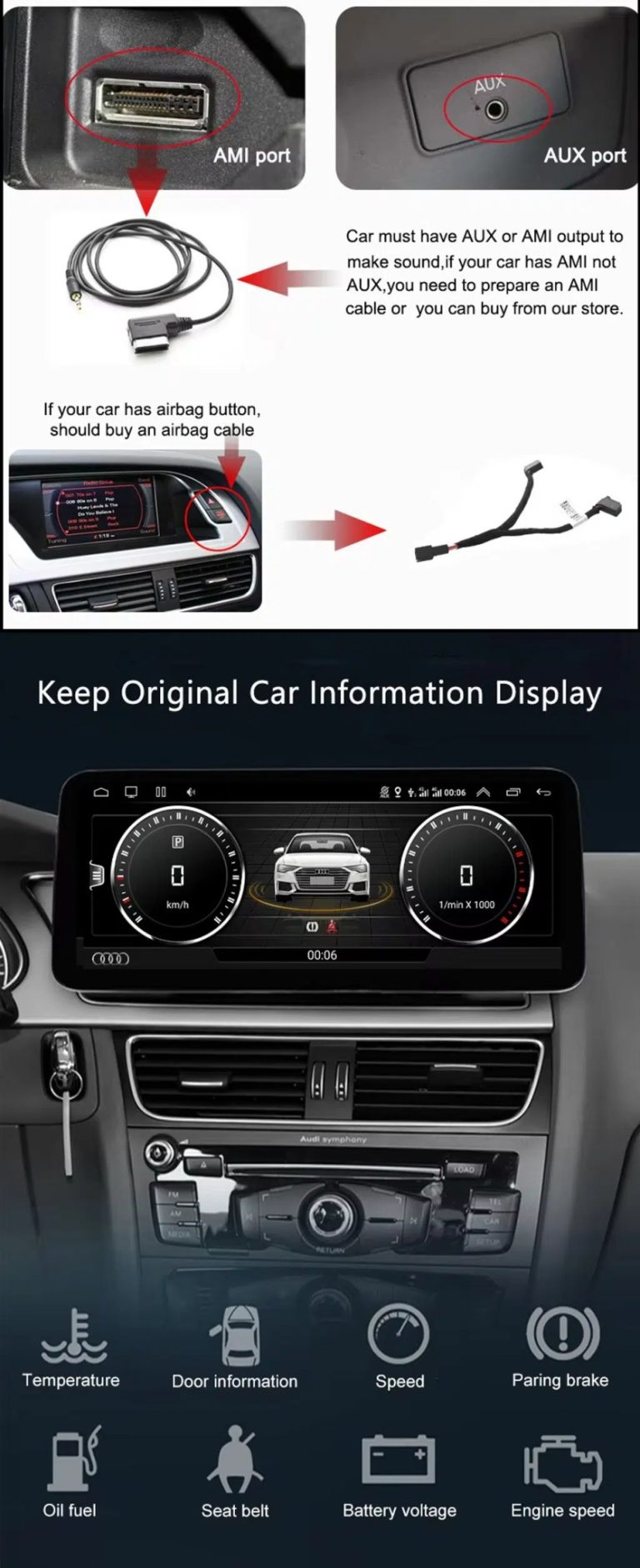
This helps you understand the physical screen choices, rear ports and accessory set before installation, including the screen, power cable, LVDS cable, AUX cable, GPS antenna, WiFi antenna, USB audio box and microphone.
Audi Q3 CarPlay Screen Upgrade for Daily Driving
Modern phone integration
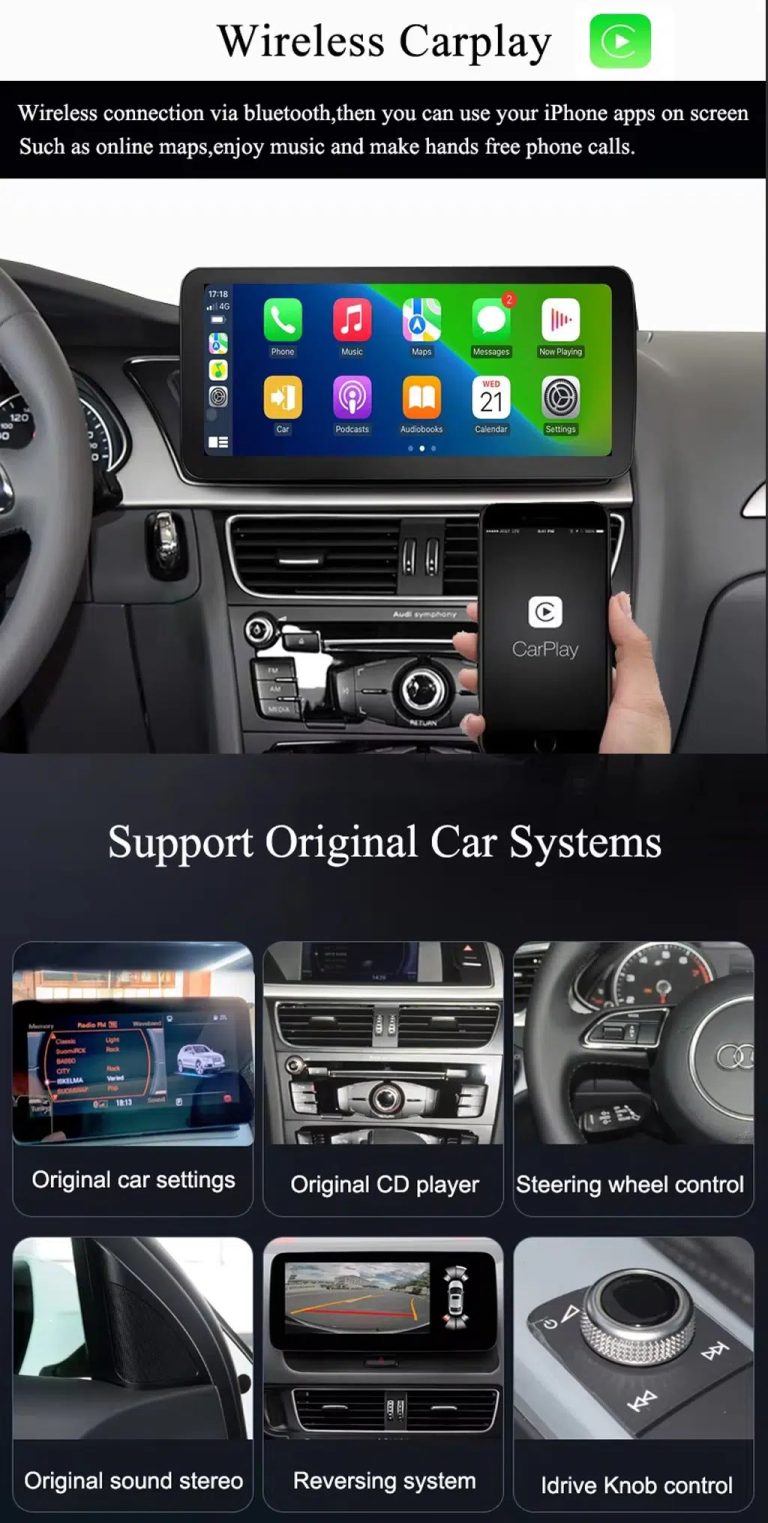
Wireless CarPlay and Android Auto make maps, calls, music and messages easier to use without depending on the older factory screen workflow.
Android screen, not only a module
This is a full Android 13 screen upgrade with memory options, GPS, 4G/WiFi, Bluetooth, DSP and camera support—not just a basic CarPlay add-on box.
Factory controls retained
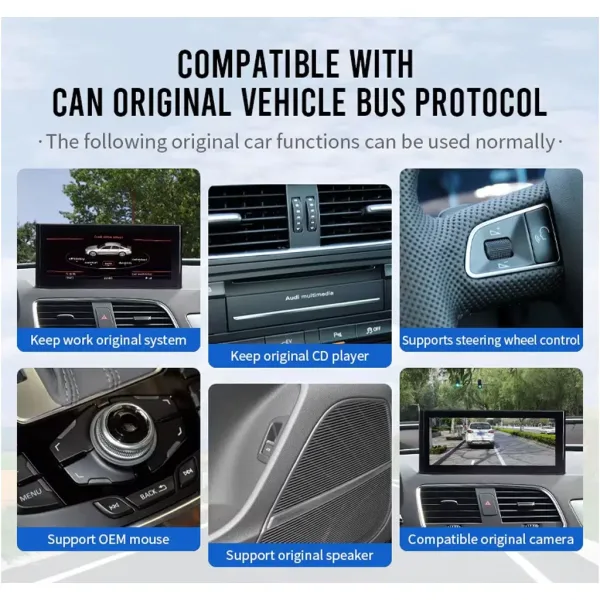
Supported original Audi menu switching, steering-wheel controls, factory buttons, compatible camera input and audio connection continue to work after correct setup.
10.25 and 12.3 inch choices
Choose a cleaner 10.25-inch look or a wider 12.3-inch visual upgrade according to your dashboard preference and driving needs.
DSP sound control
The DSP 32-band EQ gives more control over music output than basic factory tone settings.
Préparé avant l'expédition
iKAGOO checks your Audi Q3 details before shipment to help match the correct screen, harness, CANBUS and vehicle interface.
Keep the Audi control logic while upgrading the screen
Fonctions d'origine prises en charge
- Original Audi menu switching is supported after correct configuration.
- Les commandes d'origine du volant continuent de fonctionner via l'interface compatible avec le véhicule.
- Factory buttons and controller operation are retained where supported by the original system.
- Compatible factory reverse-camera display and AHD/CVBS camera input are supported.
- Original speakers and factory audio connection remain supported through the matched wiring and interface.
- La communication CANBUS est prise en charge pour les données du véhicule compatibles et les fonctions de stationnement.
One clean warning, not repeated fear
Les systèmes audio d'origine spécifiques, les caméras non standard, les modifications antérieures effectuées par des tiers ou les configurations régionales peu courantes peuvent nécessiter des instructions de raccordement supplémentaires. Veuillez fournir les informations demandées concernant le véhicule lors de votre commande afin qu'iKAGOO puisse préparer la version adaptée.
Audi Q3 Android Auto screen specifications
| Type de produit | Vehicle-specific Audi Q3 CarPlay Screen / Android head unit / Android car stereo |
|---|---|
| Véhicule compatible | Audi Q3 2013–2018, commonly associated with the Q3 8U generation. Final version is prepared after checking your dashboard, factory system and connectors. |
| SKU | BBA-118 |
| Taille de l'écran | 10,25 pouces ou 12,3 pouces |
| Système | Android 13 |
| Carte mère | TSK8259 / TSK8667 platform options |
| UNITÉ CENTRALE | 8 Core CPU; G5 platform uses Octa-core Cortex-A53; G6 platform uses CA75 + CA55 architecture |
| Options de mémoire | 2+32GB, 4+64GB, 6+128GB, 8+128GB DSP CarPlay |
| CarPlay / Android Auto | Wireless CarPlay and wireless Android Auto support |
| Navigation | GPS / Glonass; GPS and Beidou support listed in the platform comparison |
| Réseau | WiFi / 4G support; 2.4GHz / 5GHz WiFi listed in the platform comparison |
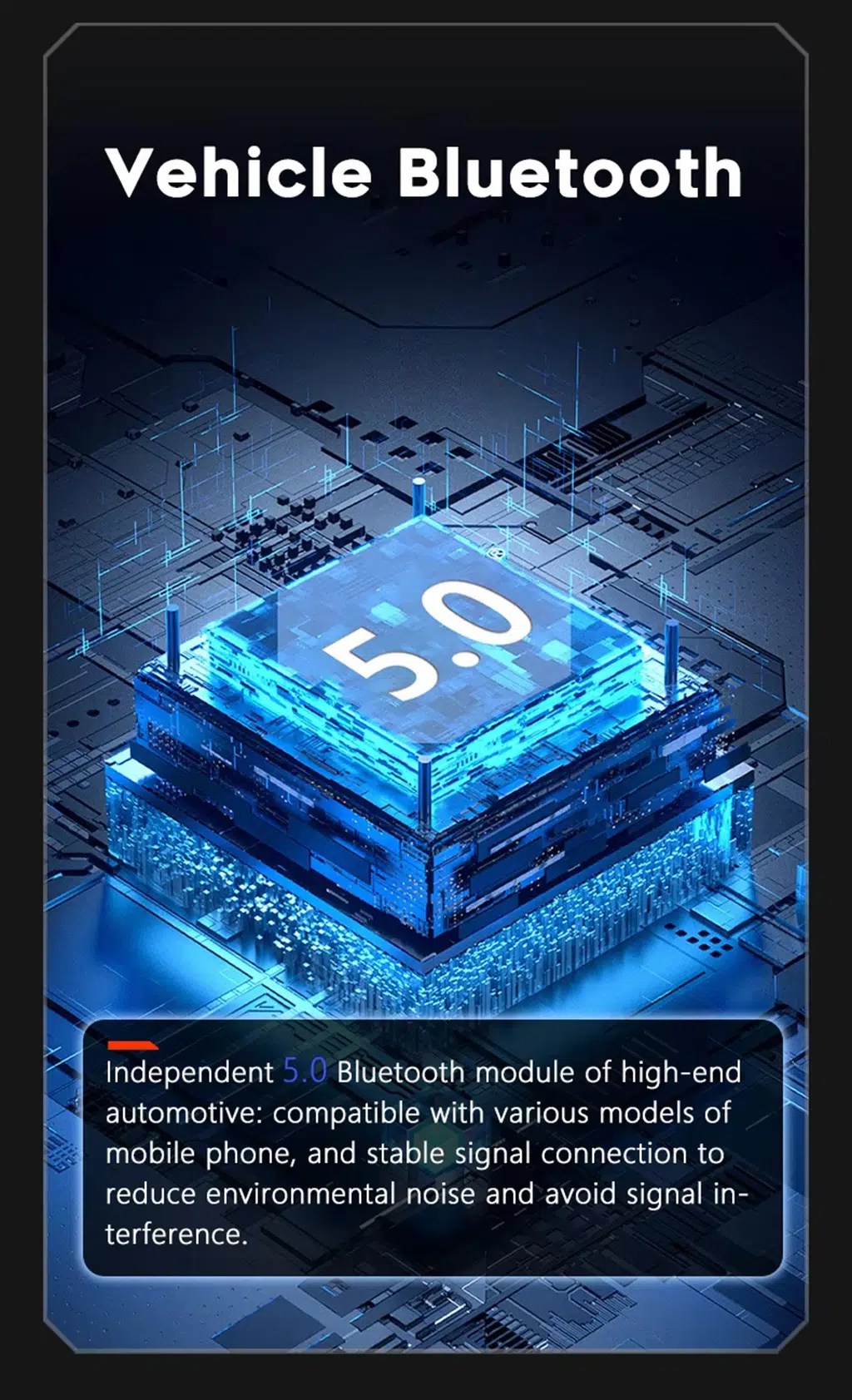
| Bluetooth | BT 4.0 / BT 5.0 depending on configuration |
| DSP | DSP 32-band EQ; built-in DSP support depends on selected platform and memory configuration |
| Prise en charge des appareils photo | AHD rear view camera, CVBS rear camera and 360 panoramic camera support where configured |
| DVR Function | USB front / rear 1080P DVR support |
| Fonction radio | FM/AM/RDS or FM/RDS depending on configuration |
| Dimensions / Poids du colis | 40 × 24 × 20 cm; 4.2 kg |
10.25” and 12.3” Audi Q3 CarPlay Screen options
10.25 pouces
Best if you want a cleaner OEM-style upgrade and do not want the screen to visually dominate the dashboard.
12,3 pouces
Best if you want a stronger visual upgrade, a wider map view and a more premium screen presence.
2 + 32 Go / 4 + 64 Go
Suitable for basic CarPlay, Android Auto, Bluetooth, maps, music and normal daily driving use.
6+128GB / 8+128GB DSP CarPlay
Recommended if you want smoother app use, more storage, stronger multitasking and better sound control with DSP support.
Prepared for your Q3, not just shipped from a shelf
Préparation spécifique au véhicule
iKAGOO checks your Audi Q3 model year, dashboard layout, factory system, LHD/RHD position and connector photos before shipment.
Compatibilité entre l'écran et le faisceau de câbles
The screen, wiring harness and vehicle interface are prepared around your actual order information to reduce wrong-version risk.
Original function integration
The upgrade is planned around supported original Audi controls, factory menu access, camera input and audio connection.
Protection du câblage d'usine
The matched wiring approach is designed to connect without intentionally cutting supported factory wiring.
Assistance à l'installation et à la configuration
If your installer needs help with wiring, camera, CANBUS or audio configuration, iKAGOO provides after-sales guidance.
Garantie matérielle de 12 mois
Your purchase includes 12-month hardware warranty support for covered product faults, plus tracked global shipping.
Three practical checks before you upgrade
Nécessité de la mise à jour d'iKAGOO
Résultat : Arguments solides en faveur d'une mise à niveau.
This upgrade has high daily-use value for Audi Q3 owners who want modern maps, wireless CarPlay, Android Auto, connected apps and a larger screen instead of only repairing the old factory display.
Afficher la norme relative à la nécessité d'une mise à niveauCompatibilité des véhicules avec iKAGOO Original
Résultat : Une intégration quotidienne quasi-OEM dès lors que la version appropriée est préparée et installée.
Un score de 88/100 ne signifie pas que 12% de fonctions d'usine ont été perdues. Il reflète la continuité des fonctions d'usine, la continuité des commandes d'origine, l'intégration de l'interface du véhicule, la compatibilité de l'architecture physique et l'intégration de l'installation.
Consulter la norme de compatibilitéDifficulté d'installation d'iKAGOO
Résultat : Niveau 3 — Bricolage avancé.
Suitable for experienced DIY installers or an automotive electronics installer. It requires careful dashboard disassembly, matched wiring connection, antenna/USB routing, CANBUS setup and full function testing.
View Installation Difficulty StandardCarPlay module, factory repair, or full Audi Q3 Android head unit?
Conserver l'ancien écran d'origine
C'est très simple d'utilisation, mais l'interface de navigation et l'expérience d'utilisation du téléphone restent dépassées.
Appareil remis à neuf ou d'occasion
Useful for restoring original operation, but it does not meaningfully add a modern CarPlay screen or Android Auto screen experience.
Interface réservée à CarPlay
Good if you only want phone projection, but it usually keeps the old screen size and does not give you a full Android 13 display upgrade.
iKAGOO Audi Q3 CarPlay Screen
Best fit when you want a larger 10.25/12.3 inch screen, Android 13, wireless CarPlay, Android Auto, GPS, 4G/WiFi, DSP and retained original control integration.
Conclusion d'achat : Choose this iKAGOO upgrade if your goal is not only adding CarPlay, but making your 2013–2018 Audi Q3 feel modern again while keeping supported factory functions usable.
Help iKAGOO prepare the correct Audi Q3 screen version
Veuillez indiquer
- Année-modèle du véhicule et zone de commercialisation.
- Conduite à gauche ou à droite.
- Dashboard photo showing the original screen and control panel.
- Original factory system photo or settings page if available.
- Photos des connecteurs si l'ancien appareil a déjà été démonté.
- Whether your vehicle has factory amplifier, factory camera or parking radar.
- Si la voiture a déjà fait l'objet de modifications après-vente.
Pourquoi c'est important
Audi Q3 vehicles may be sold under slightly different market years or configurations. iKAGOO prepares the correct version according to the vehicle generation, model year, dashboard layout, factory system and connector configuration—not only the badge name.
This helps us prepare the correct screen, wiring harness, CANBUS interface and vehicle connection plan for your order.
Audi Q3 8U compatibility notes
This product page is for the 2013–2018 Audi Q3 CarPlay Screen upgrade. The first-generation Audi Q3 is commonly known as the Q3 8U generation, but iKAGOO does not expand this product claim to every nearby year unless the dashboard, factory system, connector and screen structure are confirmed before ordering.
For UK, EU, North America, Middle East, Australia, New Zealand and other markets, the name may remain Audi Q3 while the dashboard, LHD/RHD position and factory system may vary. Please send the requested photos before shipment so iKAGOO can match the correct version.
Installation work required for this Audi Q3 Android screen
Étapes d'installation types
- Remove the relevant dashboard trim and factory screen/control area carefully.
- Branchez le faisceau d'alimentation adapté, le câble LVDS et l'interface véhicule.
- Antenne GPS du routeur, antenne Wi-Fi/4G, câble USB et microphone (le cas échéant).
- Connect camera input and audio output according to your Q3 configuration.
- Configurer le protocole CANBUS et les paramètres d'affichage.
- Test steering-wheel controls, original menu switching, audio, reverse camera, Bluetooth, CarPlay and Android Auto before reassembly.
Interrompez l'installation et contactez iKAGOO si
- Le connecteur n'est pas compatible avec le faisceau fourni.
- Les broches sont tordues, endommagées ou illisibles.
- Le câblage ne correspond pas au schéma d'installation.
- Vous remarquez une chaleur, une odeur ou de la fumée inhabituelles.
- Un fusible saute sans cesse.
- Impossible de vérifier la présence d'alimentation ou de masse.
- Quelqu'un suggère de couper le faisceau électrique d'origine.
- Le fonctionnement du CANBUS, de la caméra, de l'amplificateur ou du système audio est anormal et ne peut s'expliquer.
Assistance après la passation de commande
Expédition internationale avec suivi
Orders are shipped with tracking. Typical delivery varies by region and carrier conditions.
Garantie matérielle de 12 mois
Les défauts matériels couverts sont pris en charge conformément aux conditions de garantie d'iKAGOO. Les dommages liés à l'installation, une mauvaise utilisation ou des modifications non autorisées ne sont pas considérés comme des défauts du produit.
Assistance à l'installation
iKAGOO can help with connection, camera, CANBUS, audio and configuration questions after delivery.
For full policy details, review the current iKAGOO shipping, warranty and return pages before ordering.
Audi Q3 CarPlay Screen FAQ
Will this Audi Q3 CarPlay Screen fit my exact vehicle?
Answer: Yes, if your vehicle matches the supported 2013–2018 Audi Q3 8U dashboard and factory system configuration. Before shipment, iKAGOO checks your model year, market region, LHD/RHD position, dashboard photo, original screen layout and connector information to prepare the correct version.
Is this a full Android screen or only a CarPlay module?
Answer: This is a full Android screen upgrade, not only a hidden CarPlay interface module. It supports wireless CarPlay and Android Auto, but it also includes Android 13, 10.25-inch or 12.3-inch screen options, GPS navigation, WiFi/4G, Bluetooth, DSP audio control and camera support.
Le menu d'origine d'Audi fonctionnera-t-il toujours après l'installation ?
Answer: Yes, supported original Audi menu switching is retained after correct installation and configuration. This allows you to use CarPlay or Android Auto while still keeping access to supported factory system functions.
Will my steering-wheel controls and original buttons still work?
Réponse : Oui, les commandes au volant prises en charge et les boutons d'origine continuent de fonctionner grâce à l'interface CANBUS et à l'interface véhicule correspondantes. Function behavior can vary by factory system, region and previous modifications, so iKAGOO checks your vehicle information before shipment.
Does it support the factory reverse camera or parking camera?
Answer: Yes, compatible factory reverse-camera input and AHD/CVBS camera input are supported. If your Audi Q3 has a factory camera, aftermarket camera, parking radar or special camera interface, send photos before shipment so iKAGOO can prepare the correct connection plan.
Dois-je couper le câblage d'origine de l'Audi ?
Réponse : Il n'est pas nécessaire de couper intentionnellement le câblage d'origine pris en charge. La mise à niveau nécessite l'utilisation d'un faisceau de câbles adapté et d'une interface véhicule. Si un installateur vous indique qu'il est nécessaire de couper le faisceau d'origine, interrompez l'installation et contactez d'abord iKAGOO.
Dois-je opter pour l'écran de 10,25 pouces ou celui de 12,3 pouces ?
Answer: Choose 10.25 inch if you want a cleaner factory-style look, and choose 12.3 inch if you want a wider map view and stronger visual upgrade. If you are unsure, send your dashboard photo and iKAGOO can help you choose the better version for your Q3.
Quelle version de mémoire dois-je choisir ?
Answer: Choose 2+32GB or 4+64GB for basic CarPlay, Android Auto, Bluetooth, maps and music use. Choose 6+128GB or 8+128GB DSP CarPlay if you want smoother app use, more storage, better multitasking and stronger audio tuning.
Can this work on right-hand-drive Audi Q3 models?
Réponse : Cela est peut-être possible, mais il faut vérifier que le véhicule est bien équipé d'un volant à droite avant l'expédition. Veuillez indiquer votre zone géographique, fournir une photo du tableau de bord et une photo du système d'origine afin qu'iKAGOO puisse préparer la configuration d'écran et de câblage adaptée.
Who should install this Audi Q3 Android screen?
Réponse : Il est recommandé de faire appel à un bricoleur expérimenté ou à un spécialiste en électronique automobile. This is a Level 3 installation because it requires dashboard disassembly, harness connection, antenna and USB routing, CANBUS setup, camera/audio checks and full function testing before reassembly.
What should I send before iKAGOO prepares my order?
Answer: Send your Audi Q3 year, country, LHD/RHD position, dashboard photo, original screen photo, factory system photo and connector photos if available. Also tell us whether your vehicle has a factory amplifier, factory reverse camera, parking radar or previous aftermarket modifications.


Marcus Hall -
Parfaitement adapté à mon Q3 2014, sans espace ni découpe. Android Auto est ultra stable sur les longs trajets et la qualité des appels Bluetooth est claire. Le retour au menu Audi d’origine est instantané.
bakjdj -
3nt152
💰 BTC Bonus de récupération des pertes Réclamé > telegra.ph/Compensations-03-29-2?hs=32bd1e996fe5c878331b61a7b32c911b& 💰
ksxh2k